
Want to know what your team has been up to over the past month?
Use the Actions Report to view data on the tasks your team is consistently completing.
Steps
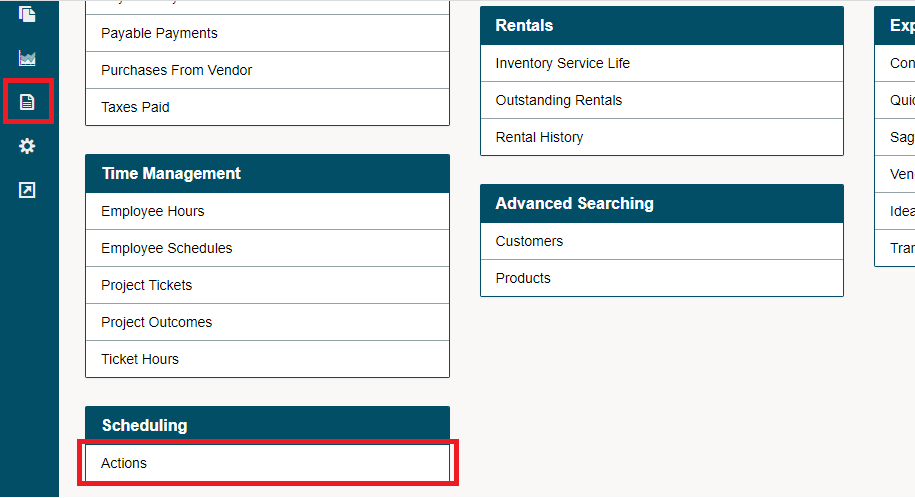
Go to the Reporting Module on the left-hand menu followed by clicking on the Actions Report found under the Scheduling heading.
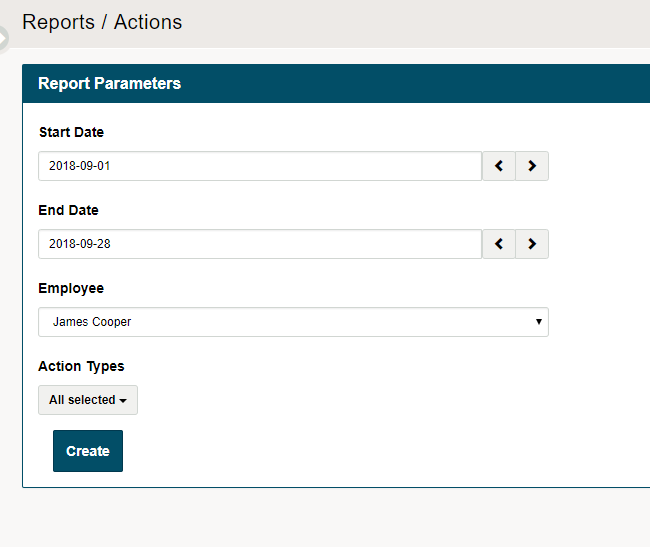
Use the fields to adjust the report, starting with the selected dates, then the employee.
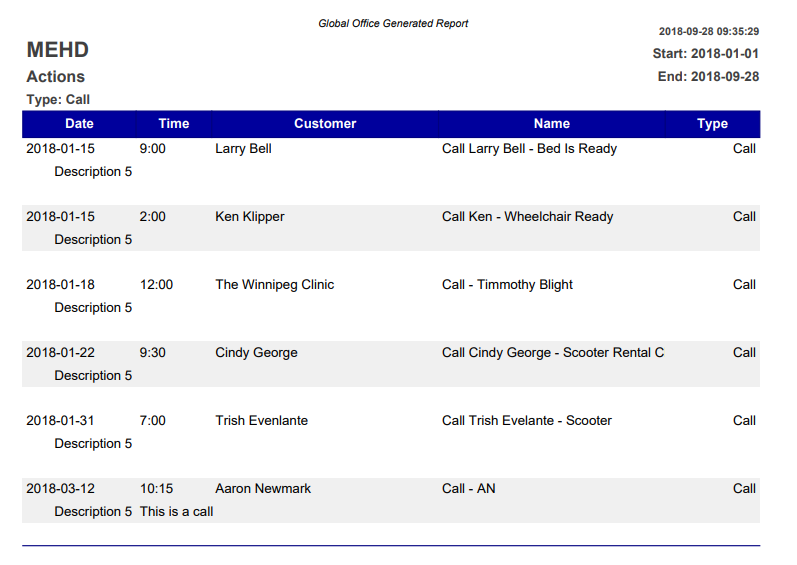
Click Create. A PDF of all the employee's actions with times, customers, and types will appear.
Comments
0 comments
Please sign in to leave a comment.