
Keep track of your hours over the days, weeks, and months helping frontline employees and managers run reports to find efficiencies and report on projects.
Steps
On the Home Dashboard, scroll to the bottom of the page. Under the My Hours heading, you will be able to add notes, the date, the type of hours, and the number of hours you logged. Fill out the fields and see the My Hours Today meter grow as hours are logged.
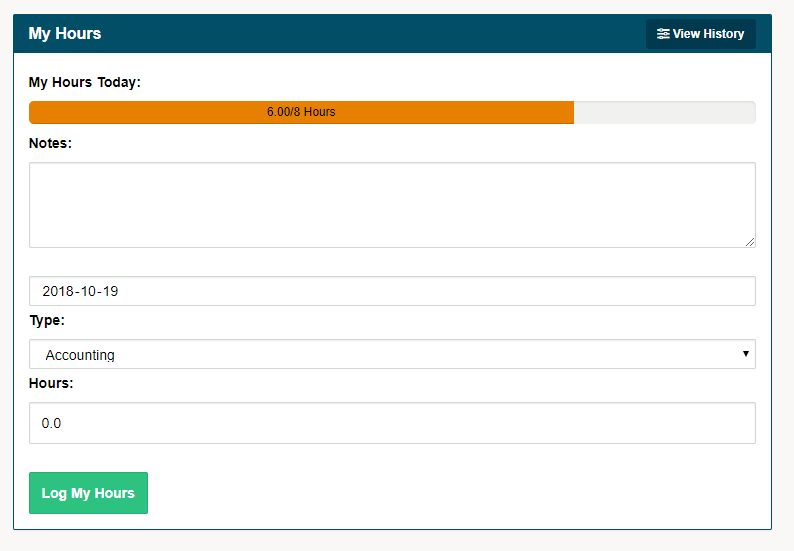
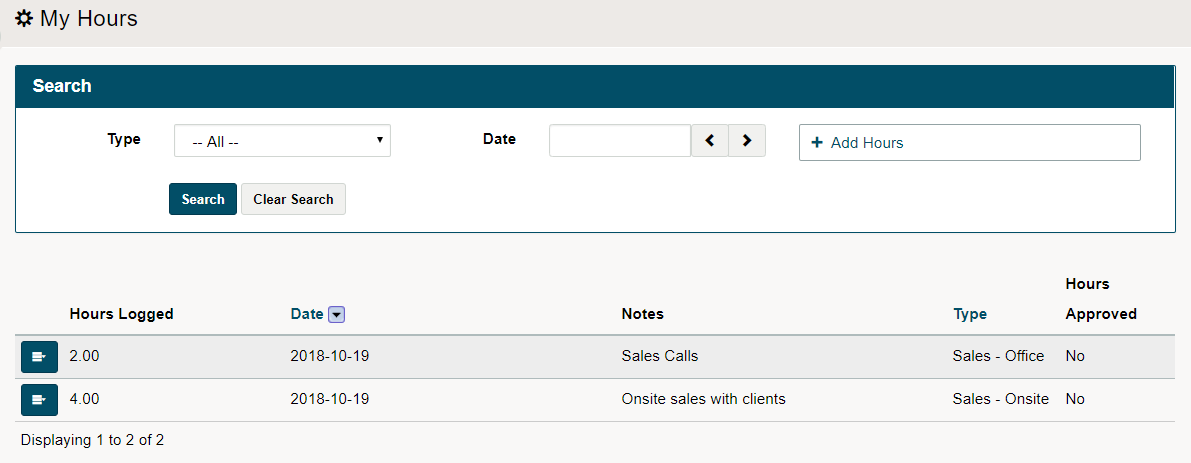
To further see the hours you have logged, click on the view history button. Here you will be able to see a full history of your hours.

Comments
0 comments
Please sign in to leave a comment.