
Use the Payable Payments report to list all the payables that have been made over a set start and end date.
This report is great for tracking who has been paid, when they were paid, how they were paid, and the amount they were paid.
Steps:
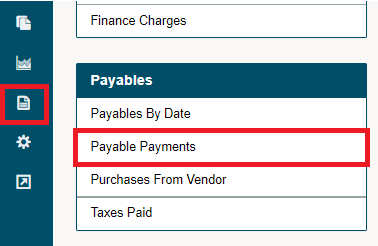
Click on the Reporting module, followed by clicking on the Payable Payments under the Payables heading.
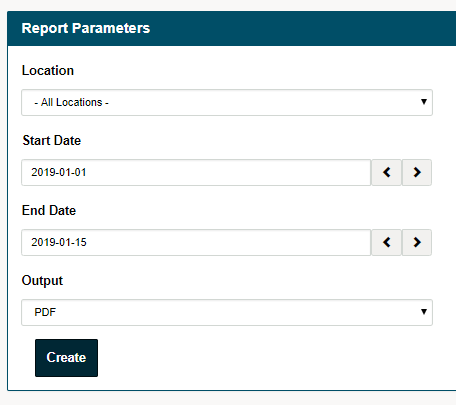
Fill out the report parameters such as the:
- Location
- Start Date
- End Date
- Output - PDF or MS Excel
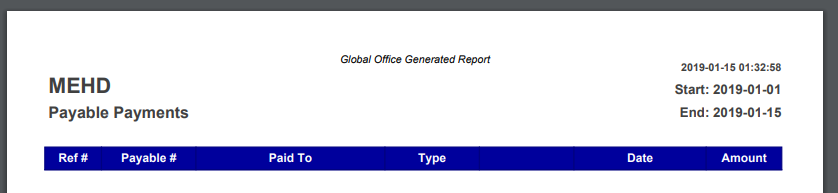
PDF Output
MS Excel Output

Comments
0 comments
Please sign in to leave a comment.