
If your organization keeps inventory separate in multiple locations, simply look up the product to see if it's at an alternate location and request an inventory transfer.
Actions:
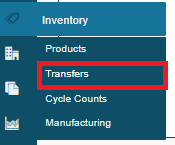
1. Hover over the Inventory Module, followed by clicking on Transfer.
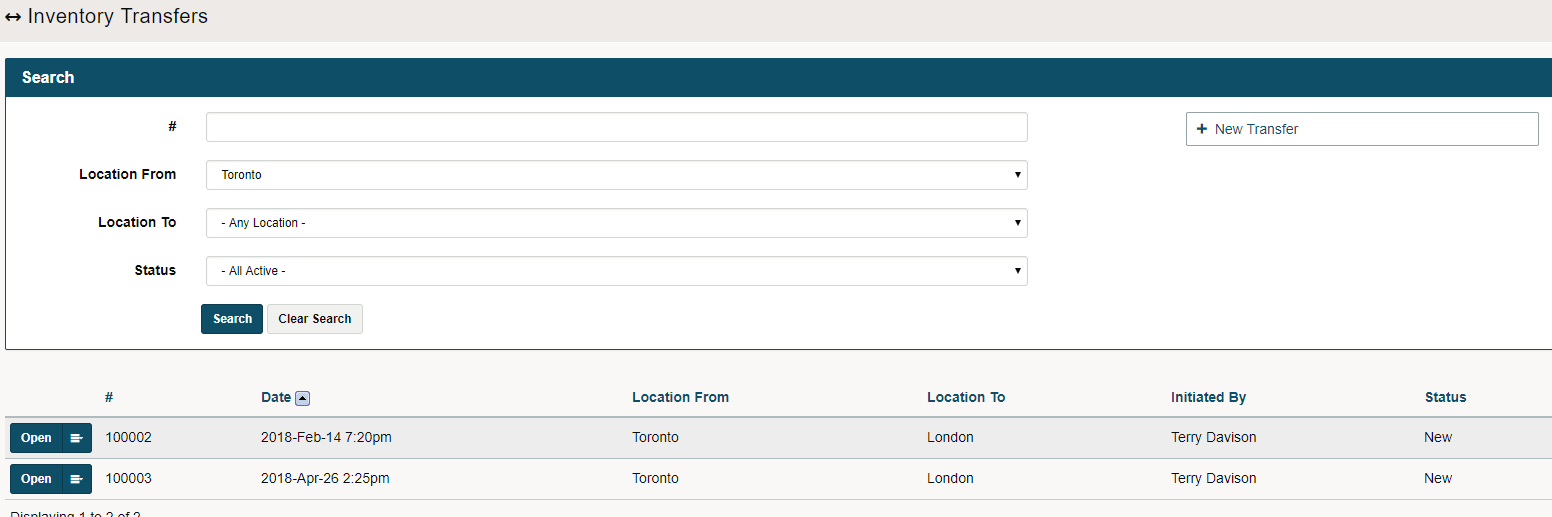
2. When the new page opens, click on the (+New Transfer) button in the top right-hand corner.
3. A new window opens. Change the Location From and Location To if needed. Follow that up notes, items, and quantities you are requesting.
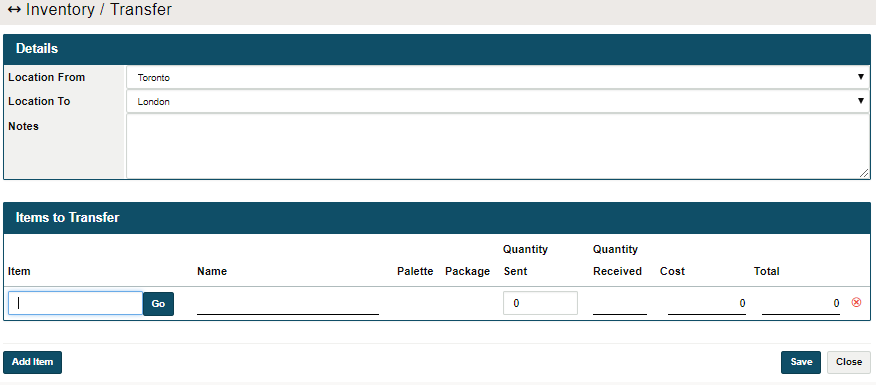
4. If a SKU is created, select the SKU number and finish by clicking on save.
Comments
0 comments
Please sign in to leave a comment.