
Work orders may have several statuses throughout the different processes that they go through in order to be completed. Follow along with the examples below to set up Work Order Statuses.
Examples
Work Order Lifecycles - Example (Easy):
-
Not Started: A work order is created, usually from a case or opportunity
- Not Started - Assigned:
-
WIP: The work order is a Work In Progress.
-
Complete: The work order is complete.
Work Order Lifecycles - Example (Hard):
-
Work order creation: A work order is created, usually from a case or opportunity
-
Schedule: The work order is then scheduled.
-
Dispatch: The work order is dispatched.
-
Service: The work order is performed and details are updated.
-
Review/Approval: The work order is reviewed and approved by a supervisor.
-
Invoice and inventory adjustment: Inventory adjustments are made and an invoice is generated for the corresponding account.
All of these can be set up as statuses to know where the Work Order is at all times.
Steps
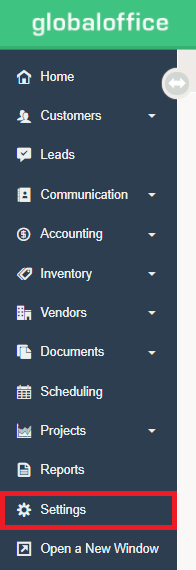
1. Click on the Settings Module.
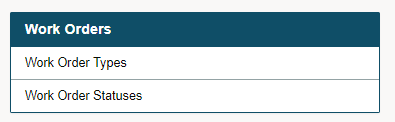
2. Click on Work Order Statuses.
3. Click on (+ New Status) in the top right corner.

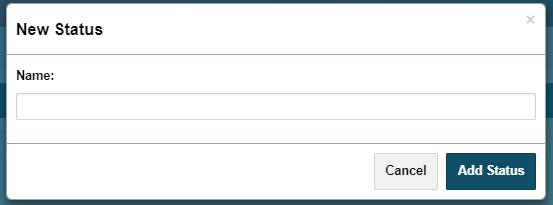
4. Type the Name of the New Status you wish to add and finish by clicking on Add Status.
Comments
0 comments
Please sign in to leave a comment.