
Often you may find your rentals team entering in the same length of rentals, and rental pricing structure. To streamline this process in your Global Office Software system, use the 'Default Rental Values'.
Actions:
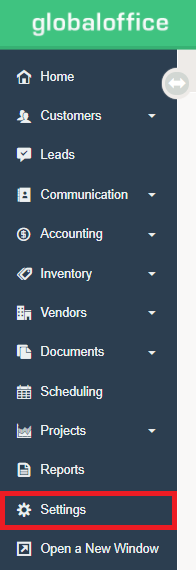
1. Click on the Settings module.
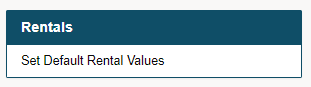
2. Select the 'Set Default Rental Values' under the 'Rentals' Heading. This is located at the bottom of the middle column.
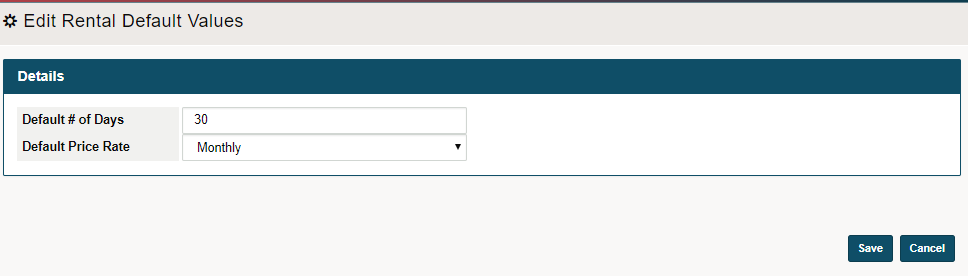
3. Enter the:
A) Default # of Days (click here to learn more)
B) Select Default Pricing Rate (click here to learn more).
To ensure that your default rental values are properly set up, be sure to have pricing values for rental products per (day, week, month).
To learn how to set up the pricing of a rental product (click here).
4. Finish the set up by clicking on Save.
Comments
0 comments
Please sign in to leave a comment.