
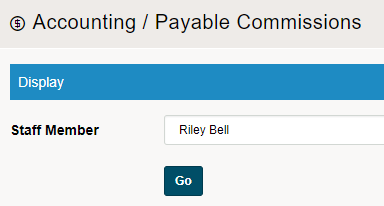
Start by selecting a staff member and clicking on GO.
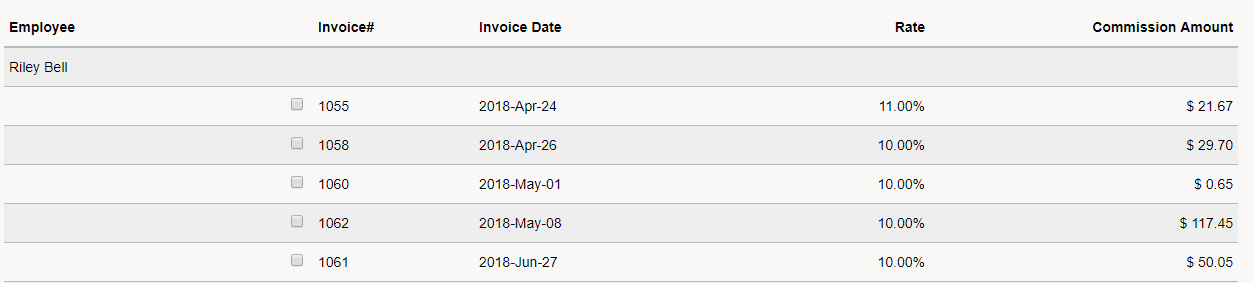
A list of all the Payable Commissions will populate. Check over the Invoices if needed and check the box beside the Invoice #. If you would like to (Check All or Uncheck All) you can do so at the bottom of the page.
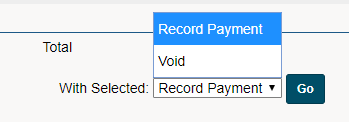
Finish by recording a payment for all of the Payable Commissions. Select Record Payment at the bottom of the page to pay out the commissions, select Void to void the commissions payable.
You will then be brought to Record a Commissions Payment screen.
Comments
0 comments
Please sign in to leave a comment.