
Need to see all the quotes that you have created for a customer in the past? Or need to see how long ago you changed their address on file with you. Maybe you need to see all of their invoices and payments. Use the Customer History Tab located within the Customer / Account to get a better understanding.
See the list below to view more information about the History Tabs functionality.
Steps
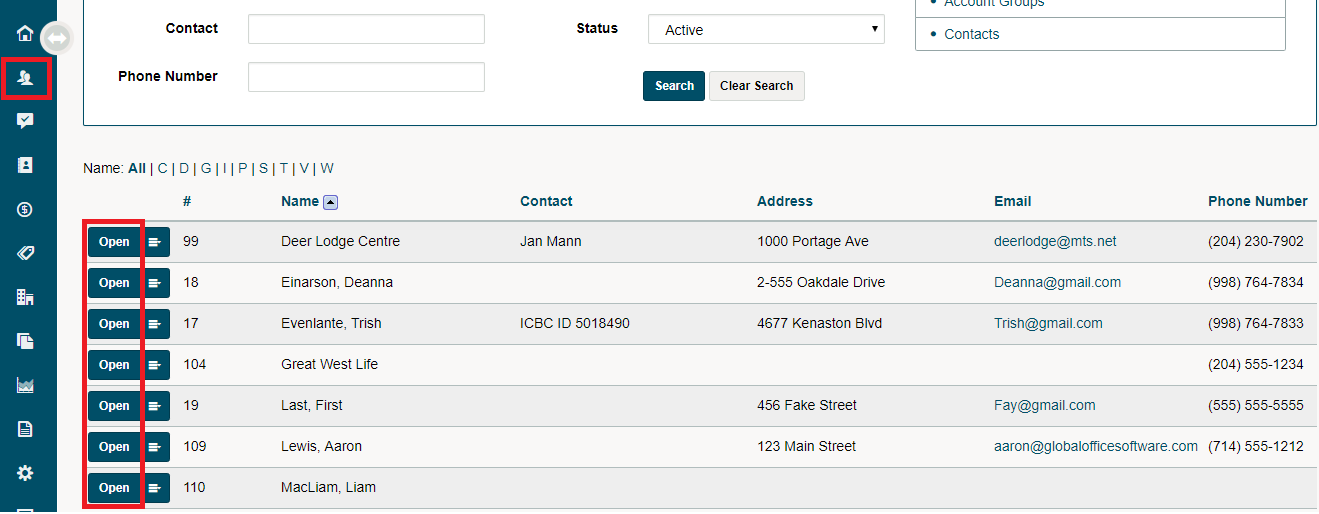
Go to Customer/Accounts. Then Click the open button beside the customer you wish to view.
Go to the History Tab in the Customers Profile. The History tab may be located under the More (V) tab due to your screens size adjustments.
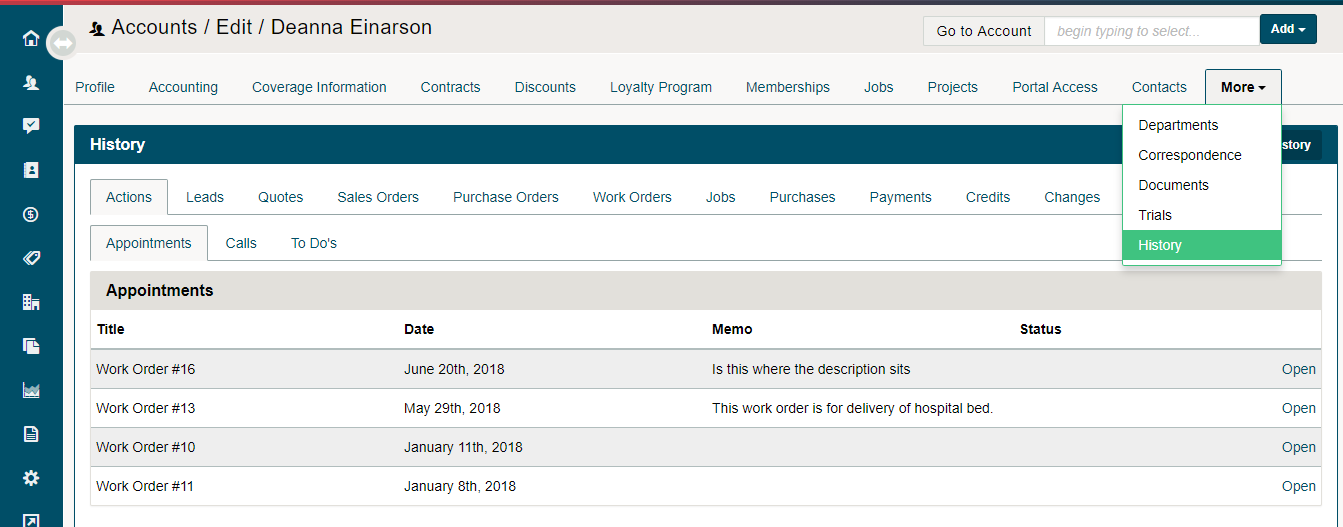
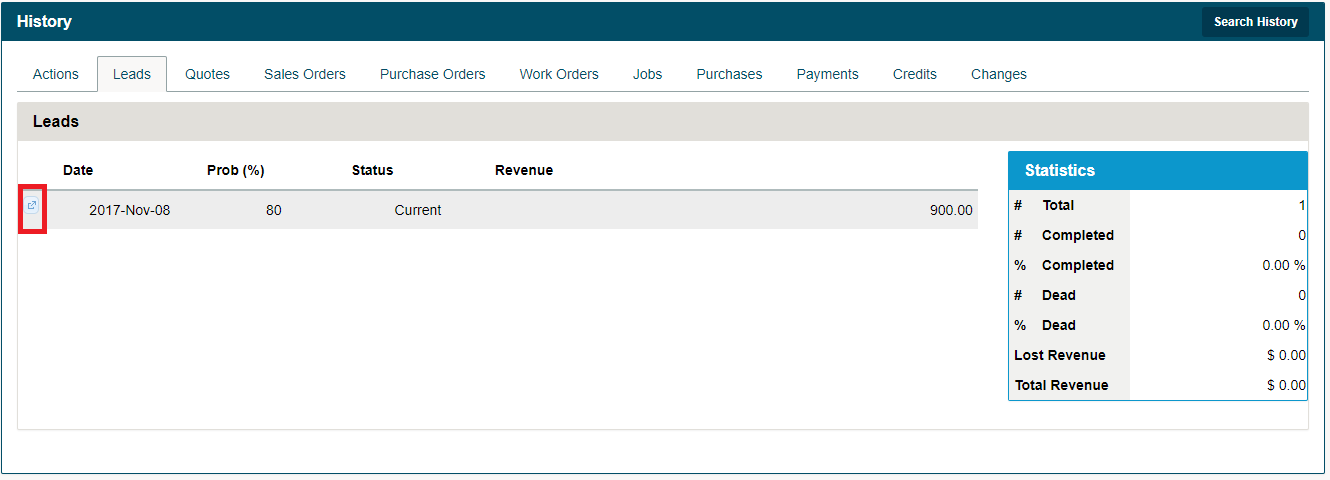
Once inside the customer's history tab, you can click on the various history tabs (located below) to learn more about existing Work Orders, Purchases, Quotes, Invoices, and more that the customer has had.
Actions
- Appointments
- Calls
- To Do's
Leads
Quotes
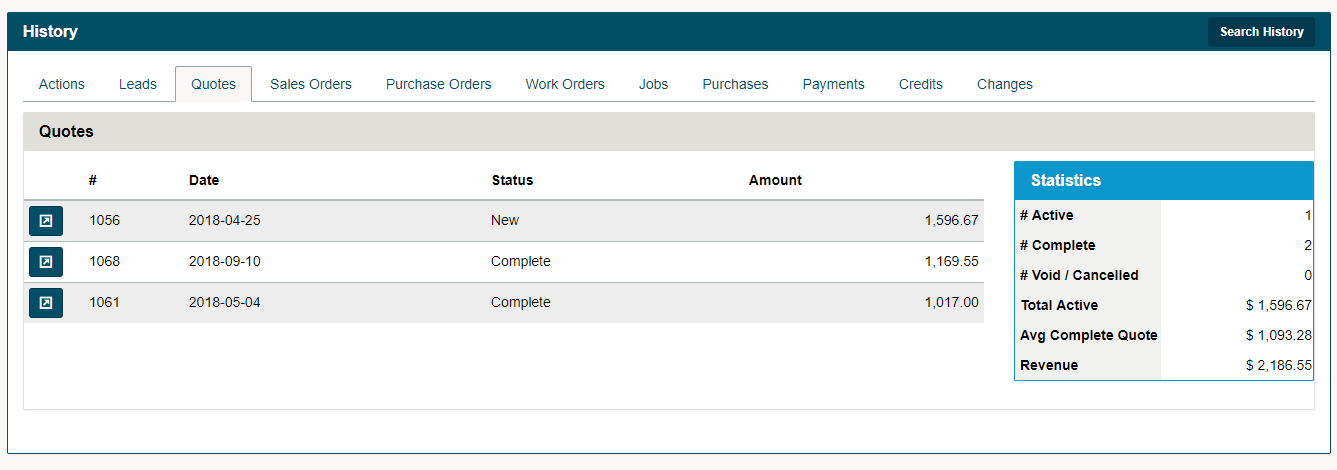
Click on the menu button beside the Quote to edit the Quote or view the PDF.
Sales Orders
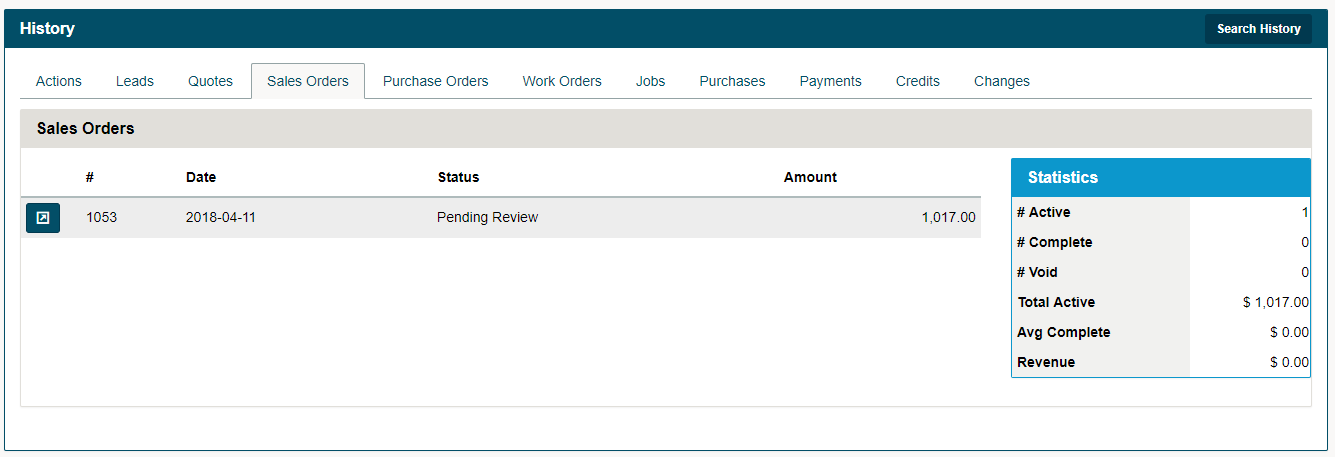
Click on the menu button beside the Sales Order to edit the Sales Order or view the PDF.
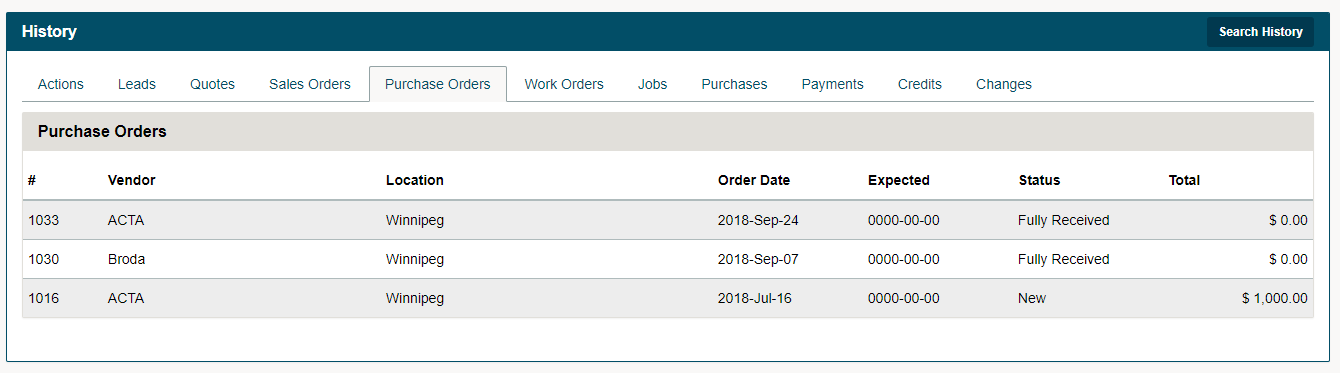
Purchase Orders
Work Orders
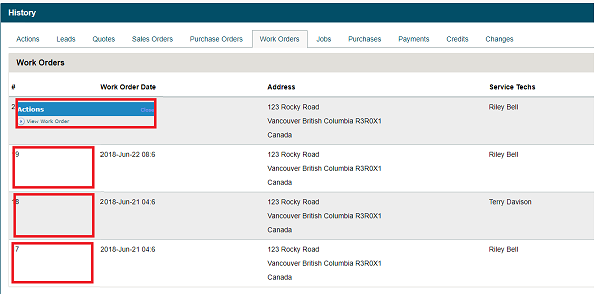
Click on the Work Orders Tab. To view the Work Order, hover over the Work Order #. Click on View Work Order to bring you to the detailed Work Order.
Jobs
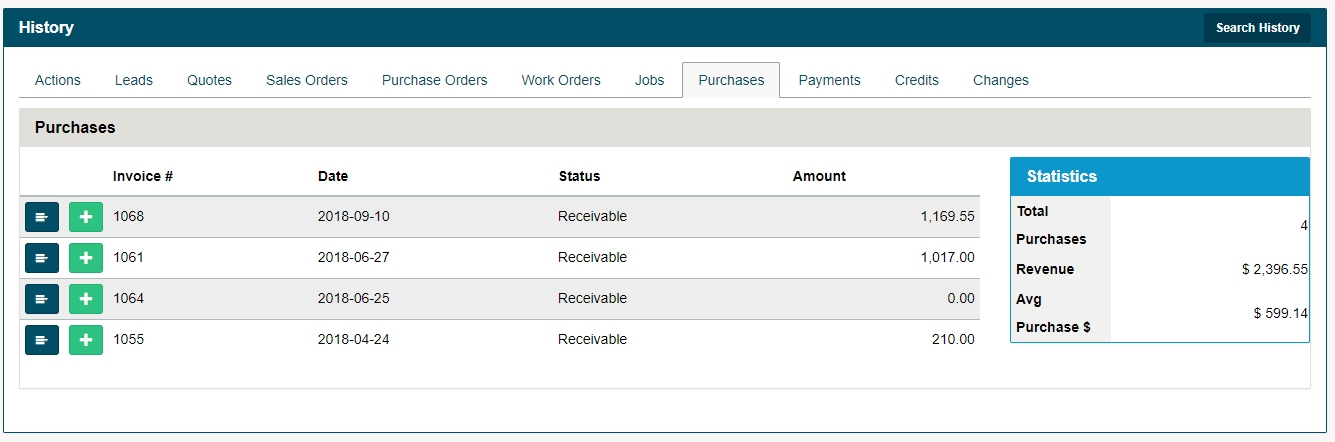
Purchases
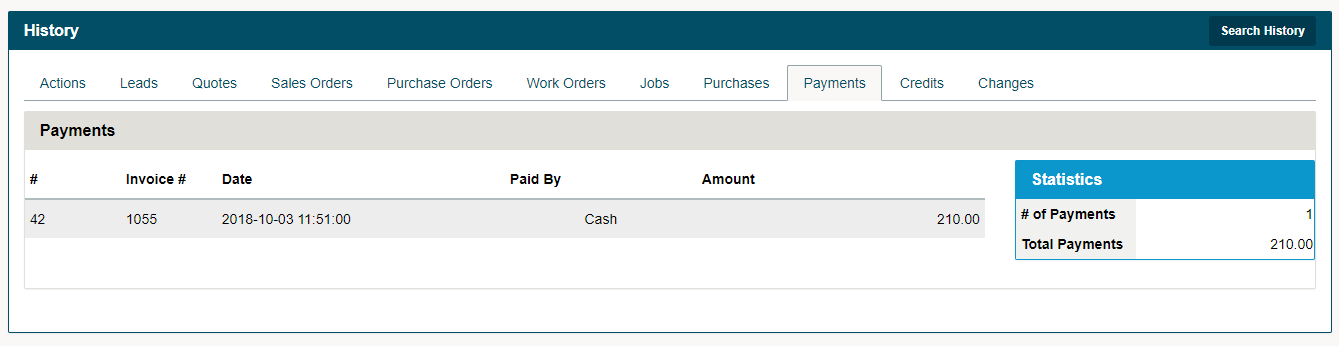
Payments
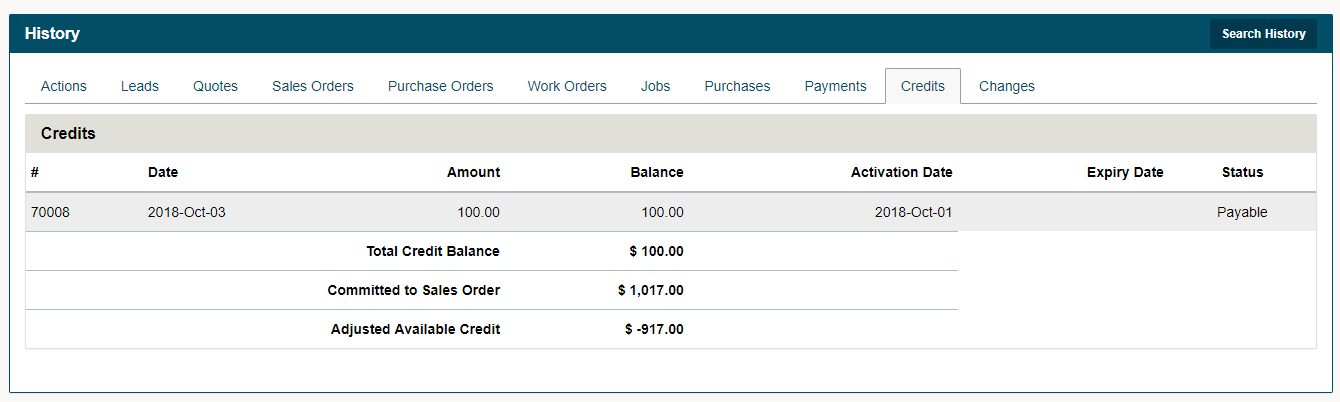
Credits
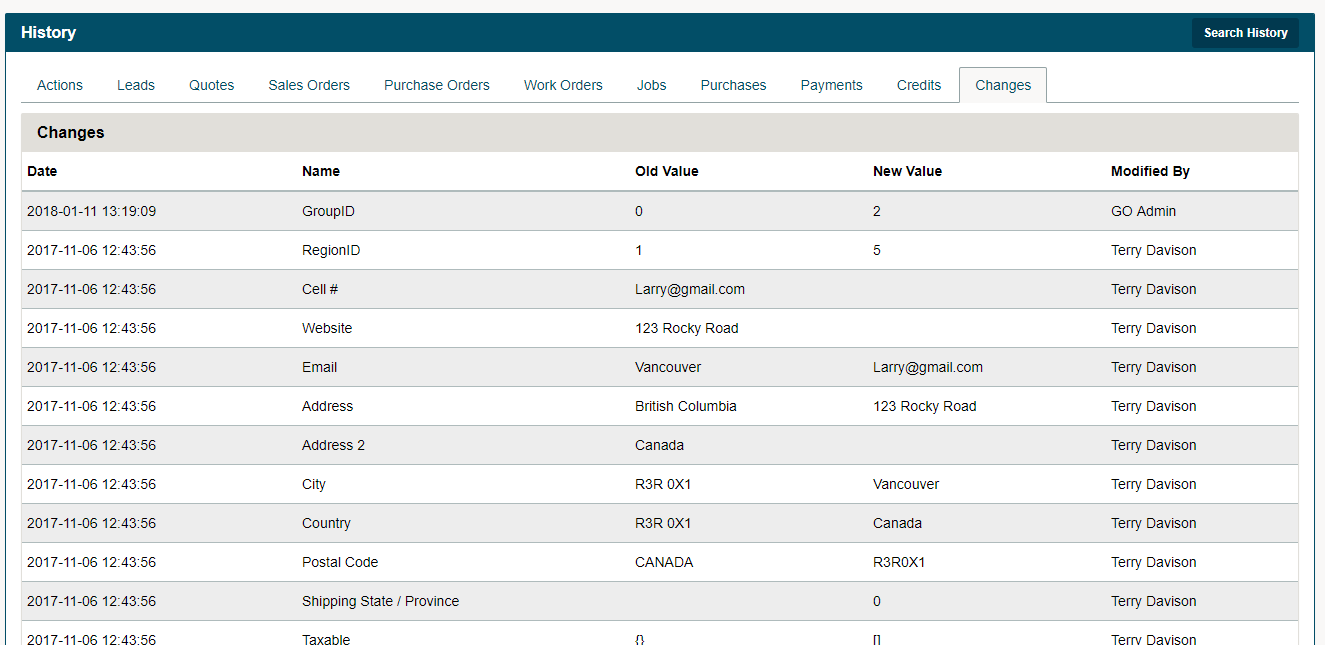
Changes
Comments
0 comments
Article is closed for comments.