
Sometimes customer data gets entered and saved twice. Data cleanup is a great task to undertake on a regular basis.
Actions:
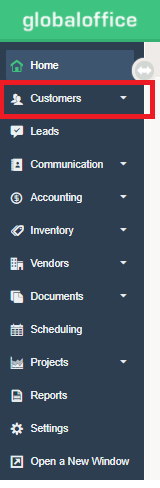
1. Go to Customers.
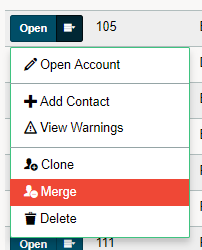
2. Click on the contextual menu button beside the Customer you wish to merge, followed by clicking on Merge.
3. Select the matching Customer and choose Continue.

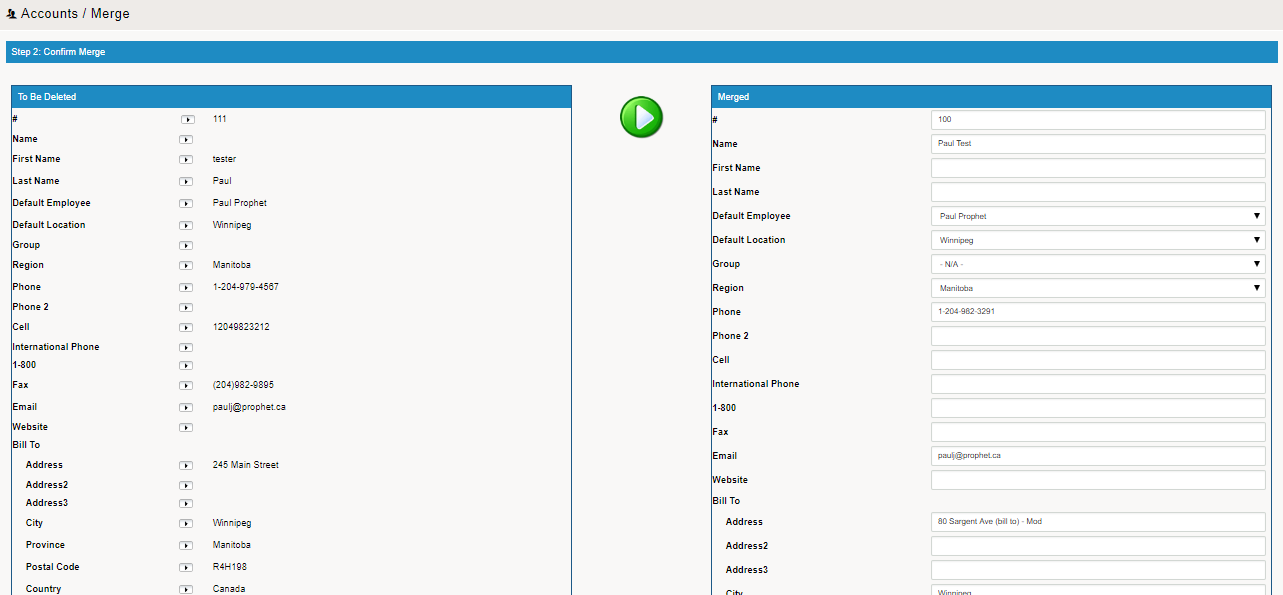
4. Click on the (>) button on the left Customer to transfer the information to the finalized Customer on the right. At this time you can add additional information if needed.
5. Finish by typing in 'YES' followed by Merge to finalize the merge.

Comments
0 comments
Please sign in to leave a comment.