
Get a jump ahead of your vendors by creating a payable as soon as products have been received. You will need to enter an Invoice Number as a reference now so that you can edit the Invoice Number at a later time.
Steps
To start, be sure that you have created a new payable or are creating a payable from a purchase order.
Next, in the 'Invoice Number' field will need to be filled out. If an invoice number is not present, use a sequence such as (XXXX) to fill out the field for the time being.
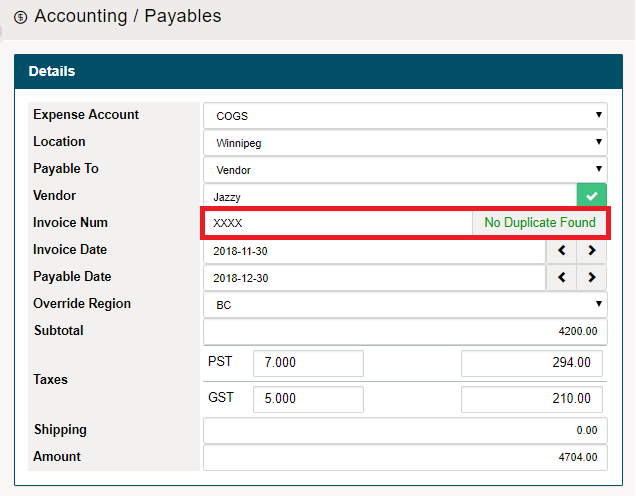
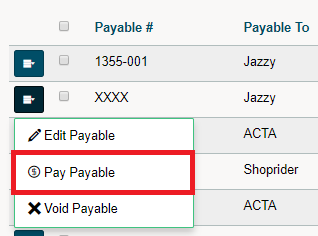
Once you get an invoice from the vendor with an Invoice Number, you can go back into the payable and edit the Invoice Number. Finish by saving the payable.
Comments
0 comments
Please sign in to leave a comment.