
Advisor
- 60% of 'Default System Settings' are turned on in your new GO Business or MEHD Software.
- Follow along as we review specific settings that will tailor your system, creating a streamlined workflow for your organization and users.
- We suggest that you do not change settings not listed below to prevent turning off vital features.
Overview
- Bookmark your URL
- Log in to MEHD / GO Business
- Knowledge Base Articles & Training Videos
- Adjusting Your User Name and Password
- My Company
Bookmark your URL
Open Google Chrome as your companies preferred web browser and bookmark your companies URL.
MEHD

Go Business

Log in to System
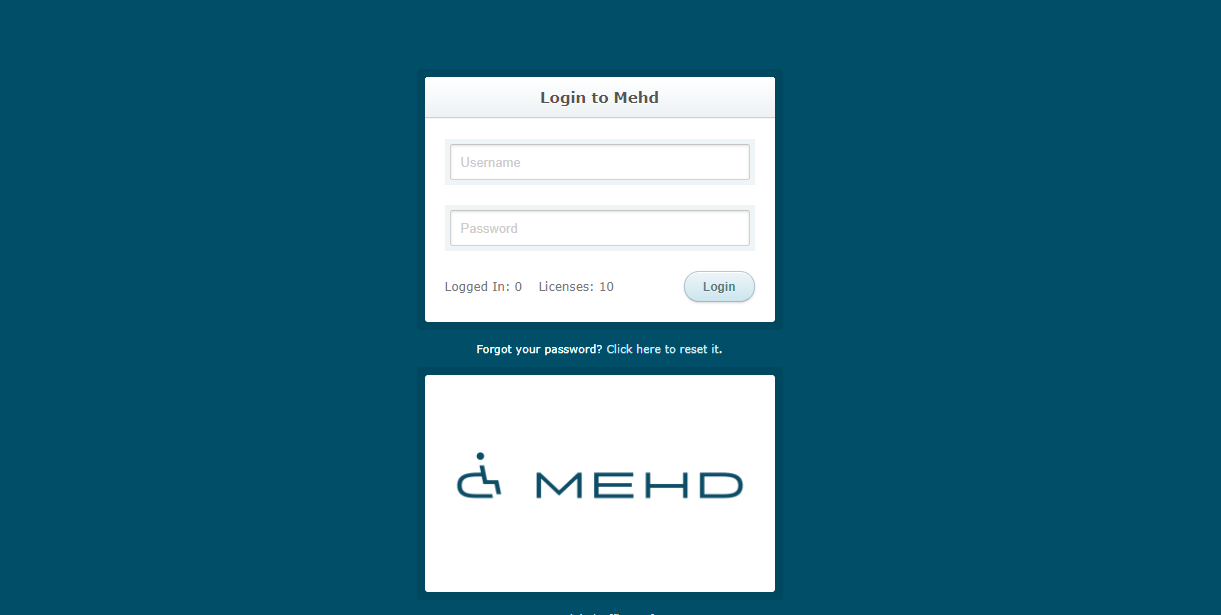
Use the username and password supplied to you to login to your MEHD / GO Business system - this is where the magic starts to happen!
Knowledge Base Articles & Training Videos
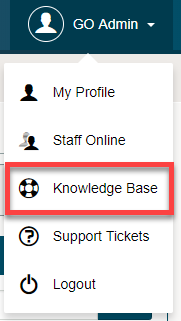
Please take advantage of our Knowledge Base Articles and Videos that are attached directly to your MEHD / GO Business system!
While logged into your MEHD / GO Business system select the User icon/down arrow to have access to the Knowledge Base.
Feel free to browse the articles and videos as you want to know the 'in's and out's' of MEHD / GO Business to become a Super-User!
Adjusting Your Username and Password
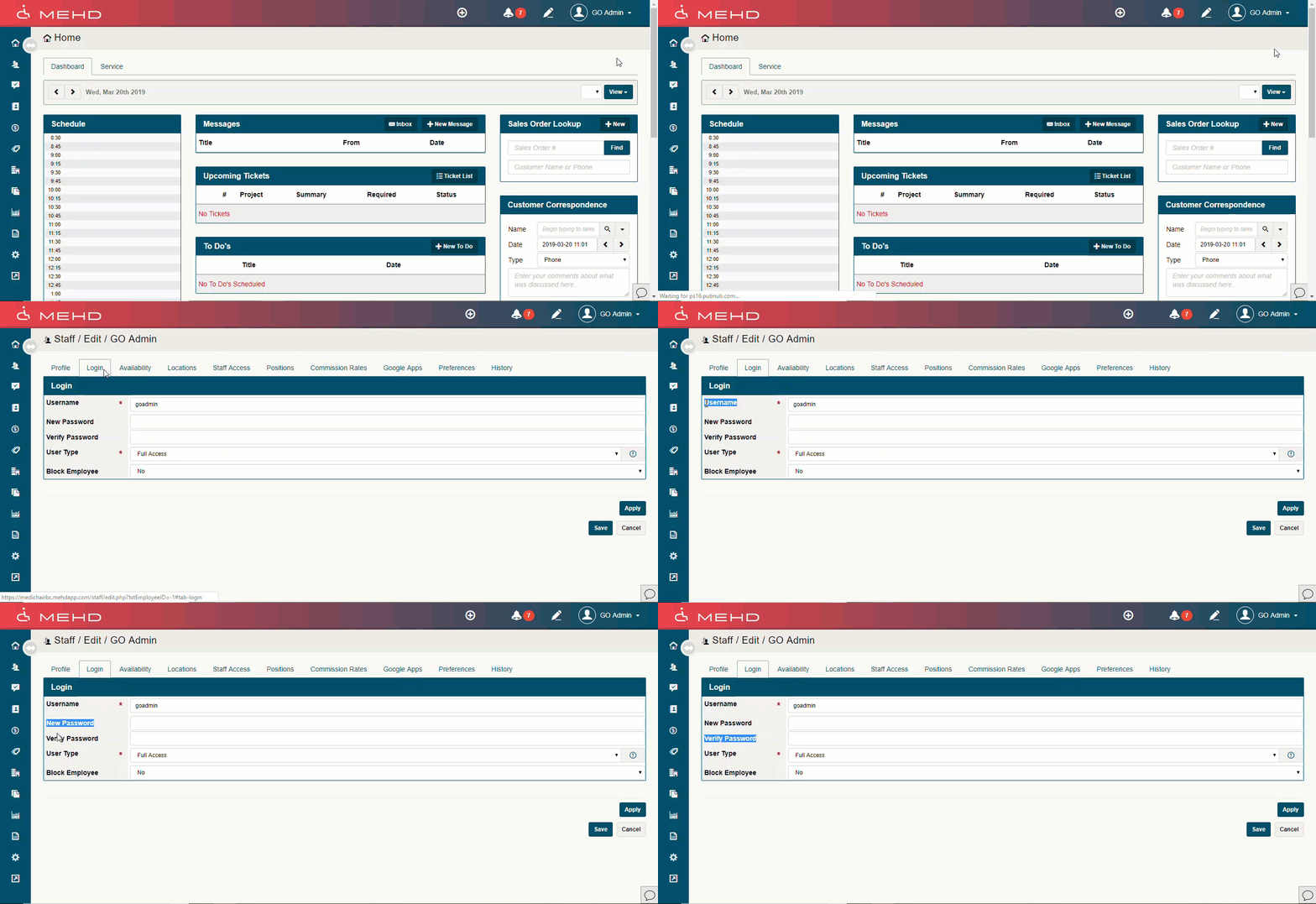
Click on your 'Name/Silhouette' in the top right corner, followed by 'My Profile'.
Choose the Login tab.
Change the Username and/or Password.
- Type in the new Username if needed.
- Type in the new Password, followed by the same password in the Verify Password text field.
- Lastly, check to make sure the 'User Type' is correct.
That's it for System Set Up: Part 1. You're on your way to launching your MEHD / GO Business System.
Continue to System Set Up: Part 2.
Comments
0 comments
Article is closed for comments.