
Need to convert a Work Order directly to a Quote for Invoicing? All of the information on the Work Order will directly transfer over to the Quote, and on to the Invoice.
Steps:
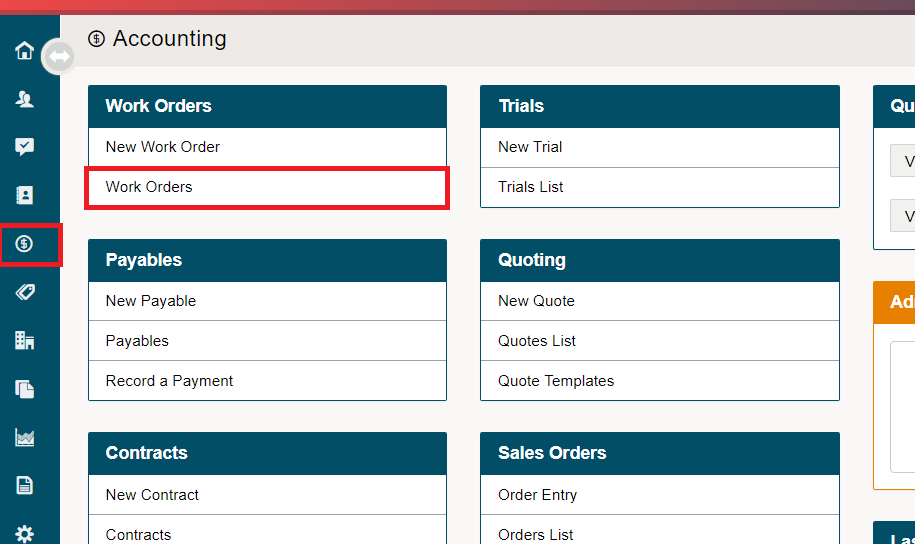
Go to Accounting.
Under the Work Orders Heading, choose Work Orders.
Search for the Work Order you'd like to convert to a Quote.
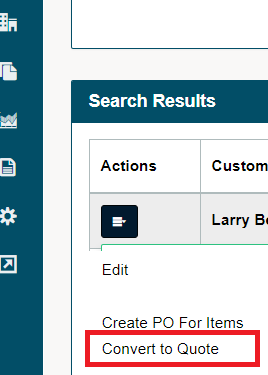
On that Work Order line, click the contextual menu on the left.
Choose Convert to Quote.
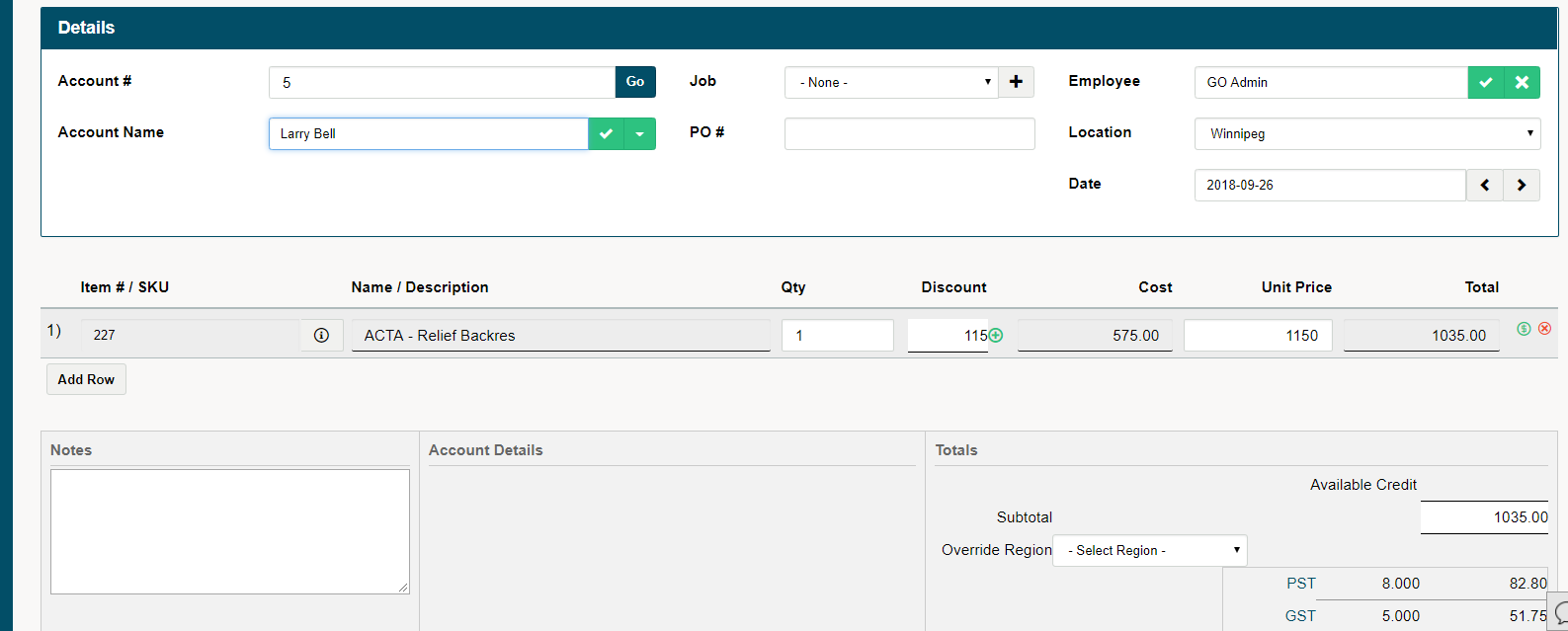
The Work Order will turn into a Quote and bring you directly to the Quote with details, and products transferred from the Work Order.
Comments
0 comments
Please sign in to leave a comment.