
If you are already using QuickBooks and would like to push information to your MEHD system.
Ensure that all 'Product Names' are the same in QuickBooks as they will be in MEHD.
Actions
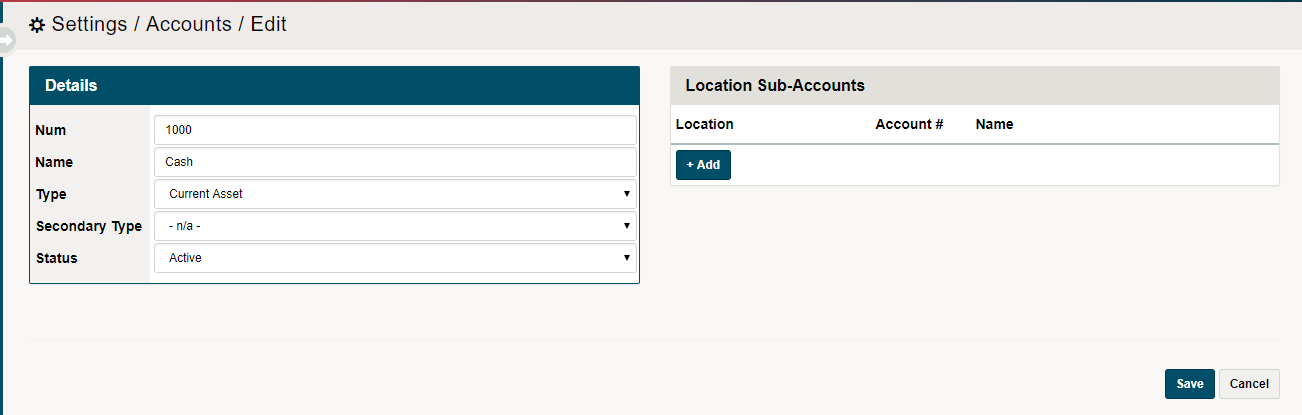
1. Create all Accounting - Accounts in MEHD that match the names. To do this navigate to Settings > Accounting > Accounts and then (+ New Account)
Ensure the Number, Name, Type, Secondary Type and Sub-Accounts match to that of your QuickBooks.
Actions
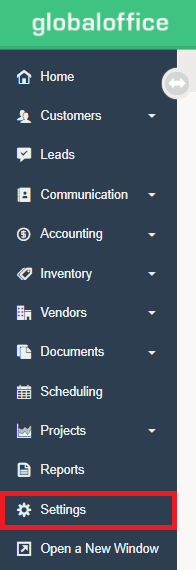
1. Go to Settings
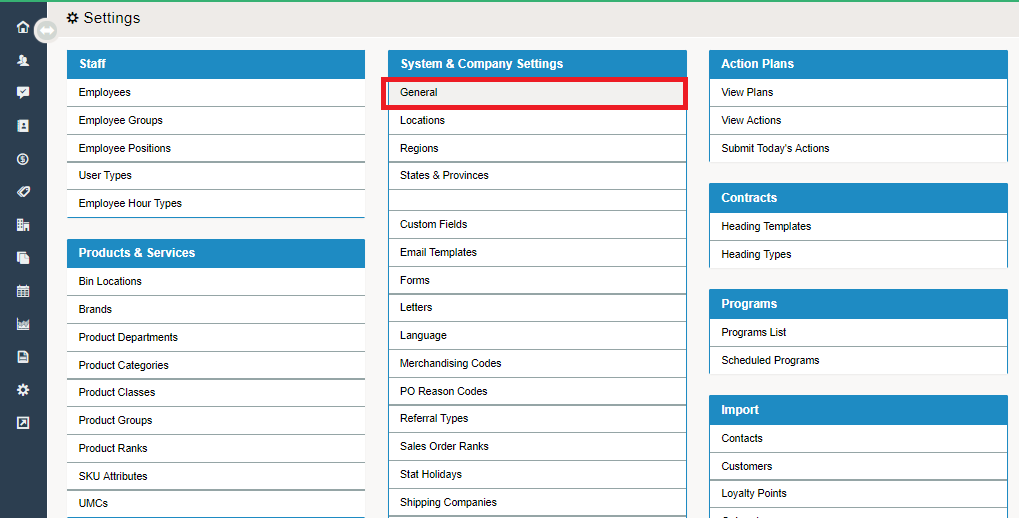
2. Under the System & Company Settings Heading, choose General.
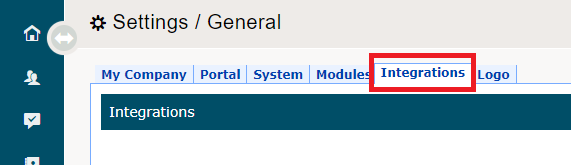
3. Select the Integrations Tab
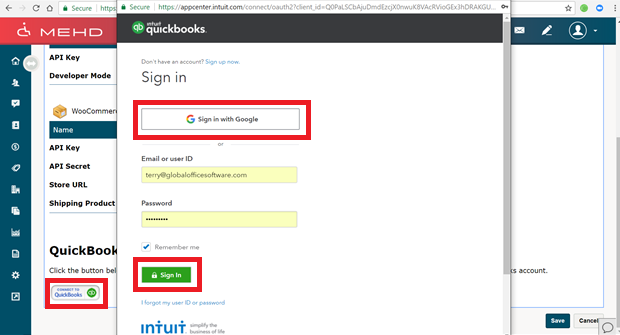
4. Scroll down to the Quickbooks Online integration. Click on the Quickbooks button
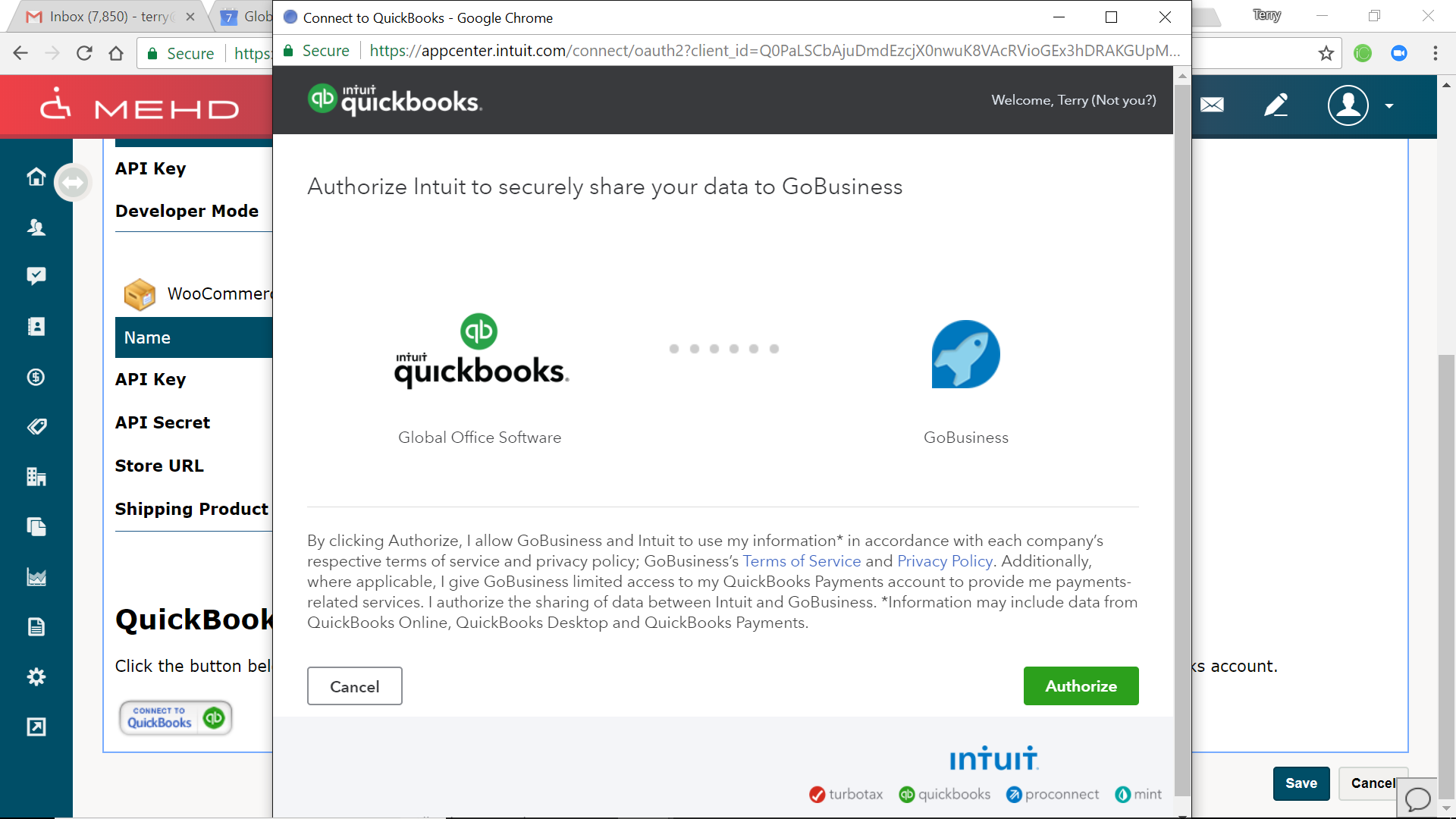
5. Authorize Intuit to securely share your data
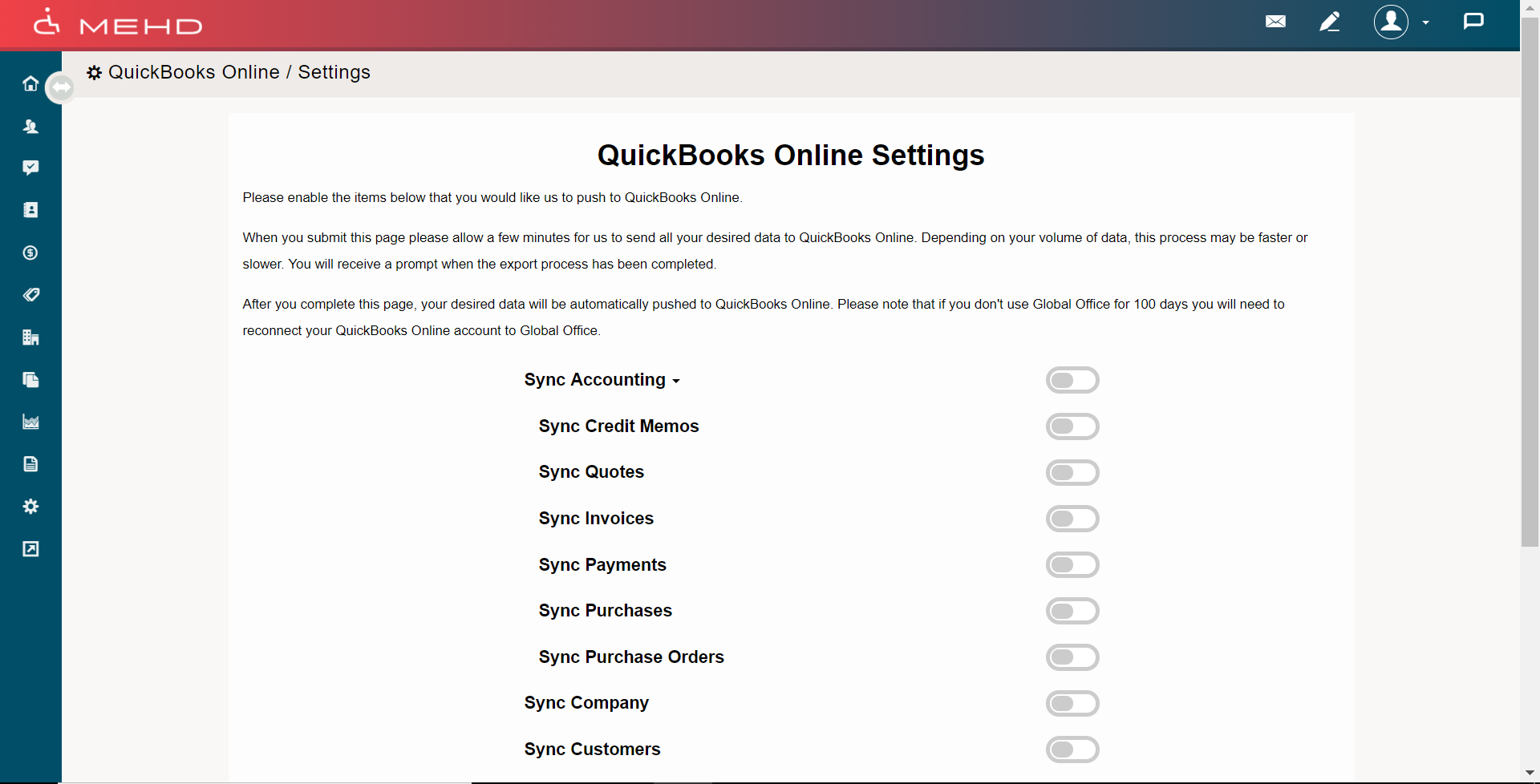
6. Select the Quickbooks Online setting your wish to sync by clicking on the grey buttons beside the name of the account. When the account is turned on the button will turn green.
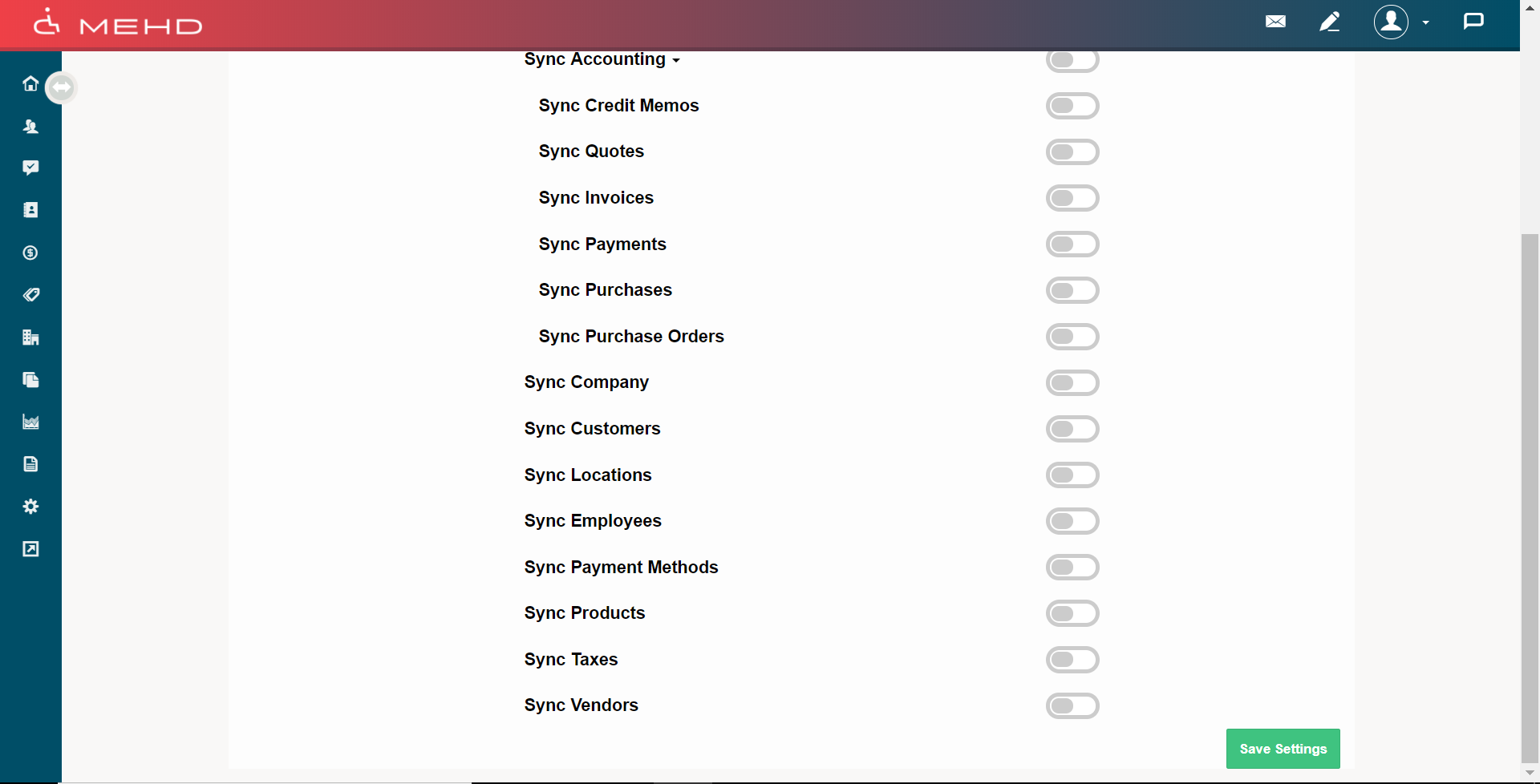
7. Finish by clicking Save Settings.
Comments
0 comments
Please sign in to leave a comment.