
Actions:
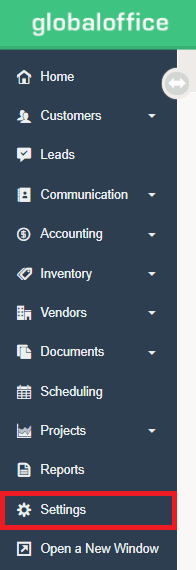
1. Go to Settings.
2. Under the E-Store Heading, notice the Categories and Sync options.

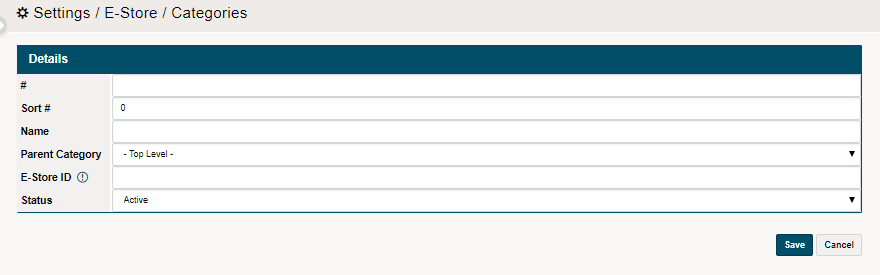
3. Set up your E-commerce Categories before committing a Sync. To set up Categories, click on the Categories button, followed by (+ New Category). Finish setting up the categories by filling out the fields and save.
4. When ready, select the Sync in the following order:
- Categories
- Products
- Attributes
Comments
0 comments
Please sign in to leave a comment.