
E-commerce can play a large role in your company's sales. With the Global Office Software and WooCommerce integration, you can start receiving Sales Orders from your online store directly to Global Office.
Actions:
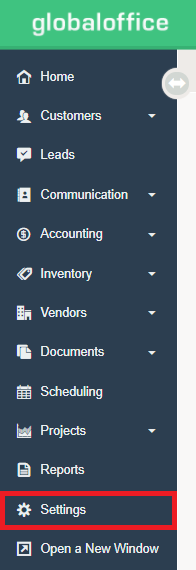
1. Go to Settings.
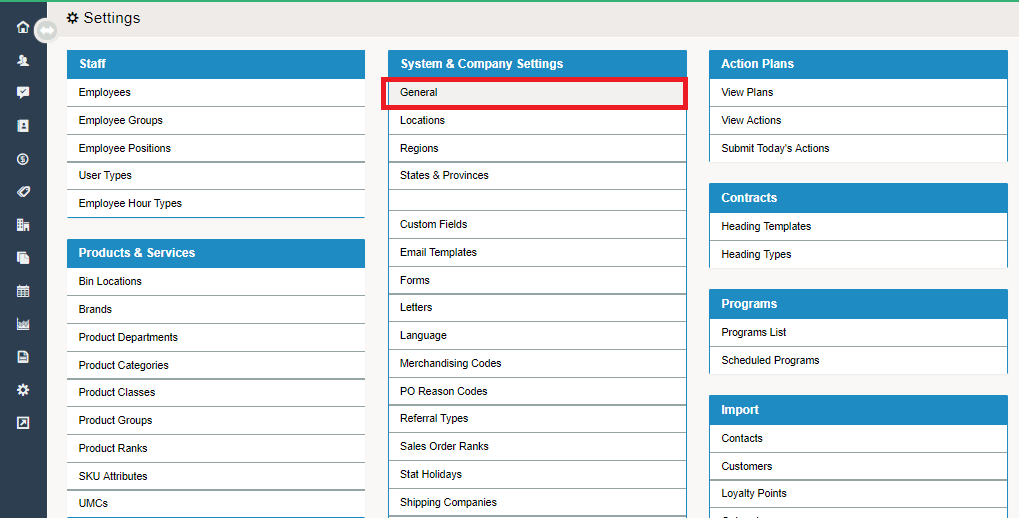
2. Under the System and Company Settings Heading, choose General.
3. Choose the Integrations tab.
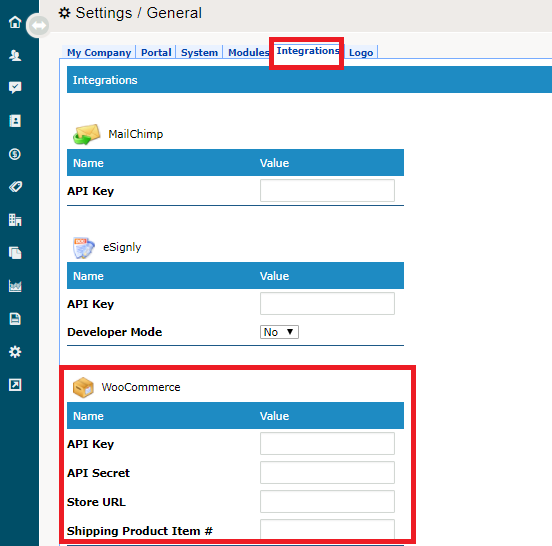
4. Scroll down to the WooCommerce header.
5. Input the following from WooCommerce:
- API Key
- API Secret
- Store URL
- Shipping Product Item #
6. Choose Save.
Comments
0 comments
Please sign in to leave a comment.