
View a Refund in a Customers Profile
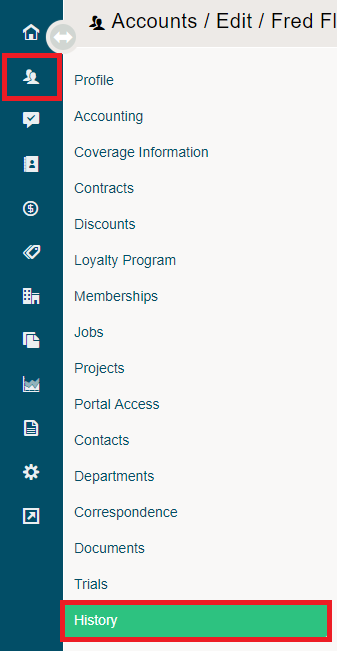
To view the Refund in a customers profile, simply open the customer's profile and click on the History Tab.
Under the Purchases tab and Payments tab, you will be able to see the refund in a (-) negative amount.
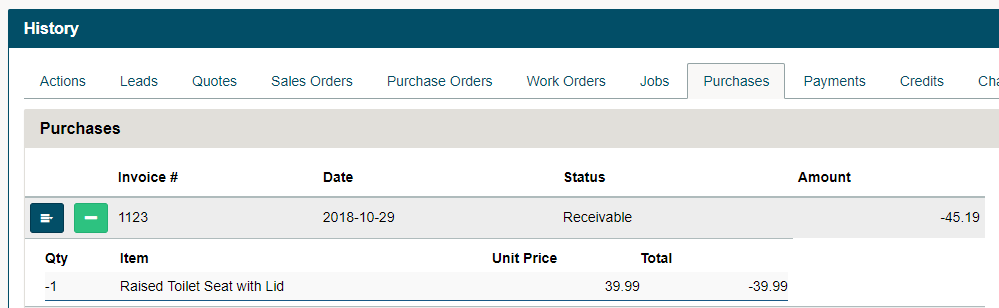
Moving over to the Payments Tab, you can see any (-) negative payment as a refund for products as well.

Comments
0 comments
Please sign in to leave a comment.