
If you use 3rd-Party shipping companies such as Canada Post, UPS or a local company, be sure to set them up as a shipping company in your system settings.
Steps:
Click on the System Settings module on the left-hand side followed by the Shipping Companies button.
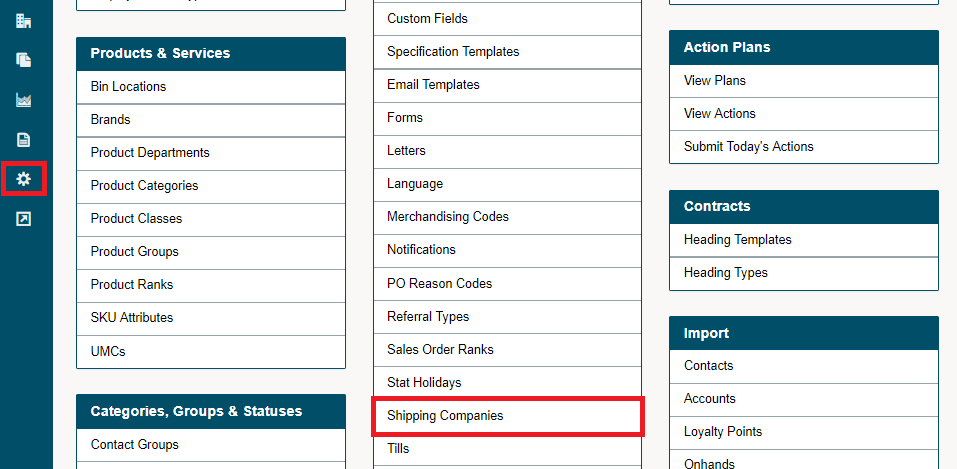
Add a new shipping company.

Fill out information on the shipping company.
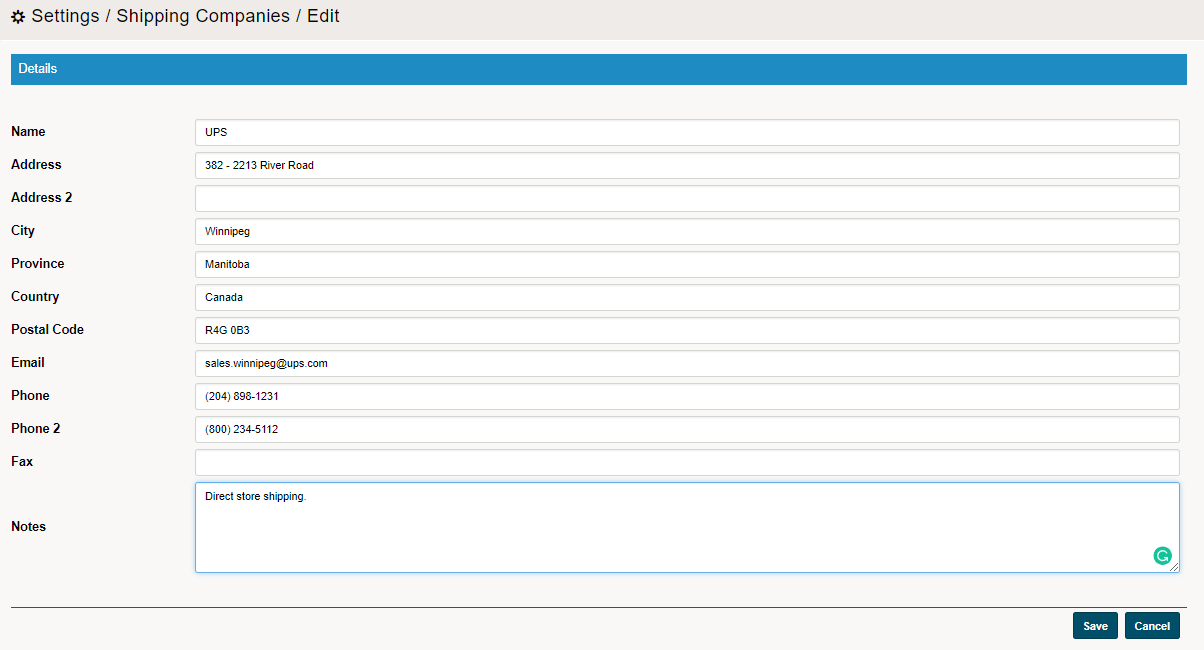
When you now create a Sales Order or Invoice you can select the shipping company created in system settings.

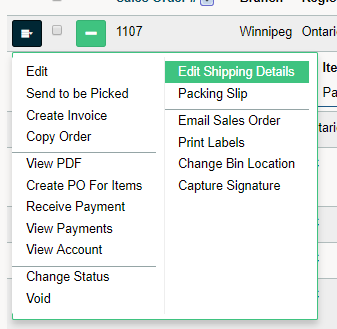
On the Sales Order of Invoices menu, select Shipping Details to further the information on the shipping. When adding shipping charges to a Sales Order or Invoice be sure to contact the shipping company prior to listing the shipping charges due to fluctuations.
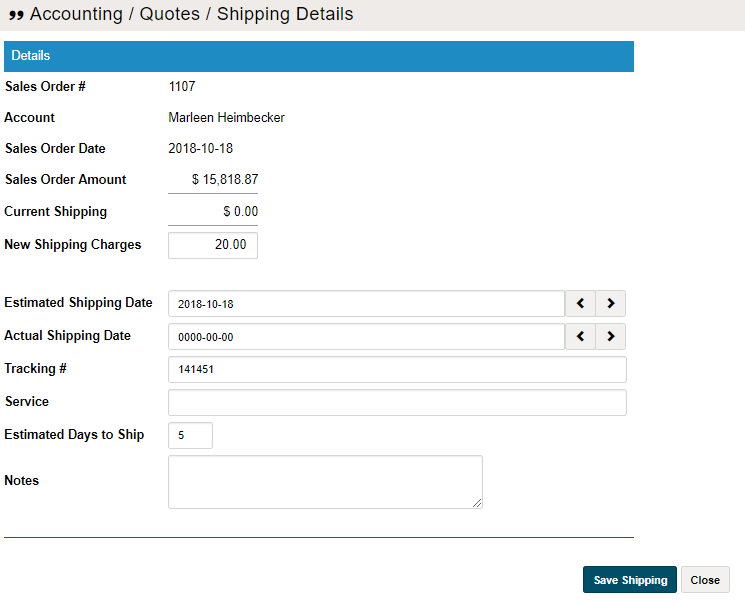
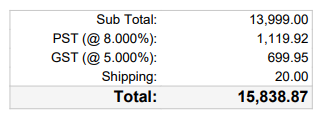
All additional shipping charges will be added to the Sales Order or Invoice and show on the PDF receipt for the customer.
Comments
0 comments
Please sign in to leave a comment.