
Document Attachments
- Do you have documents saved inside of a customers profile? If so you can now attach those documents to (Quote, Sales Order, Invoice, Work Order) emails sent from GO Business / MEHD (click here to learn how).

Actions
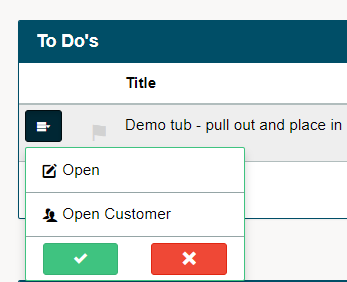
- Calls & To Do's - will now be displayed as 'complete' or 'dismissed' inside of a customers profile when they are adjusted from the home dashboard. To find the actions in a customers profile, simply navigate to the Customer's History > Actions.
Trials
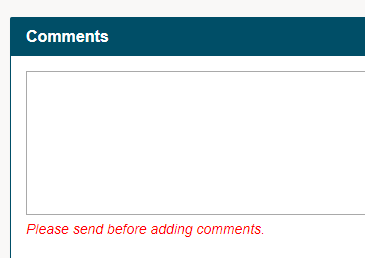
- Comments can now be found at the bottom of a trial. The comments section allows users to make comments that are time stamped and user stamped for verification, along with the ability to push the comments to a Quote or a Work Order.
Work Order
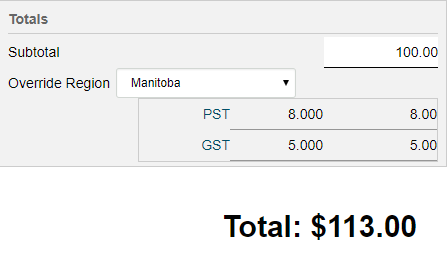
- Tax default - based off of the user's location (region), the Work Order taxes will adjust.
- The wording at the top of a Work Order PDF has been changed to 'Work Order Quote'
Sales Orders
- The Sales Order convert to invoice will adjust the 'on hands' based on the quantities invoiced if the invoice created from a sales order, checked off the 'sales order complete' box. The new logic takes each Sales Order item and gets the Requested amount; then subtracts the Invoiced and Invoiced Quantity columns; if this is greater than zero and the "Sales Order Complete" button has been selected then the onHands for the product must be adjusted by the amount that was NOT actually sold.
- When pushing a Sales Order to an Invoice, users may be asked to attach a 'serial #' when converting (the product must be set up with serial #'s in its product profile). If a serial # is attached when converting, you will see the attached serial # on the invoice screen and PDF.
Purchase Orders
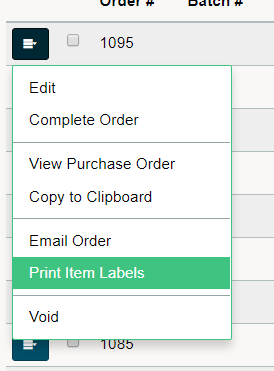
- When printing off of the menu from a Purchase Order, the label and template will be remembered.
Rentals
- When saving a 'Rental Agreement' to your local computer it will now format the name of the document to be 'RENT' then the rental number (RENT1211)
- You are now able to backdate rentals by adjusting the 'transaction date'. This will adjust the 'first item' due date displayed on the rental list and on the rental PDF.
- View XR page only displays rental items + Total/Subtotal for the rental items
- Serial is unchecked when editing a rental
- Set pricing rate when editing a rental that has not been paid for (Monthly, Weekly, Daily)
- When editing a rental, all rental items will be displayed
- When selecting a recurring rental, only the rental items will be displayed on the editable recurring rental
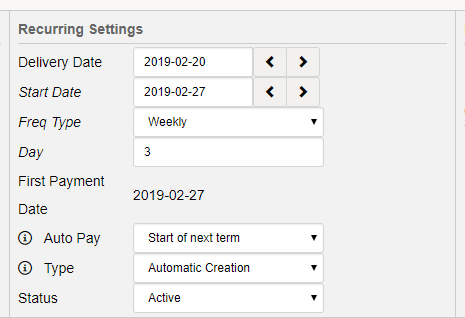
- Recurring rentals will now save the delivery date and auto pay fields when editing
Products
- Back Orders - learn how to print labels and receive backorders
- Cycle counts - When printing the 'count sheet' users now have the option to sort by a manufacturers number on the product. This is placed in numerical order.
Reports
- Comprehensive Sales Report - all invoices generated from Sales Orders will now appear on the comprehensive sales report. Any split invoices will be formatted to single lines of data.
Mehd App
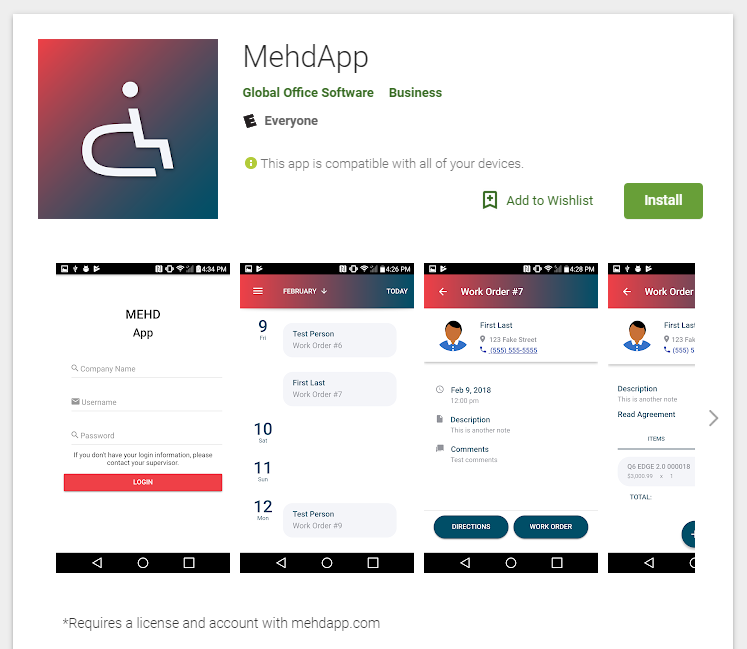
- Updates for Android - Camera, and Touchscreen will now ask for verification upon downloading the Mehdapp, allowing you to use both features.
Portal
- Portal Document Explorer - users now have the capability to share documents with multiple customers at the same time.
- Portal document images have been updated to a new styling
Adjustments
- Recurring 'Invoices' will not be automatically 'checked' off to present the recurring information.
- Recurring 'Rentals' will not be automatically 'checked' off to present the recurring information.
- Discounts will not be displayed on weighted items without verifying the discount
- On the service dashboard, when a customers information is input then changed, the default contact information with the customer will now also change to reflect that of the new customer. The 'refresh' button should be pressed to create this change.
Comments
0 comments
Please sign in to leave a comment.