
Steps
Click on the Accounting Module in the left-hand menu. From there, click on the Orders List.
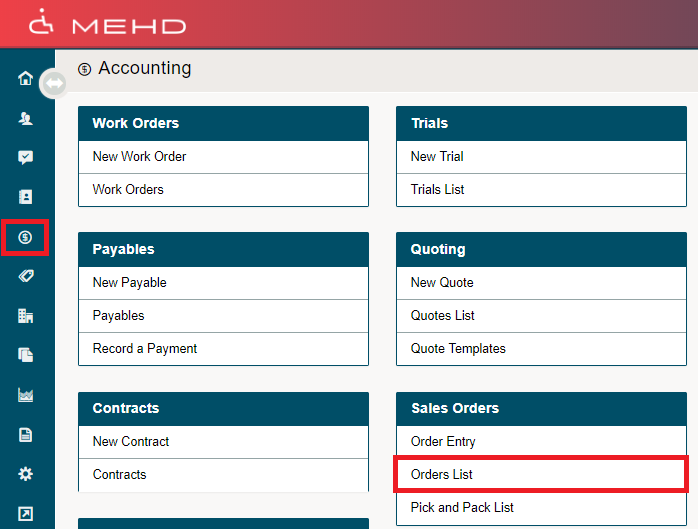
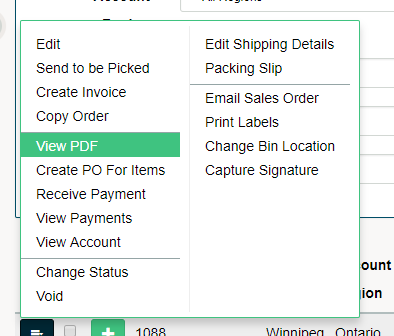
Inside of the Orders List, click on the blue menu button beside the Sales Order you wish to print the Sales Order for. In the drop-down menu, click on View PDF.
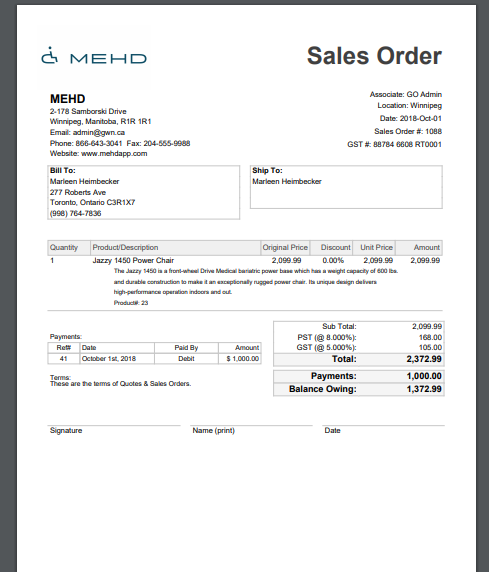
This will bring a PDF of the Sales Order in which you can then print.
Comments
0 comments
Please sign in to leave a comment.