
The invoice is the bill for purchasing from your company and the notice to the customer to pay you. The packing slip is included in the shipment of goods and services - to alert the customer to the items and quantity included in the shipment.
Actions:
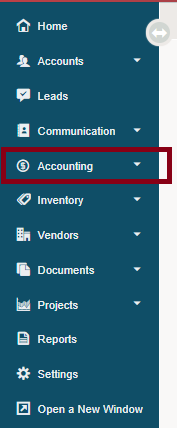
1. Navigate to the Accounting Module.
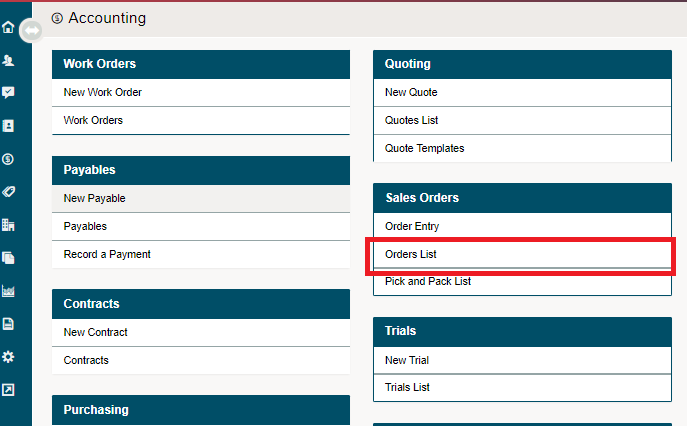
2. Select the Order List, located under Sales Orders.
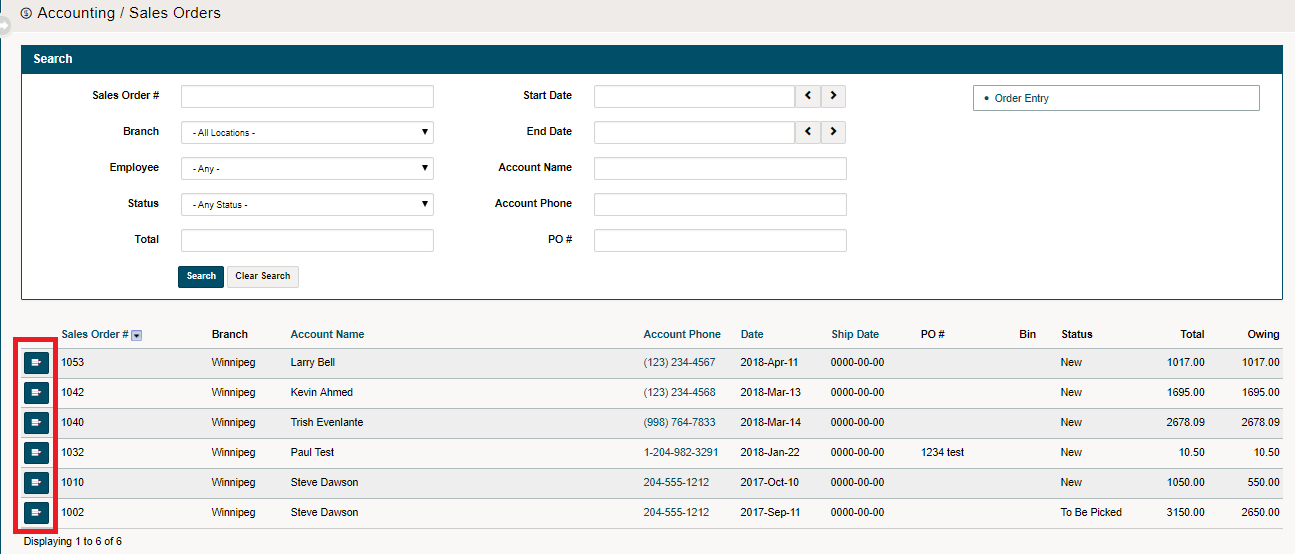
3. Click on the blue 'Edit' button beside the Sales Order you wish to create a packing slip for.
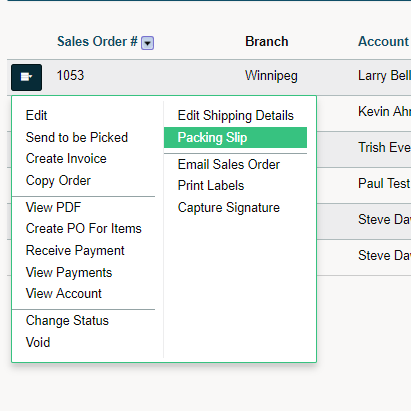
4. Click on Packing Slip.
5. A new window with a PDF of the packing slip will appear. From there you can print the packing slip and attach to the packages. All prices and discounts will show ($0.00).

Comments
0 comments
Please sign in to leave a comment.