
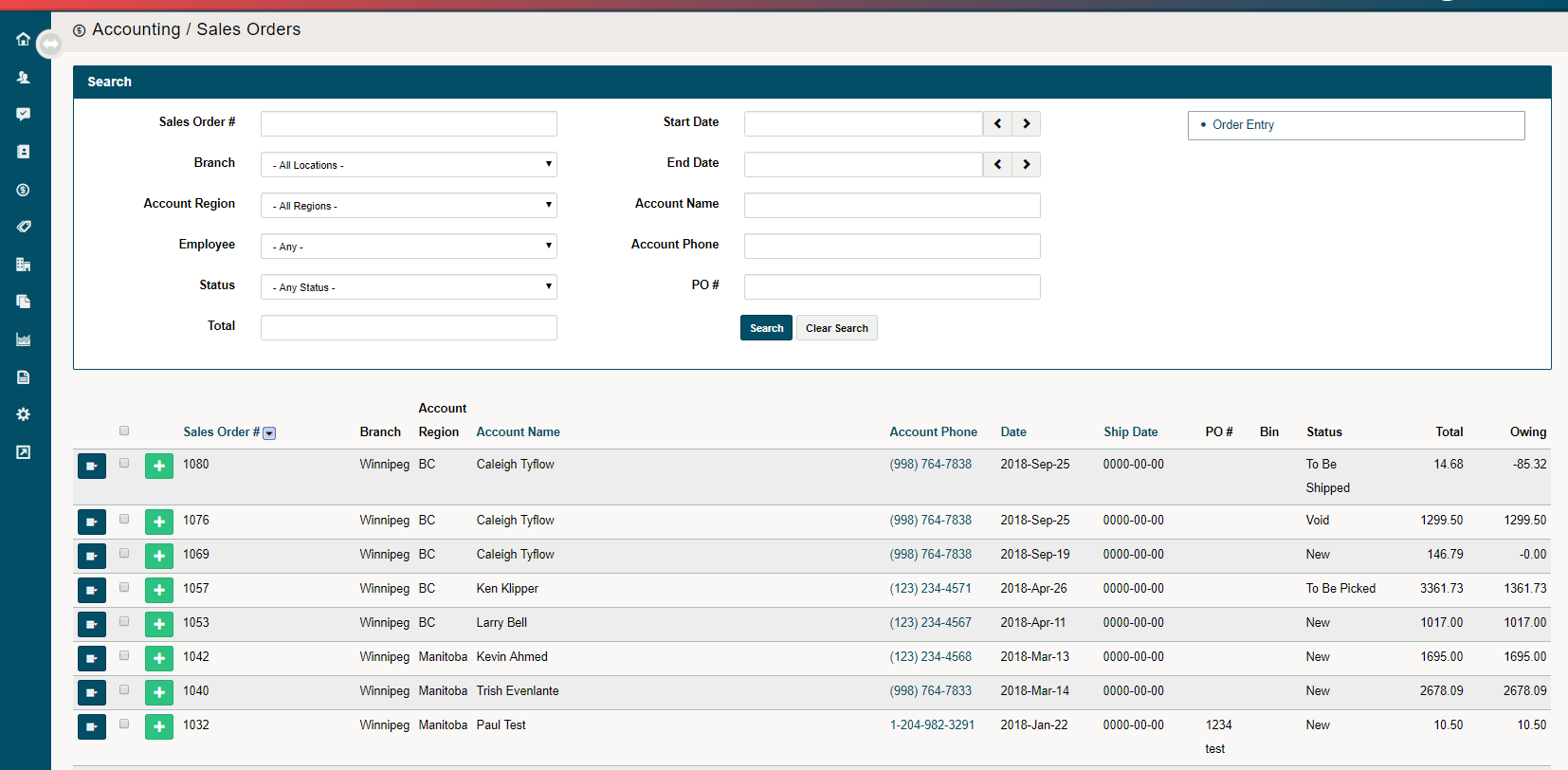
Need to know where all of your Sales Orders are at a given time? Use the Sales Order List to view a snapshot of all outstanding Sales Orders.
Steps
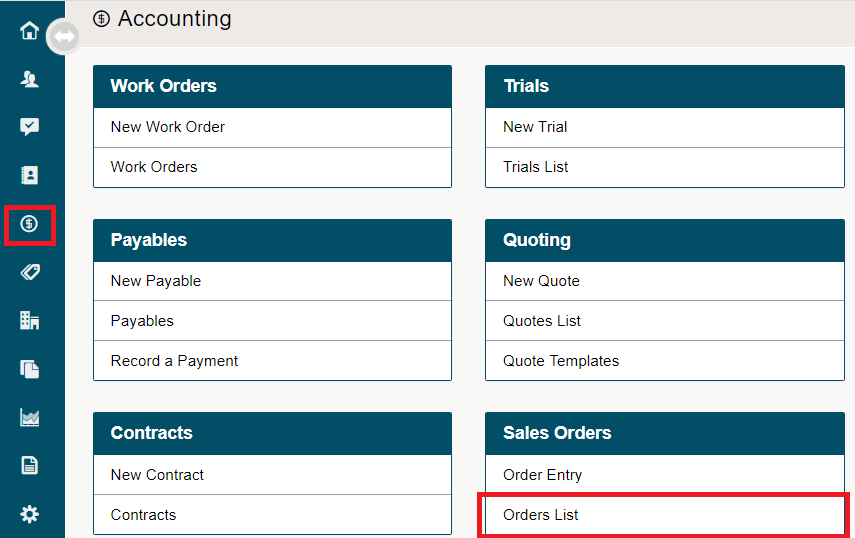
1. Go to Accounting
2. Under the Sales Orders heading, choose Orders List.
You will now see all sales orders listed.
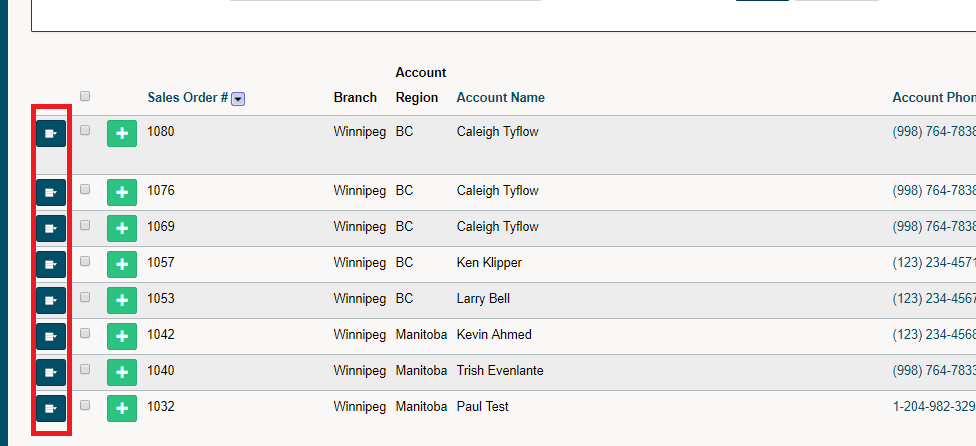
Choose the contextual menu to see more actions.
Comments
0 comments
Please sign in to leave a comment.