
Brands are used for purchases from distributors or 3rd party.
Example
Ralene's Wheelchair Store purchases directly from Canada Wide Wheelchairs who in turn purchases all the wine directly from the manufacturer.
Canada Wide Wheelchairs carries thousands of brands (original manufacturer) of wheelchairs which such as:
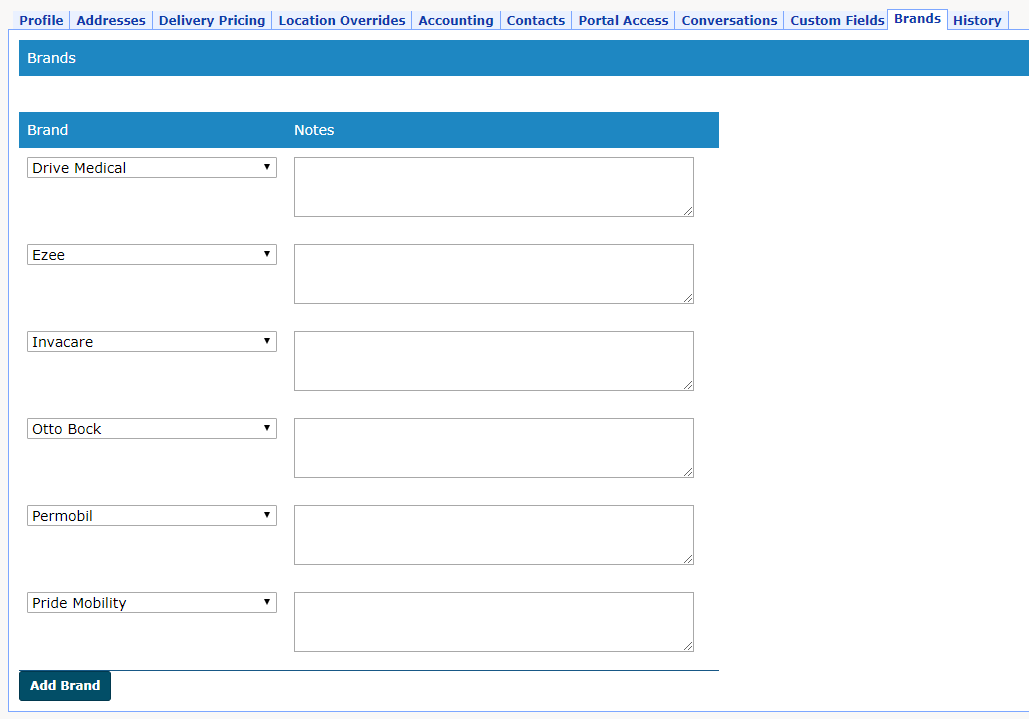
- Drive Medical
- Ezee
- Invacare
- Otto Bock
- Permobil
- Pride Mobility
Steps
Vendors & Brands
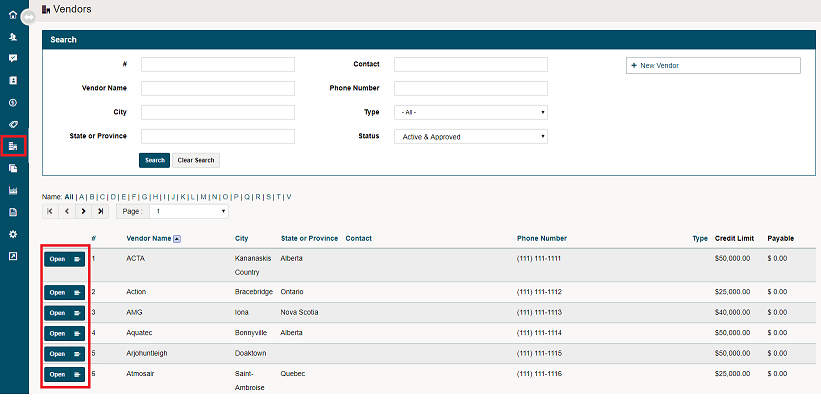
Go to the Vendors Module on the left-hand menu, and click the open button beside the vendor you wish to add a brand too. If you need to find the exact vendor, use the search bar at the top of the vendor's list.
Inside of a vendors profile, navigate to the Brands tab. Click on the [Add Brand] button to add the new brands to a vendor and add any additional notes needed.
Products & Brands
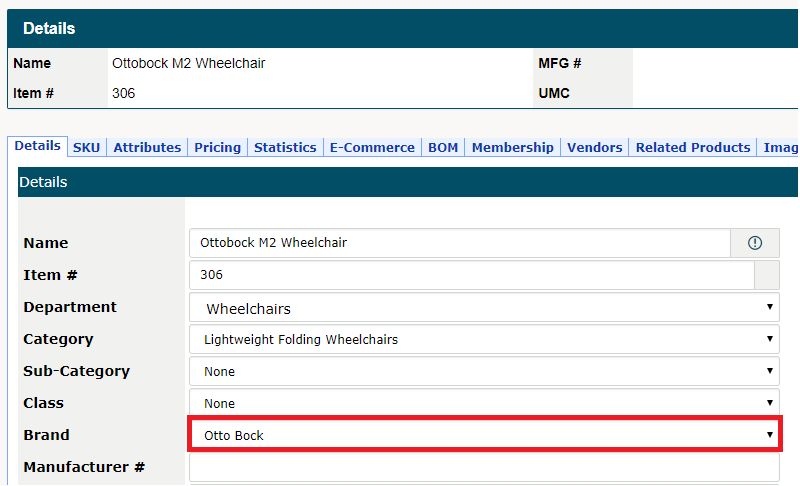
When creating products, brands can be directly attached to the product. Navigate to the inventory module and open the profile of the product you would like to attach the brand too. Beside the brand field, select the brand from the drop-down menu.
Reporting & Brands
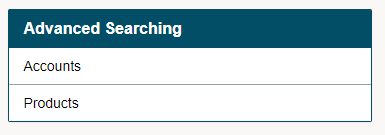
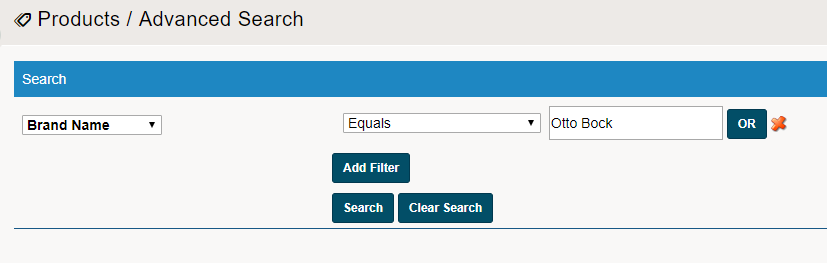
Inside of the reporting module, some product report include brand columns and data points. Use the Advanced Seach for Products to view the onhands of each brand of product at each location.
Use the filter to report on the selected brand(s). After selecting the brands you would like to report on, click on the [Search] button. A list of the select products will be produced.
Select which form the products should be pushed to (PDF, Excel, CSV)

You will see inside the report the on-hands of the product that the brand was attached to.

Comments
0 comments
Please sign in to leave a comment.