
Actions:
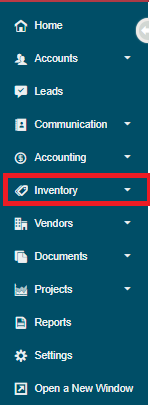
1. Go to Inventory.
2. Under the Products Heading, choose New Product.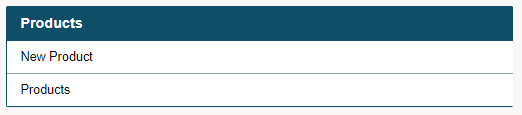
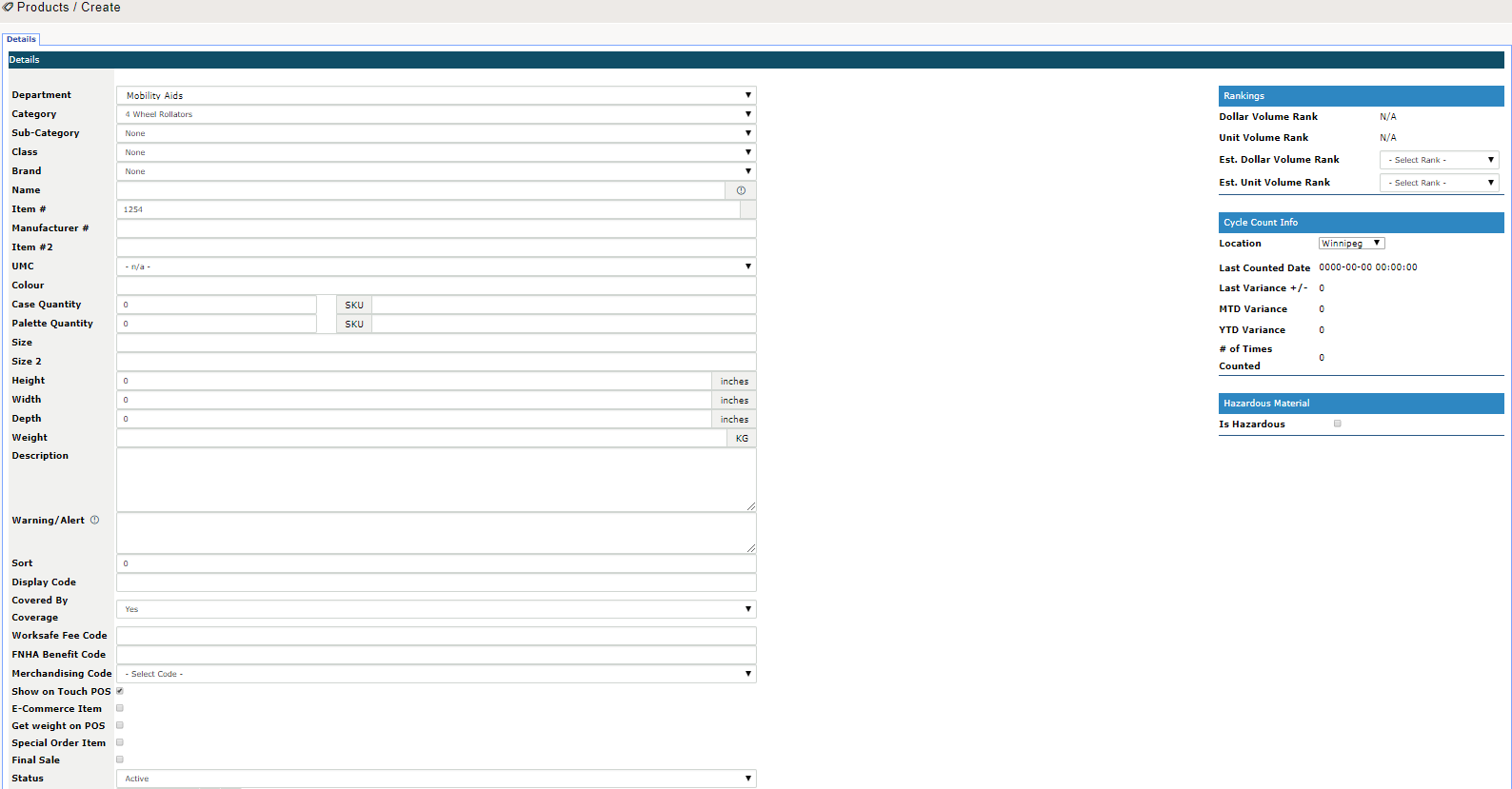
3. Inside the Details tab, fill out the desired fields to create the new product. Ex: product name, category, brand, item #, physical dimensions etc. Finish by clicking on the 'Apply' button, this will generate more tabs with more trackable information.
4. Click on the populated tabs to add additional information to your newly created product. Finish by clicking on Save before leaving the product.

Comments
0 comments
Please sign in to leave a comment.