Overview:
Example
Val's pet shop has ordered (10) medium kennels, and (5) large kennels from Kennels Direct. She simply creates a 'purchase order' inside of her GO Business / MEHD system and emails it to Brad over at Kennels Direct.
Brad at Kennels Direct receives the email and picks the items out of inventory, only he notices that he currently has (10) medium kennels in stock but (0) large kennels in stock. In this case, he packages up the (10) medium kennels that were in stock and ships them out to Val with an invoice and puts in a request to manufacture (5) large kennels that should be complete in (2) weeks.
Brad emails Val and lets her know about the delay in getting her the (5) large kennels.
Val receives the invoice for the (10) medium kennels and would like to check the items into inventory. Since she is receiving part of a purchase order she adjusts the amount of product received and checks off the 'create payable' button on the purchase order screen. This allows a 'payable' for the (10) medium kennels to be created at this time.
Step 1: Receiving a Partial Purchase Order
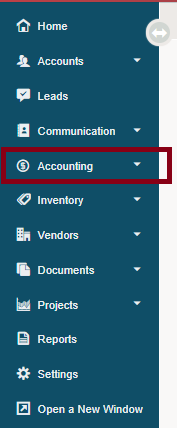
1. Go to Accounting.
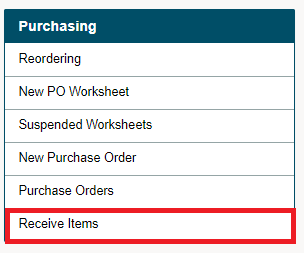
2. Under the Purchasing Heading, choose Receive Items.
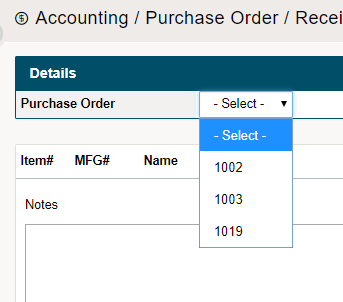
3. Select the Purchase Order from the drop-down list.
4. Change the 'Receive' quantities and adjusted cost to match that of the amount of product being brought in. Add the amount of Shipping Costs at the top of the page. From there, you will be able to adjust the cost per item based on (weight, cost, average).
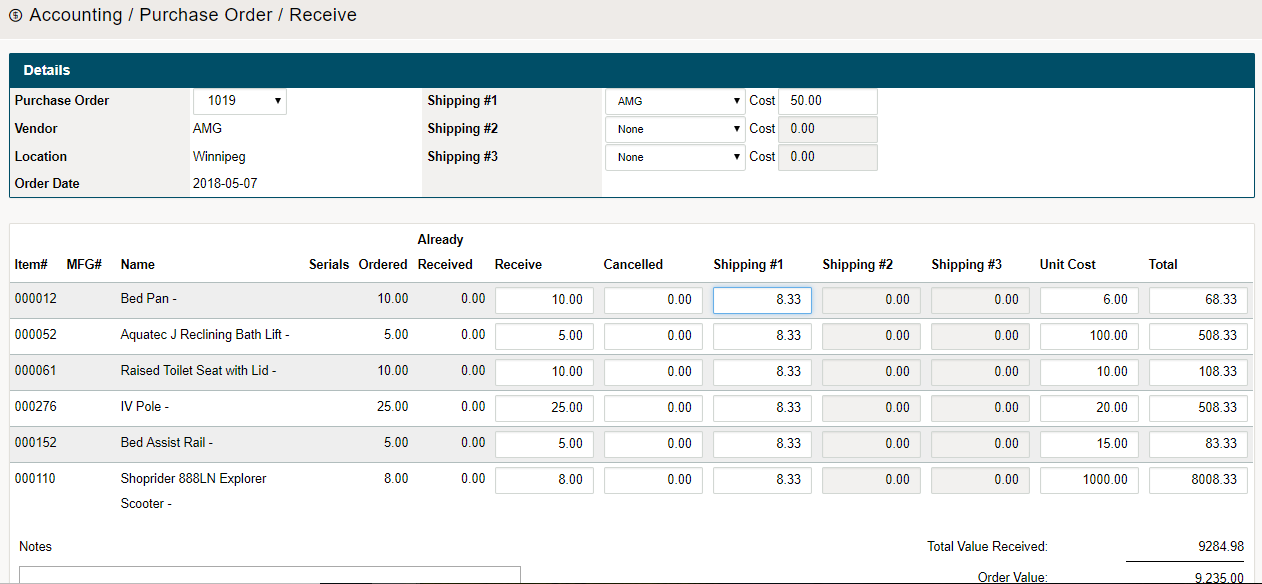
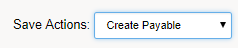
Adjust the amount of product received, then make sure to adjust the 'Save Actions' drop-down to 'Create Payable'.
Step 2: Creating Two Payables
A payable will be created for only the items that have been recieved on the purchase order. Fill out the information for the payable and save the payable.
When the remaining items are shipped along with an additional invoice, the items can be recieved on the same purchase order and the second payable can be created using the same 'Save Actions' drop-down to 'Create Payable'.

Comments
0 comments
Please sign in to leave a comment.