
Email a Sales Order directly to a customer.
Steps
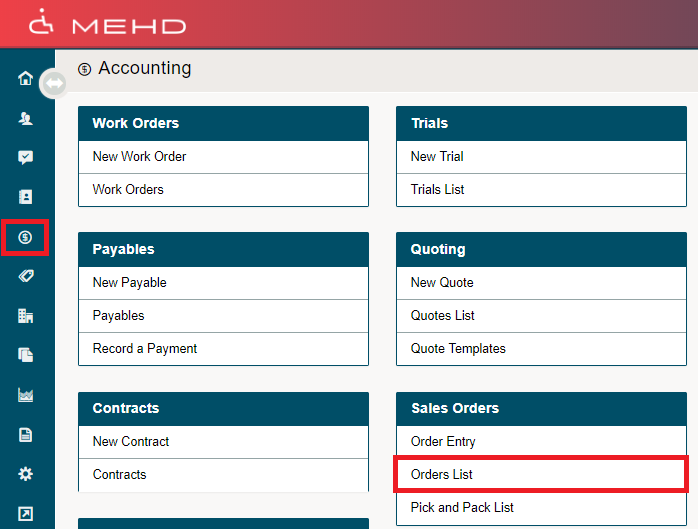
Click on the Accounting Module in the left-hand menu. From there, click on the Orders List.
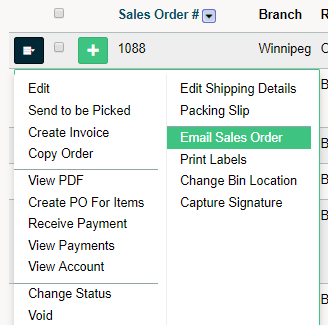
Inside of the Orders List, click on the blue menu button beside the Sales Order you wish to email. In the drop-down menu, click on email Sales Order.
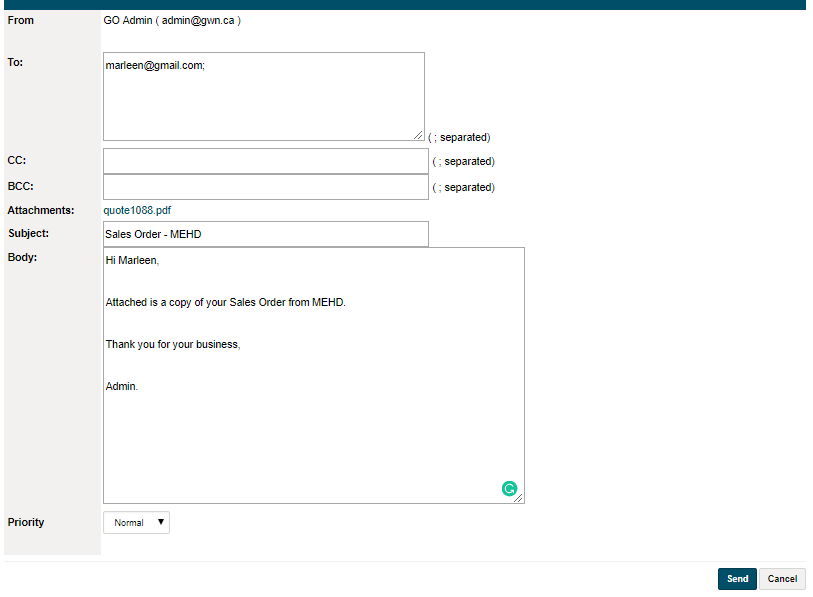
A new window will appear, with the customer's email address attach if they already had one in their customer profile.
Be sure to (CC or BCC) any email addresses as well as list a Subject and Body to the email. Finish by clicking on Send. A verification will appear, and you will now be able to exit out of the email and back into your MEHD system.
Comments
0 comments
Please sign in to leave a comment.