
Description
Export project tickets to Microsoft Excel
Location
Home (Center-Middle)
Action
1) Click on the Ticket List button in the Upcoming Tickets heading on the home page
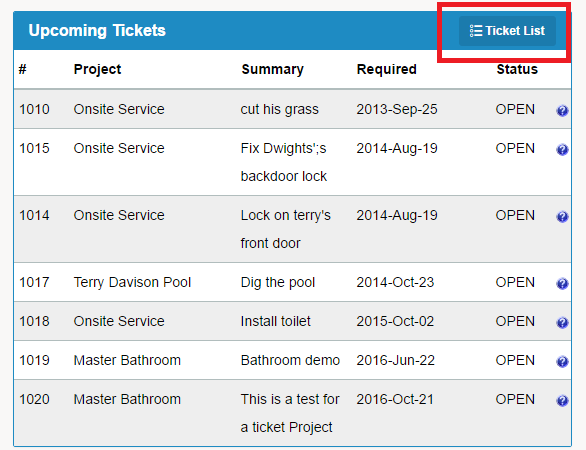
2) You will be brought to a list of all Projects / Tickets
3) To only export certain tickets, use the search fields to narrow your search. To export tickets for only one project, use the drop down button beside Project in the Search box.
4) Click on the Export to Excel button on the right hand side of the page
5) A Microsoft Excel file will be downloaded to your device
Comments
0 comments
Please sign in to leave a comment.