
When you deal with businesses/organizations that have multiple contacts, it's best to keep track of them as contacts tied back to the businesses/organizations account.
Think of the following. You are a home builder and have multiple contacts at each business that you correspond with daily. First, create their businesses/organizations account, then secondly, add the employees to that account:
42 North Architecture
+ Gina - Lead Architect
+ Mateo - Jr Architect
Jones Carpentry
+ Mark - Foreman
+ Wendy - Carpenter
CL Electric
+ Ryan - Owner/Operator
Actions:
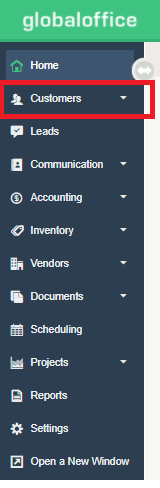
1) Go to Customers.
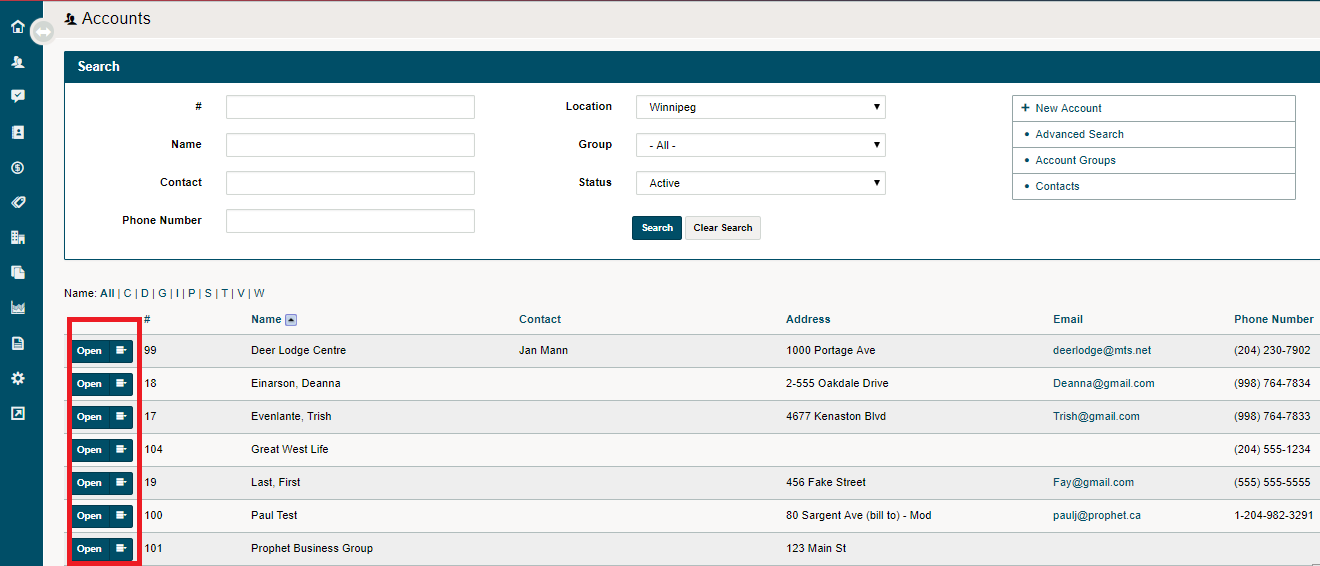
2) Open a Customer Profile.
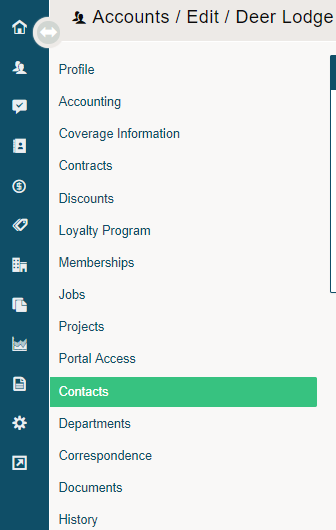
3) Choose the Contacts Tab.
4) Choose the New Contact button on the top right hand corner.

5) Complete the fields and Save.
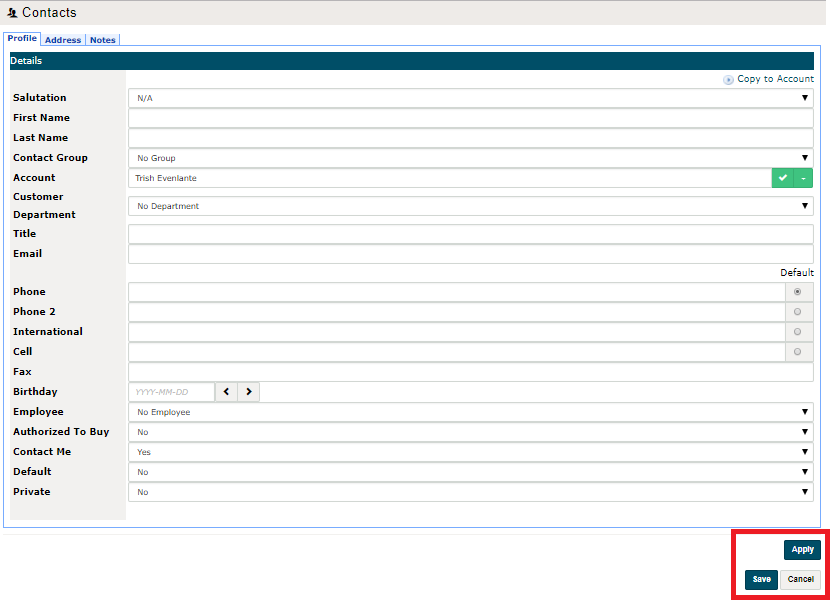
If you have multiple contacts within a Customer/Account, you can choose one contact to be the Default Contact if you often deal with that person.
Comments
0 comments
Please sign in to leave a comment.