
Example:
A contact is an individual that your business deals with. This could be a default contact at a company such as the 'Purchasing Manager' that you primarily deal with, secondary contact at a company such as the 'Electrician', or a third party such as the 'Engineer' that does not directly purchase off of you, but you will need to have and log conversations with this contact tied to the customer.
Actions:
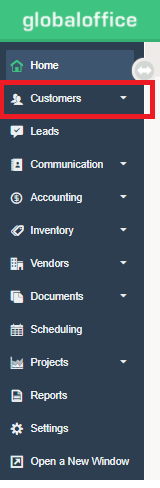
1) Contacts belong to Customers/Accounts. To add a 'New Contact', go to Customers/Accounts.
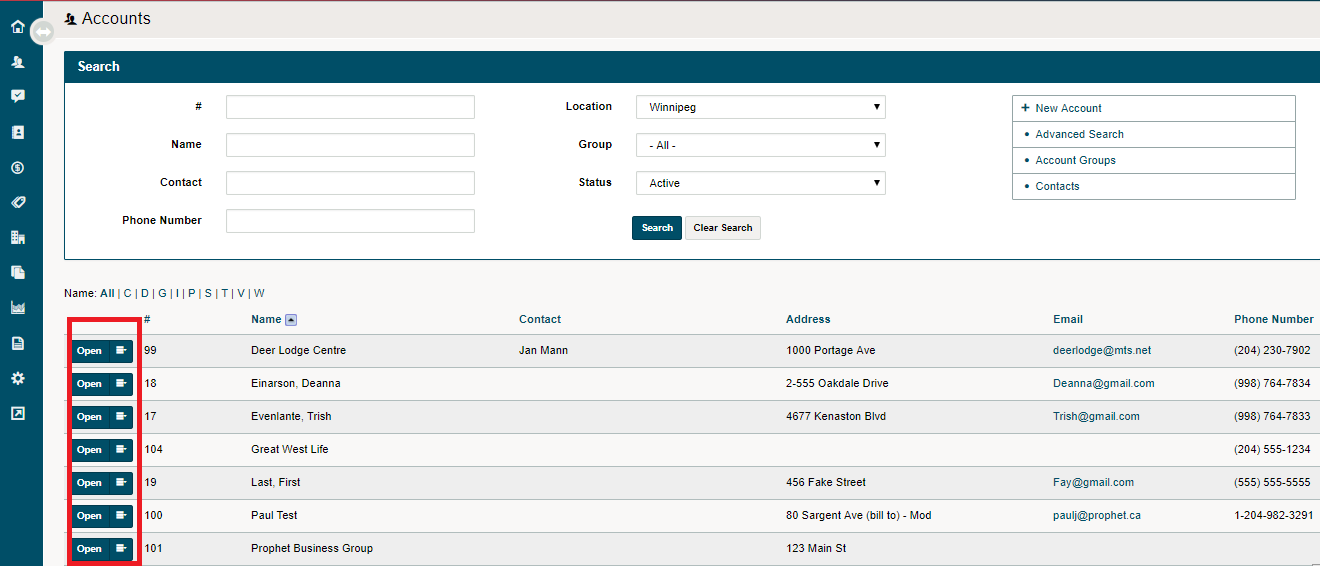
2) Select the existing Customer/Account or Create a (+New Account)
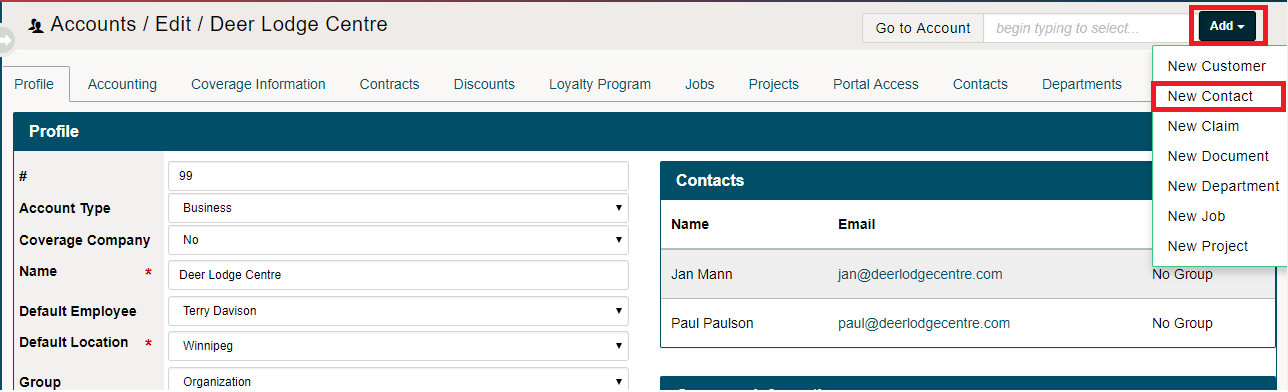
3) Once inside the customer's profile, select the (Add) button on the top right-hand side, and then click on (New Contact).
4) Complete the fields.
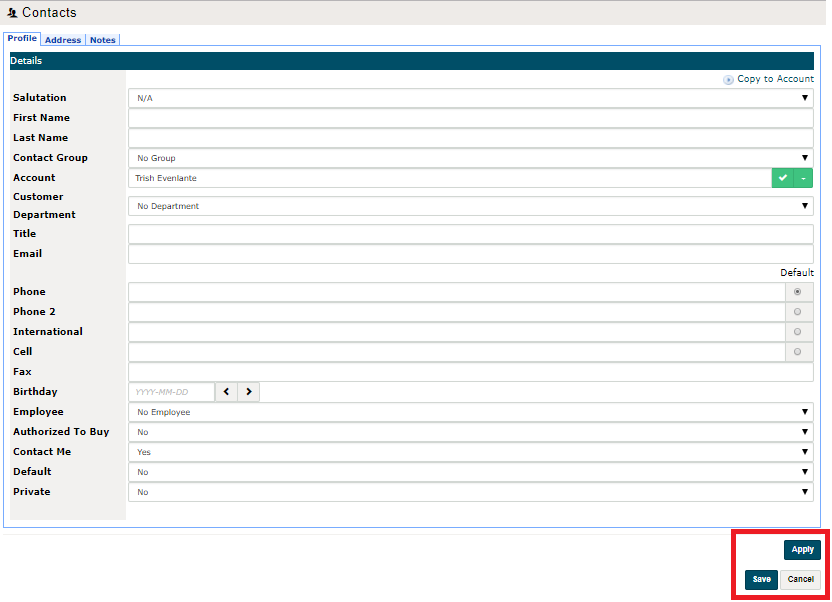
5) Choose Save.
Comments
0 comments
Article is closed for comments.