
Aside from Manufacturer Item numbers, manufacturers may also have SKUs, represented by barcodes on their boxes.
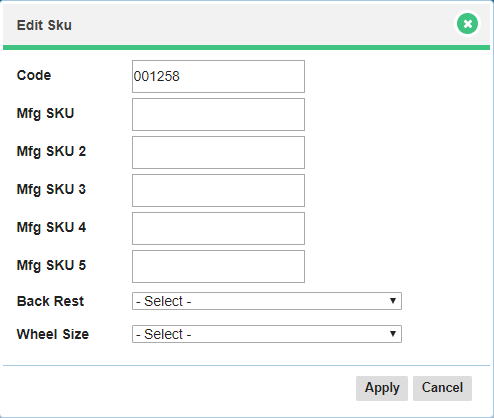
To add a manufacturer SKU:
1. Go to Inventory and choose Products.
2. Open the product you wish to add a Manufacturer SKU to.

3. Click on the SKU tab followed by Add SKU.

4. Enter the new Manufacturer SKU number.
5. Choose Save.
Comments
0 comments
Please sign in to leave a comment.