
There may come a time when you discontinue a product that is seasonal, or you would like to delete the product from your GO Business / MEHD system.
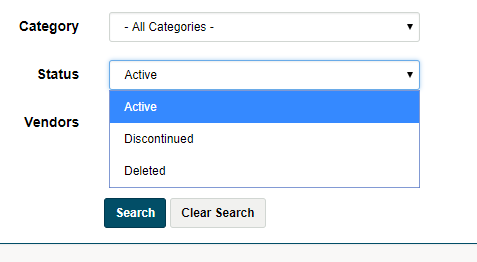
Discontinued Product
The product will no longer be published.
Deleted Product
The product will no longer show up in searches.
Steps
Go to the Inventory Module in the Left-hand menu followed by clicking on Products.
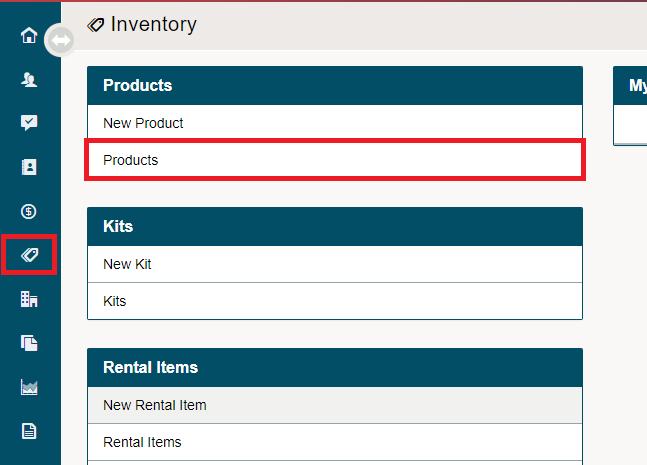
Click on the open button beside the product you wish to Discontinue or Delete.

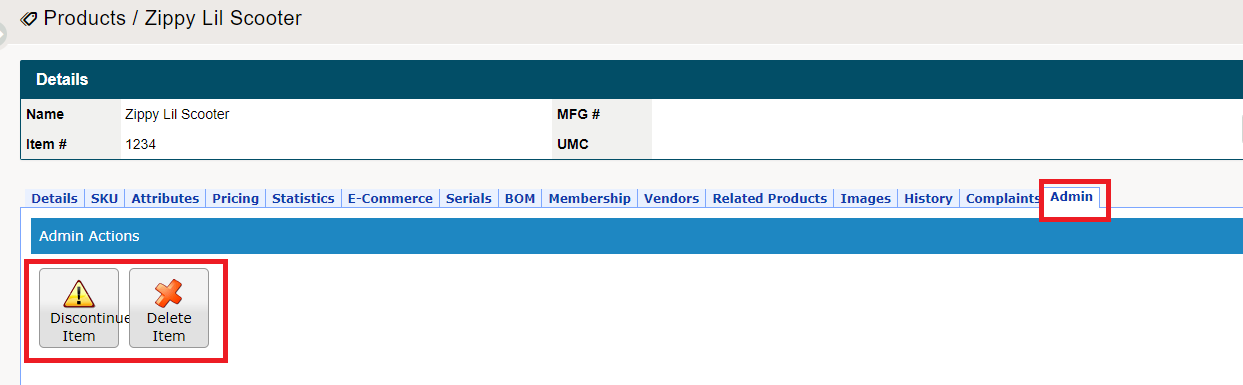
Once inside a Product, navigate to the Admin tab. It is here where you can Discontinue or Delete an Item.
Comments
0 comments
Please sign in to leave a comment.