
Sometimes the client might come back and add additional products to their Sales Order. With GO Business / MEHD you can easily add additional products to an existing Sales Order.
Steps
Go to the Accounting Module located on the left-hand menu. From there navigate to the Sales Order List.
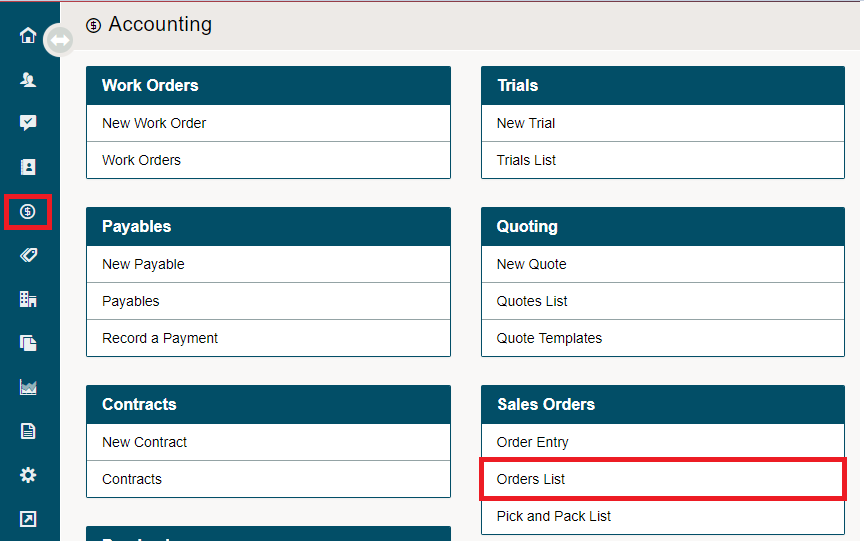
Inside of the Sales Order List, select the blue menu button beside the Sales Order you would like to Edit.
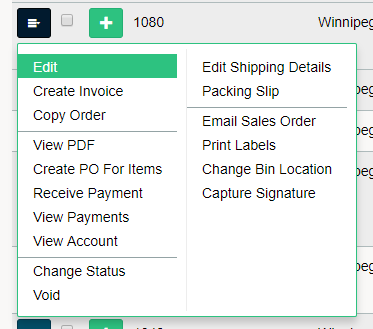
In the menu, select Edit. You will now be able to add and delete items, change shipping locations.
Comments
0 comments
Please sign in to leave a comment.