
Use the Taxes Collected Report to find out the total amount of taxes you have collected throughout a time period for tax resubmission.

Steps
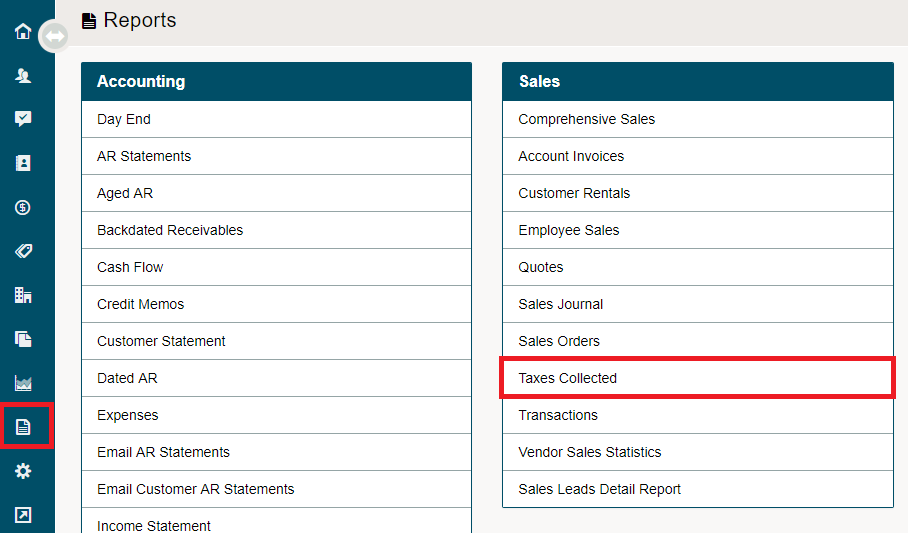
Go to the Reporting Module on the left-hand menu. Under the Sales Heading, click on Taxes Collected.
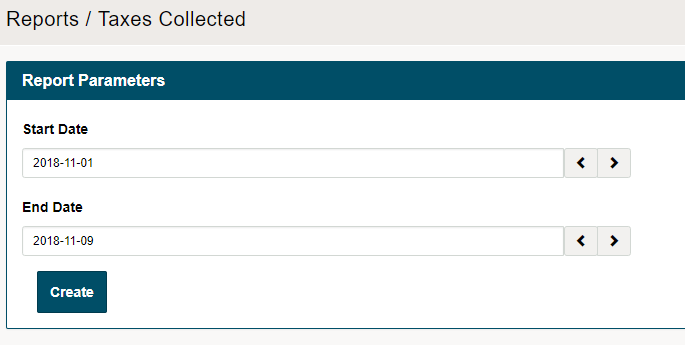
In the new window, select the Start Date and End Date of the report, and click Create.
A PDF will populate with the applicable taxes per sales. At the bottom of the PDF, you will be able to view the total taxes.
Comments
0 comments
Please sign in to leave a comment.