
Use the Customer Rentals report to find outstanding rentals connected to a select customer.
Steps:
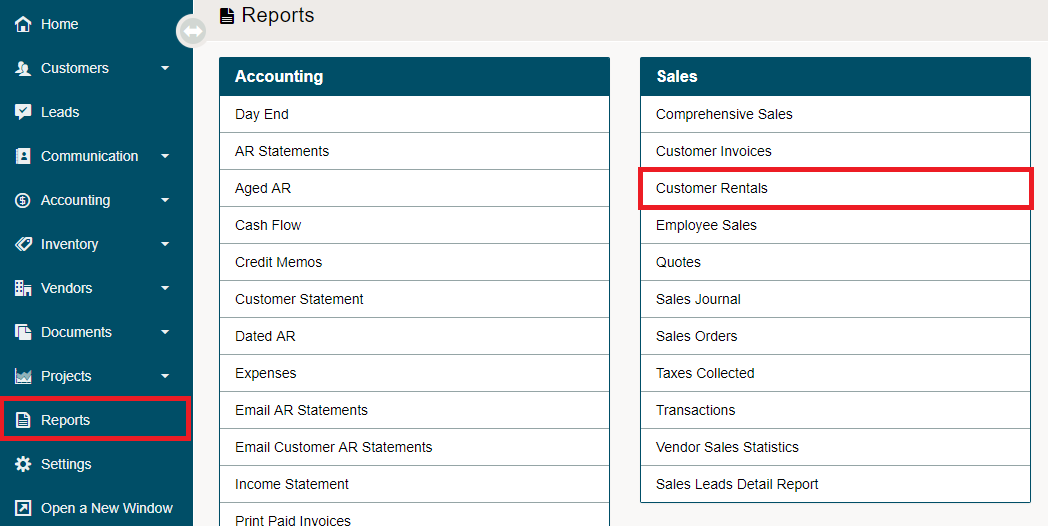
Go to the Reporting module followed by clicking on the Customer Rentals under the Sales heading.
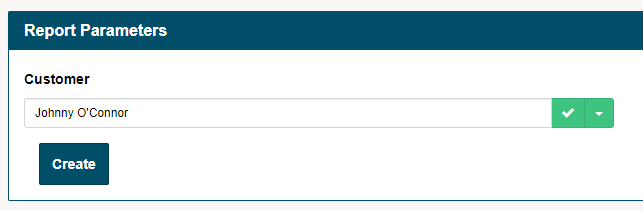
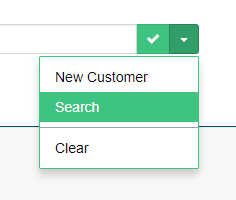
Type in the customer's name in the type-ahead field provided. If you can not remember the spelling of the customer's name, try the (V) button beside a customers name.
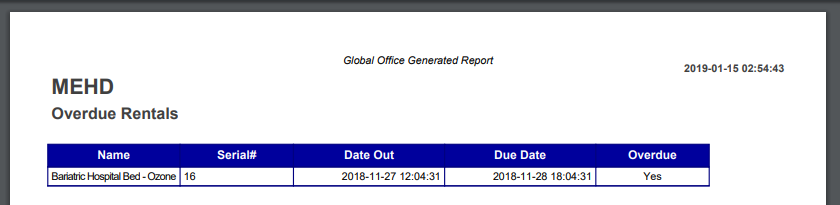
A PDF report will be generated with the outstanding products, serial numbers, and dates.
Note: If no customer name is selected, then no data will populate on the PDF.
Comments
0 comments
Please sign in to leave a comment.