
Want to find out the break down of your sales team? Use the Employee Sales Report!
Steps:
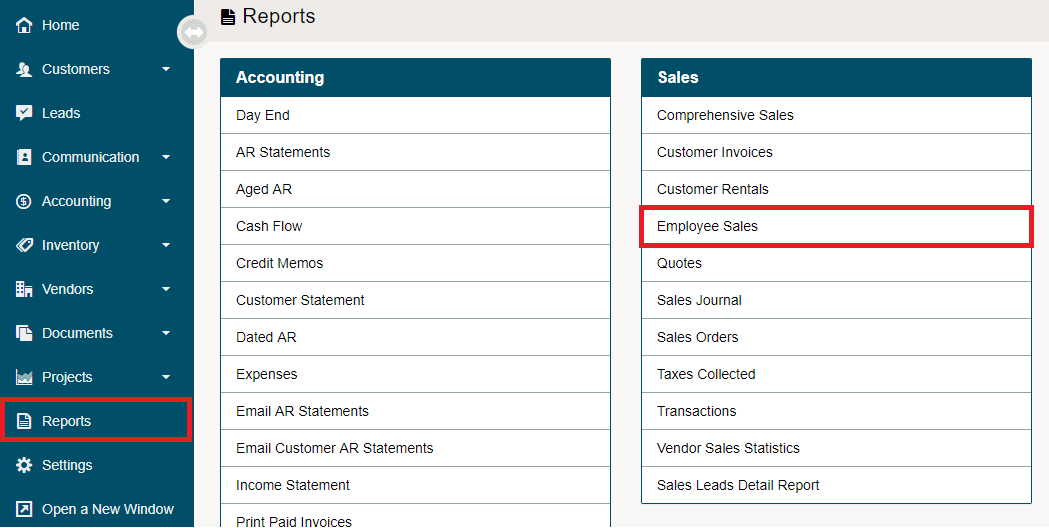
Go to Reports. Under the Sales Heading, choose Employee Sales.
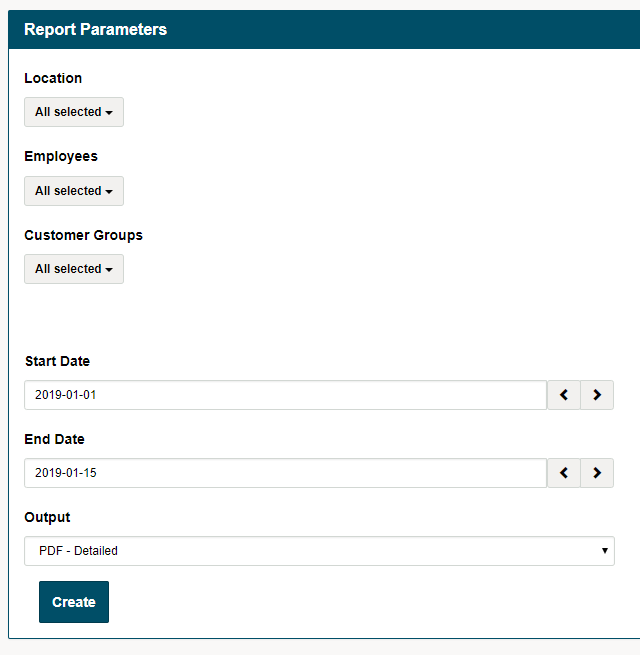
Report Parameters
- Choose the Location(s)
- Choose the Employee(s)
- Choose the Customer Group(s), as applicable
- Choose the Start Date
- Choose the End Date
- Choose a PDF of Detailed information or a Summary.
Comments
0 comments
Please sign in to leave a comment.