
This will set the Payment Types you accept, and during which transactions you accept them.
Go to 
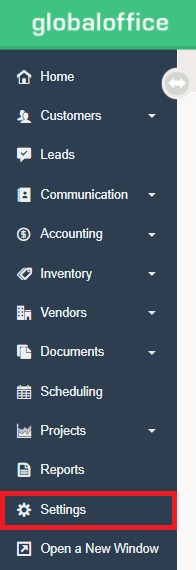
Under  choose Payment Types.
- Check off payment types you accept for each of the different transactions. For example, you may decide to accept cash at the Touch Screen POS, because you have a cash float there, but you might not accept cash for invoicing by a bookkeeper or accountant.
- You can check each option individually or activate a payment type for all transactions by clicking the “All” selector.
TIP: You can choose which payment types particular customers are permitted to use. You would do this when a customer only wants to pay using one type of payment or you want to restrict to certain types of payment because of payment issues.
Comments
0 comments
Please sign in to leave a comment.