
You can organize your Leads into two different layout views: Column view or list view (it’s up to you). This means that you can choose the view that’s right for you, based on the way you prefer to handle your leads.
The main difference between the views? The column view allows you to view and move leads horizontally, whereas you can think of the list view as a digital “list” with leads featured vertically.
How to Change Views
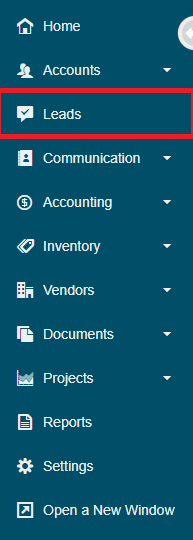
To change view based on your preferences, simply go to the leads module located on the left-hand menu.
Then in the top right of the leads module, click on the [View] button. It will provide you with the options to view in a List or Columns view. Select the view you wish to sort your leads into.

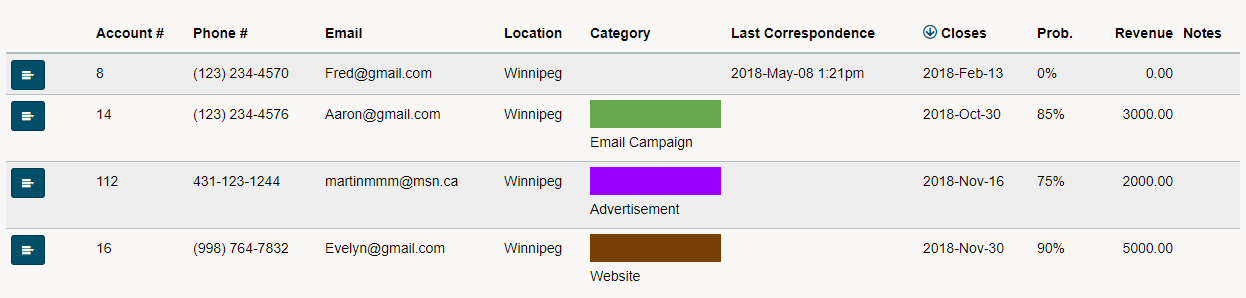
List View
List view provides users with a simplified list of all of their leads. Leads can be sorted by clicking on the column heading.
Column View
Sales stages are always listed as new leads are created as cards. They are then dragged and dropped as they move through the sales stages.
Comments
0 comments
Please sign in to leave a comment.