
You can customize how certain terms appear in your system. For example, restaurants prefer to call their customers, "guests," and you may have other payment types you accept than those listed and will want to name them. Make these customizations in Language.
Go to 
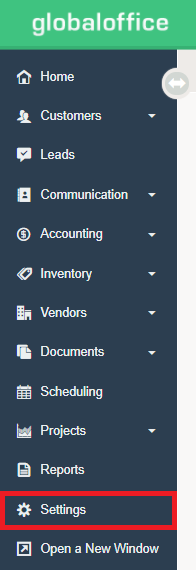
Under  choose Language.
For each line item, if you'd like to change the term used to represent that term in your system, change it here.
Please note that some terms also have plurals and possessives, so if you change one, you should change all. For example, if you change "Customer" to "Account," you should also change "Customers" to "Accounts" and "Customer's" to "Account's."
If your business is located in the United States of America, you may choose to change "Cheque" to "Check," "Province" to "State," and "Postal Code" to "Zip Code."
If you accept a payment type beyond the ones already in your system, you can change a "Generic Payment" to the name of that payment type, such as "Stripe" or "Square."
Comments
0 comments
Please sign in to leave a comment.