
Steps
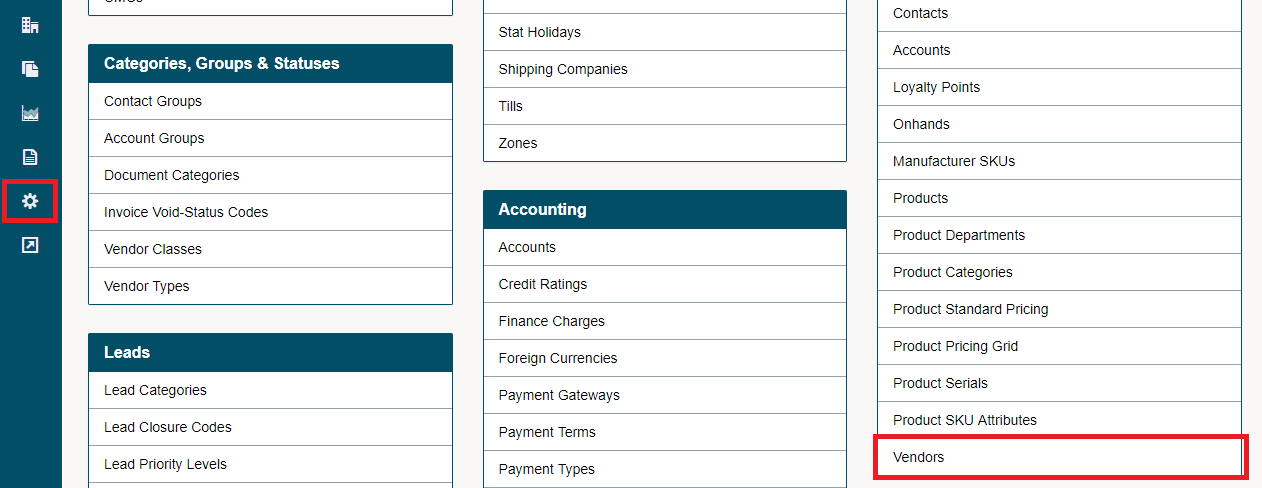
Go to the Settings, located near the bottom of the left-hand menu. Under the Import Heading, Choose Vendors.
Download the template.
- Complete the columns in the template.
- Save the template as a CSV.
Select "Choose File"
Choose the CSV file you just created.
Click Import.
Be Sure
- Phone numbers do not have a leading (1) before the number
- Spell out full country names before importing (Can > Canada, USA > United States of America)
Comments
0 comments
Article is closed for comments.