
Purchase Orders keep track of suppliers, quantities, costs, agreed prices for products and services.
Actions:
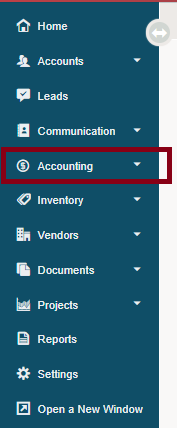
1. Go to Accounting.
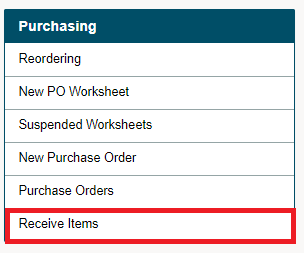
2. Under the Purchasing Heading, choose Receive Items.
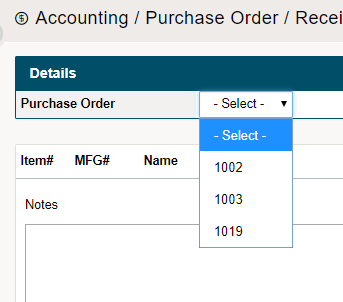
3. Select the Purchase Order from the drop-down list.
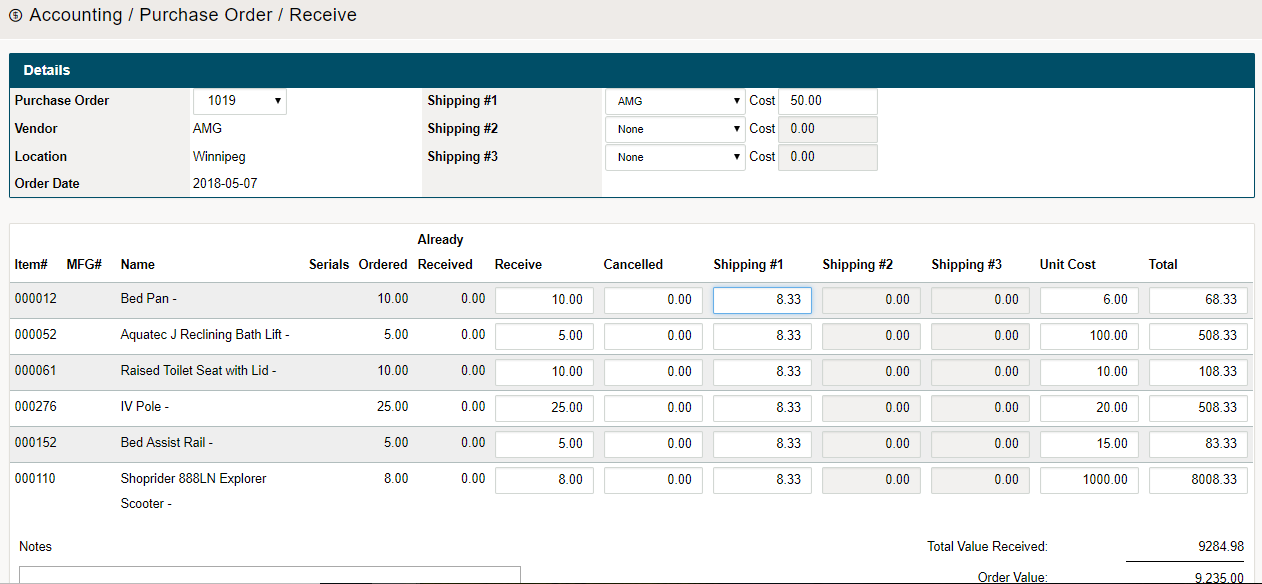
4. Change the 'Receive' quantities and adjusted cost to match that of the amount of product being brought in. Add the amount of Shipping Costs at the top of the page. From there, you will be able to adjust the cost per item based on (weight, cost, average).
5. Check off the Done Receiving checkbox at the bottom, and finish by clicking on Save.
Comments
0 comments
Please sign in to leave a comment.