
When recie
Step 1 - Turn on Serial Number Tracking for the Product
Click here to learn how to turn on Serial Number Tracking for Products
Step 2 - Recieve Items with Serial Numbers
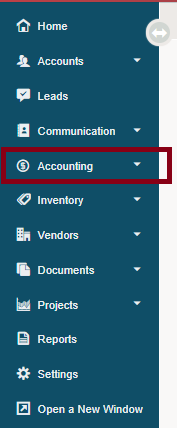
1. Go to Accounting.
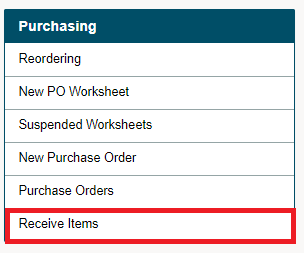
2. Under the Purchasing Heading, choose Receive Items.
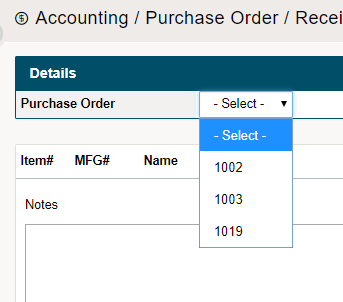
3. Select the Purchase Order from the drop-down list.
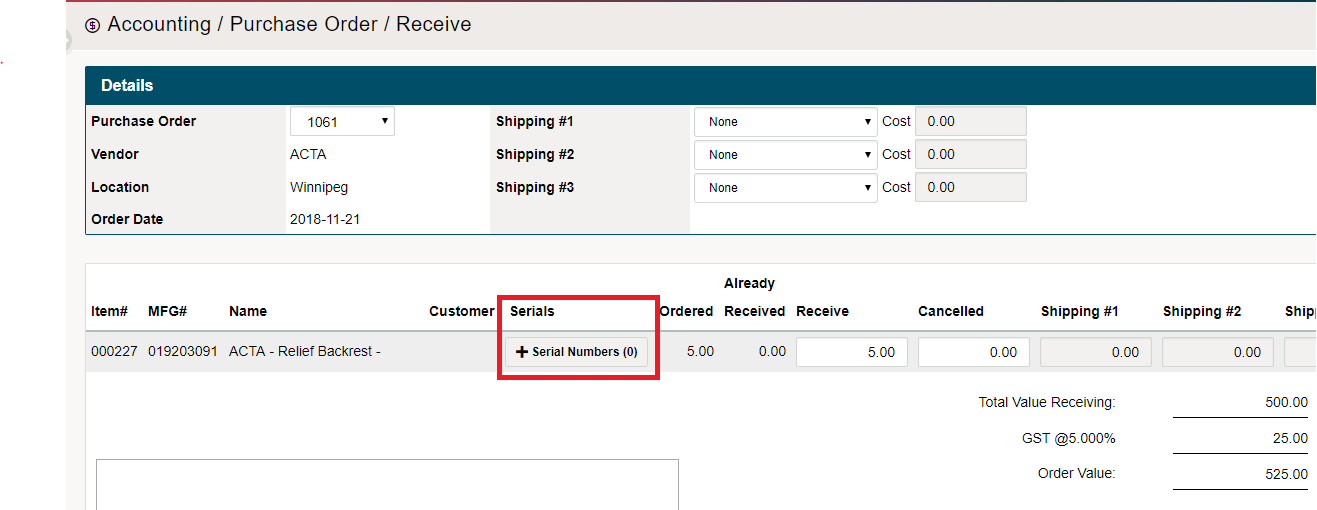
4. Click on the [+Serial Numbers] button to populate a window where users can enter the serial numbers.
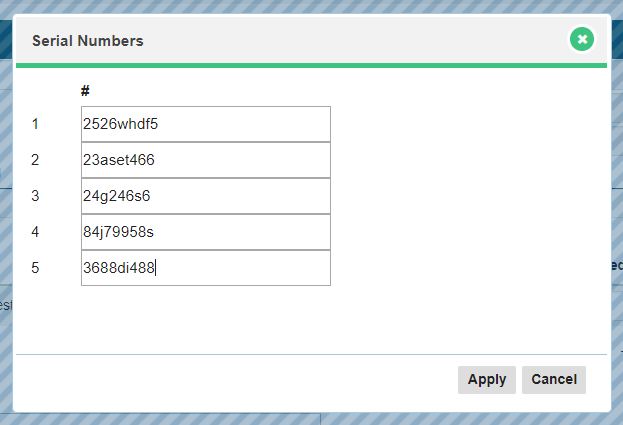
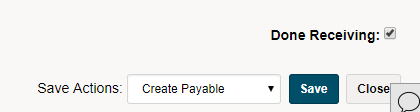
5. Apply the serial numbers of the products and complete receiving products into inventory. Check off the Done Receiving checkbox at the bottom, and finish by clicking on Save.
Comments
0 comments
Please sign in to leave a comment.