
Signature Capture allows customers to sign off on functions such as (Trials, Quotes, Sales Orders, Invoices and Rentals) directly from your Global Office Software system.
Benefits:
- Offer customers a more convenient signing experience
- History tracking of sign off on tasks or paperwork
- HTML5 support across all touch-enabled devices, enabling a user-centric mobile experience
- No app and no software plug-ins to download
- No expensive hardware to purchase
Actions:
1. Navigate to the Accounting Module.
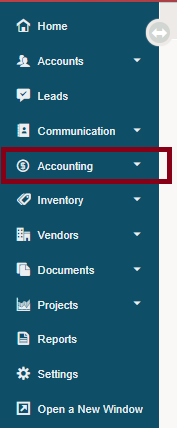
2. Select one of the following (Trials List, Quotes List, Orders List, Receivables List, Rentals)
3. Click on the blue edit button beside the (Trial, Quote, Sales Order, Invoice, Rental) you wish to capture a signature for.
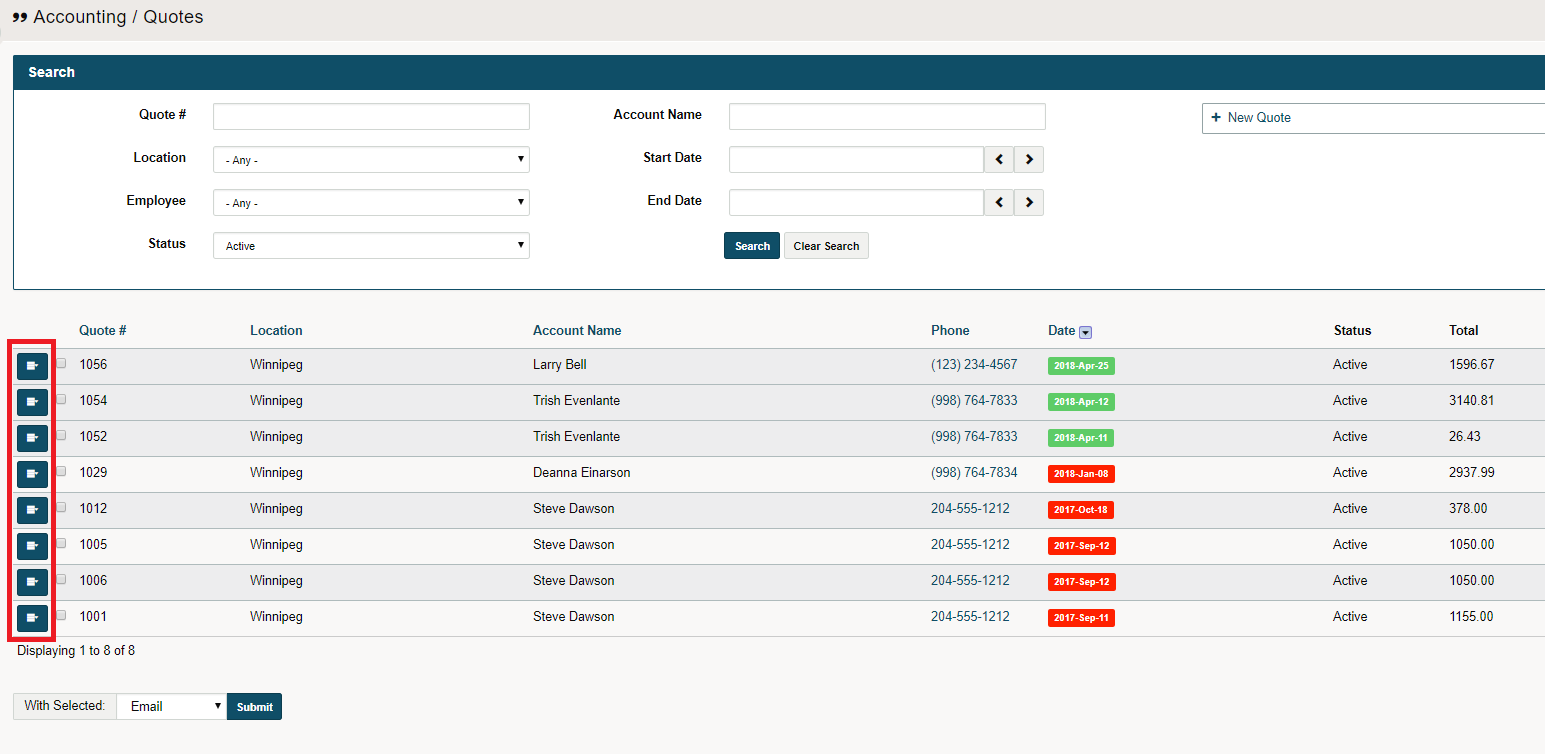
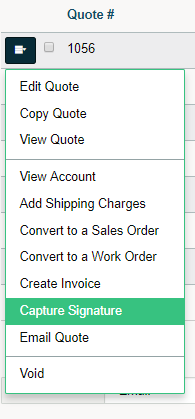
4. Click on the 'Capture Signature' button.
5. A new window will appear, in which the customer can use the mouse or the touchscreen to sign.
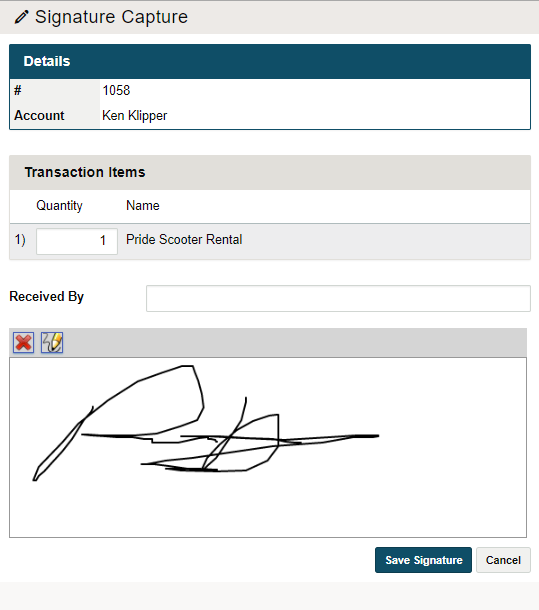
6. Finish by clicking on the 'Save Signature' button in the bottom right-hand corner.
Comments
0 comments
Please sign in to leave a comment.