
Simply transition a quote straight to an invoice with one click!
Actions:
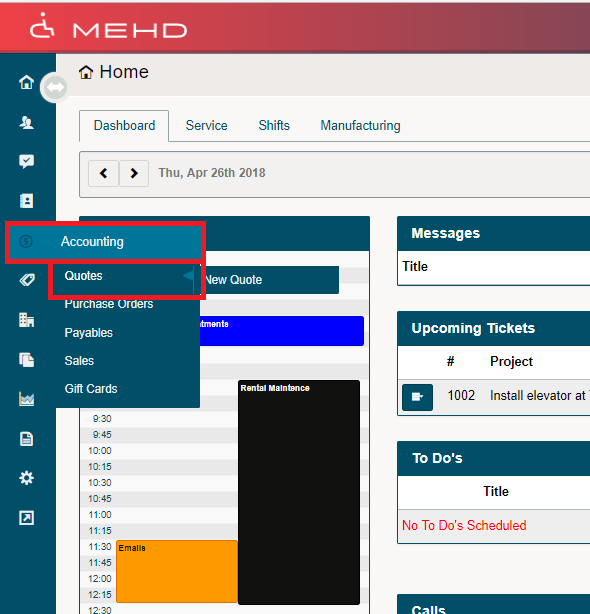
1. Hover over the Accounting Module. A drop-down list will appear, click on Quotes.
2. A new screen with all outstanding quotes will appear.
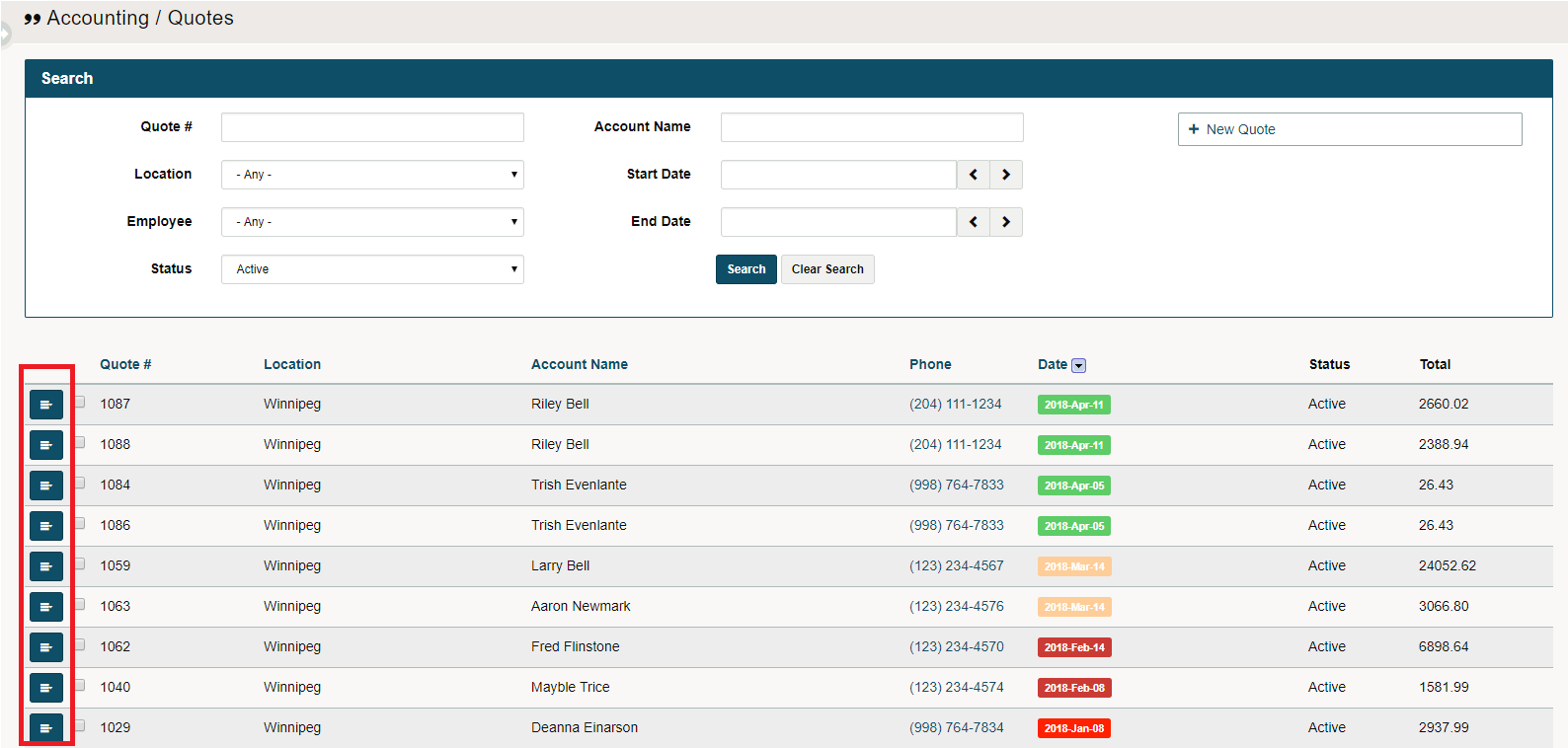
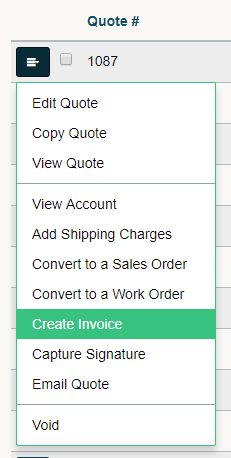
3. To move the quote to an invoice, select the blue edit button beside the quote followed by Create Invoice.
4. A new window will appear. Change the Actual Quantity listed under Items to reflect the number of items the customer is being invoiced for. Use any credits as needed that are on account.
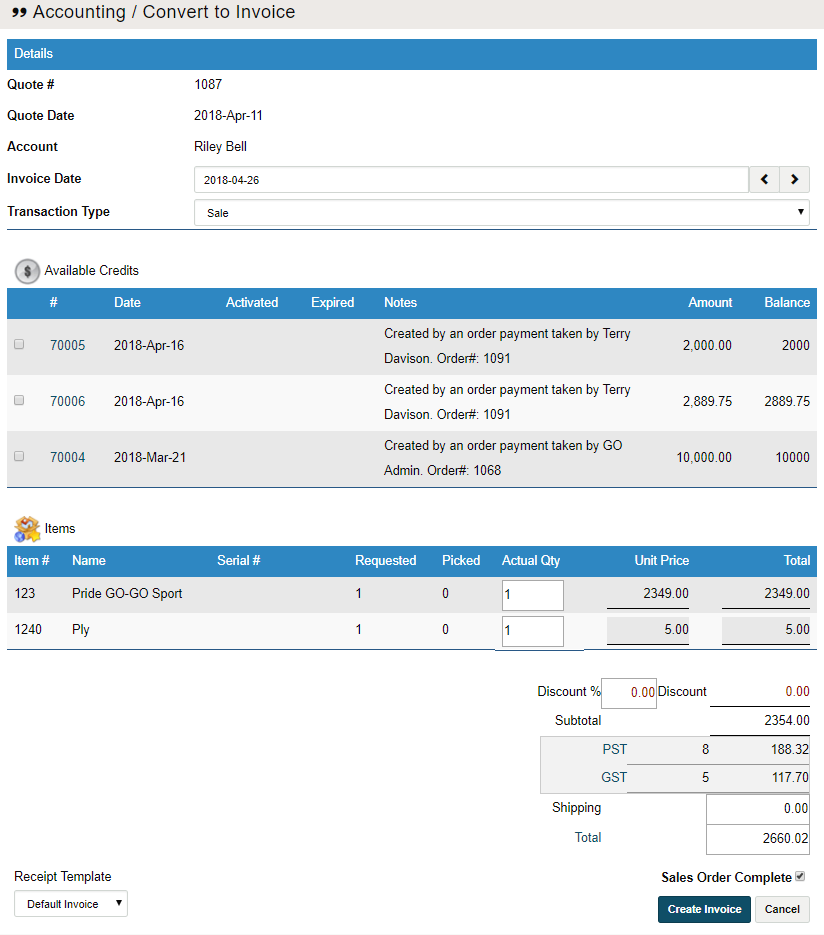
5. Click on the Create Invoice button at the bottom. Two new windows will appear.
6. A PDF copy of the invoice will appear for printing, a receiving payment will appear to take payment at the time.
(To learn how to receive a payment click here)
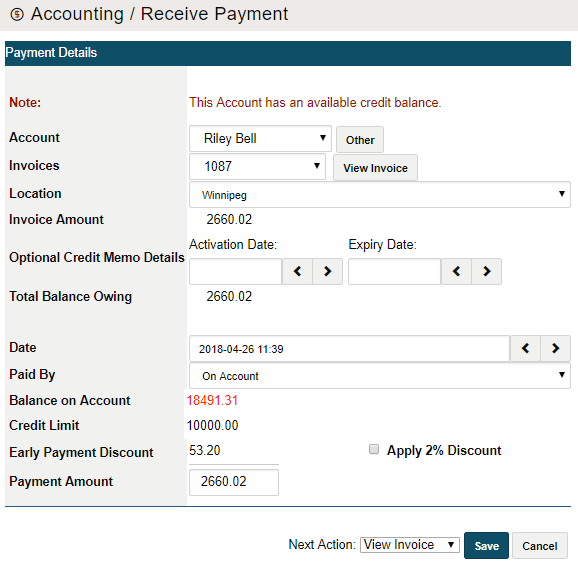
7. Finish by clicking on save.
Comments
0 comments
Please sign in to leave a comment.