
Quickly view all the modifications on an employees profile by using the Employee History function.
Steps
Go to the System Settings module on the left-hand menu then to the employee's button.

Inside of the list of employees, open the employee's profile you wish to change preferences for.
Once inside of the employee's profile, click on the History tab. Here you will see a detailed description of changes made to the employee's profile and who modified the profile.
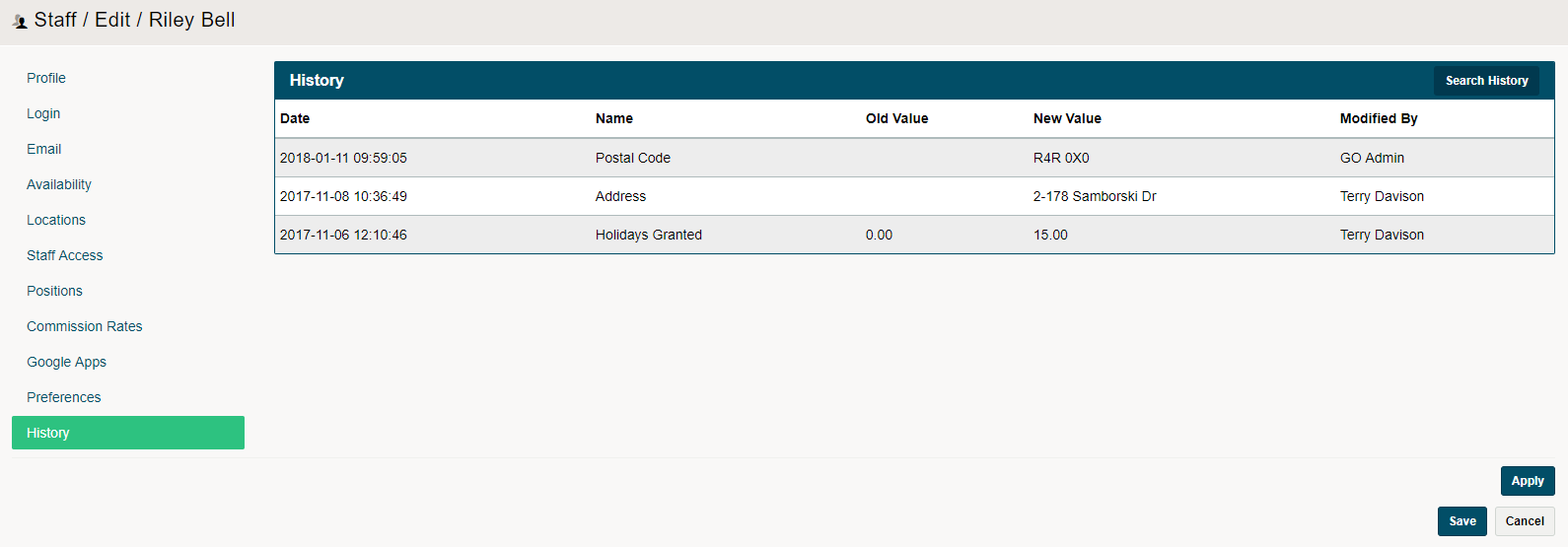
To further your search through an Employees History, click on the Search History button.


Comments
0 comments
Please sign in to leave a comment.