
Employee Groups are used to separate employees for purposes of reporting and messaging.
Examples of Employee Groups
- Sales / Service / Accounting / Operations
- Sales Managers / Service Managers / Sales Accounts / Service Technicians
Steps
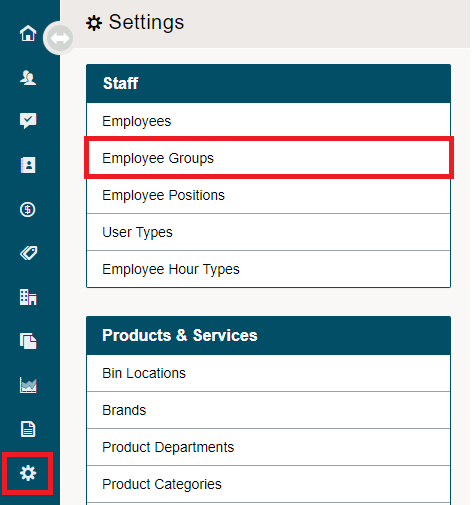
Go to the System Settings module on the left-hand menu, then under the Staff Headings, choose Employee Groups.
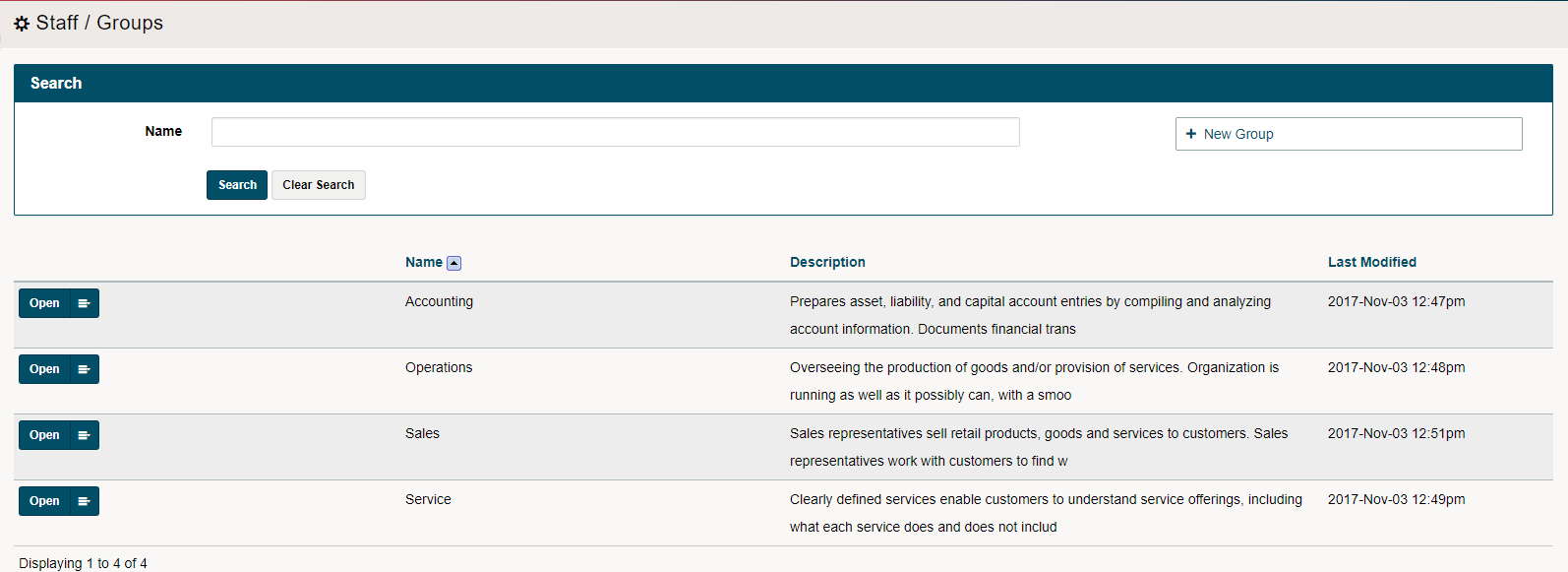
Choose [+ New Group] in the top right-hand corner.
Complete the fields listed. If you would like the members of this employee group to only login when at your work site, set the offsite restriction and add the IP address of your work site.
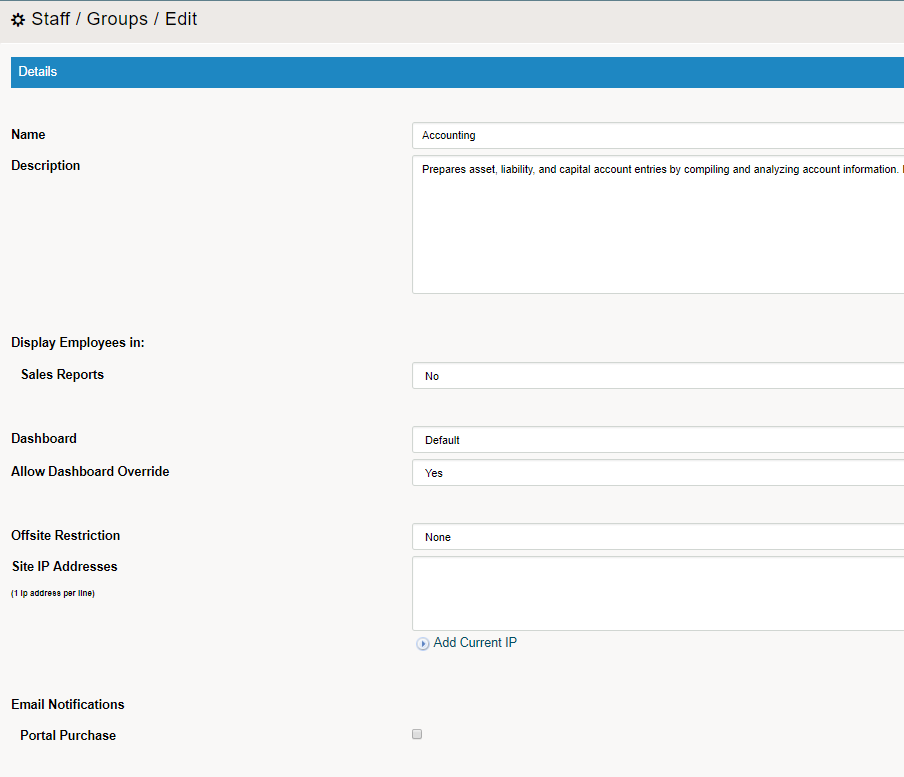
To finish setting up the Employee Group choose Save.
Comments
0 comments
Please sign in to leave a comment.