
Want to know how to view the calendar as day, Week or Month or view other Employees Dashboards.
With the ability to switch dashboard views you can easily schedule a meeting with your team that works for all employees by viewing their calendar or maybe you want to know what's on your calendar a month from now. It's easy, just use the calendar view, and employee dashboard view.
To view others appointments you will need to have security access to the employee(s) and employee groups in which you wish to view.
Location
Home / View Button (Top Right)
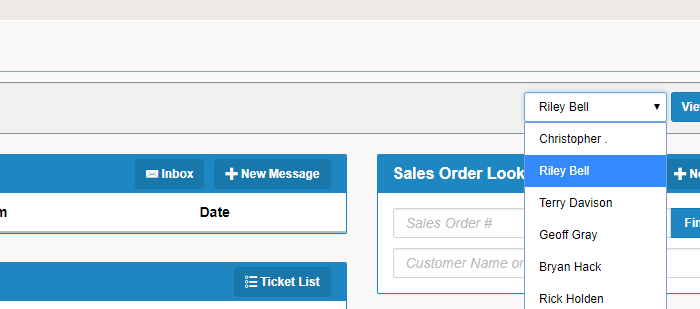
Employees
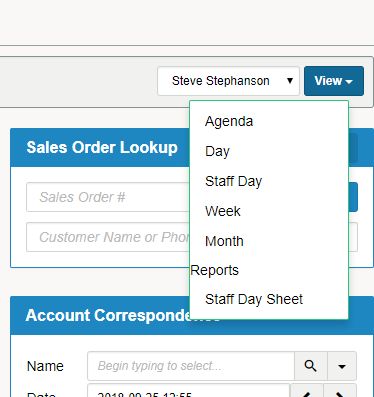
Calendar View
Action
1) Click on the View button on the right hand side of the home page
2) On the View drop down, select the schedule type [agenda, day, week, month] you would like to view
3) On the drop down tab to the left of View, select the employee schedule you wish to view
Comments
0 comments
Please sign in to leave a comment.