
Streamlining your workflows is what our team strives to perfect! The Quick Create Button was developed with the input from users, just like you!
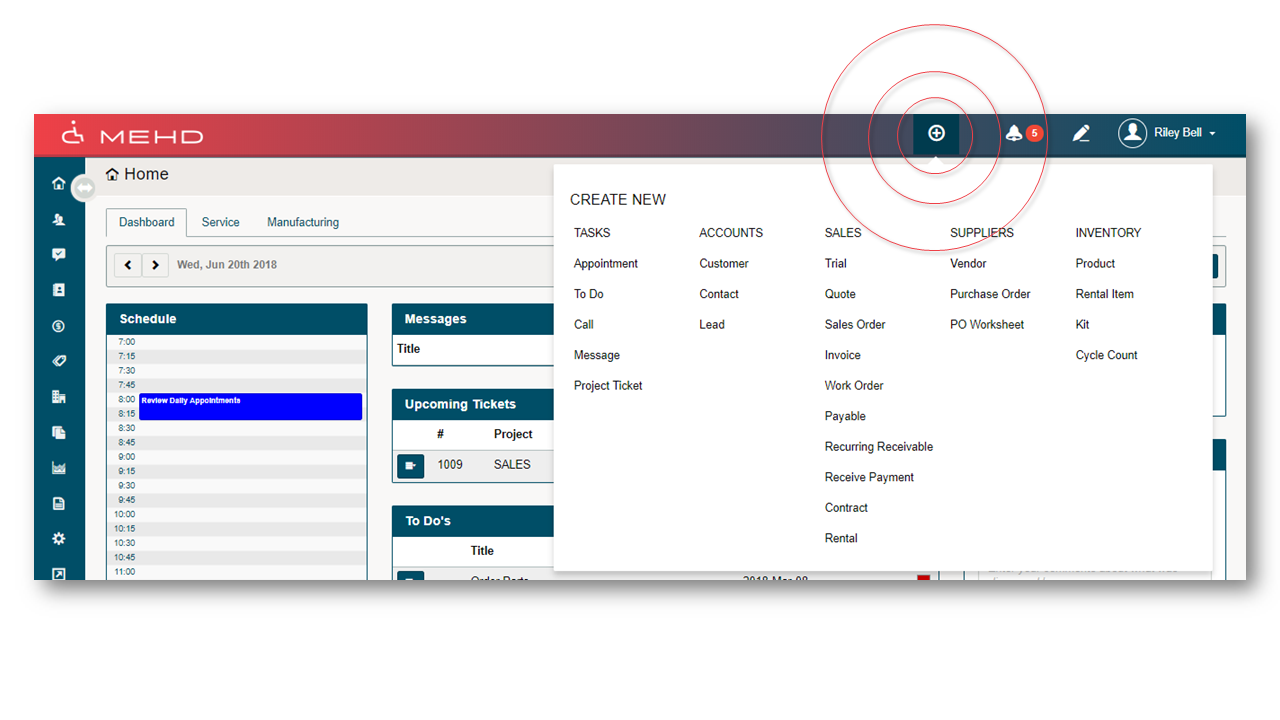
Actions:
1. Simply click on the (+) icon on the header bar.
2. The button then expands to provide you with a list of new workflows that you are able to directly create, reducing the number of clicks needed to navigate around the MEHD system.
3. Click on the new workflow you wish to create and you will be brought directly to the new creation page.
4. From there simply fill out the information needed and choose Save.
Comments
0 comments
Please sign in to leave a comment.