
Use the Receivable Listing report to generate a PDF of all the outstanding receivable your company has with customers.
Steps:
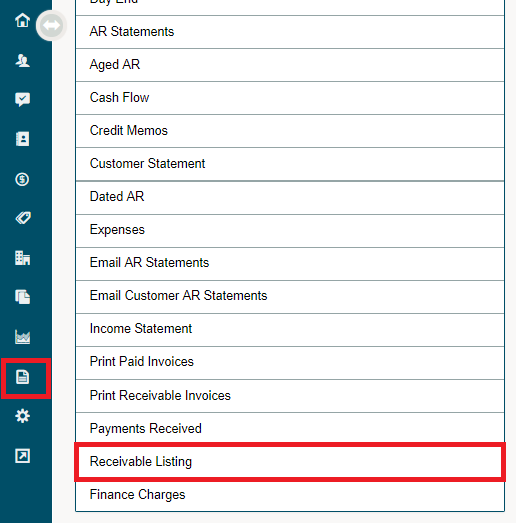
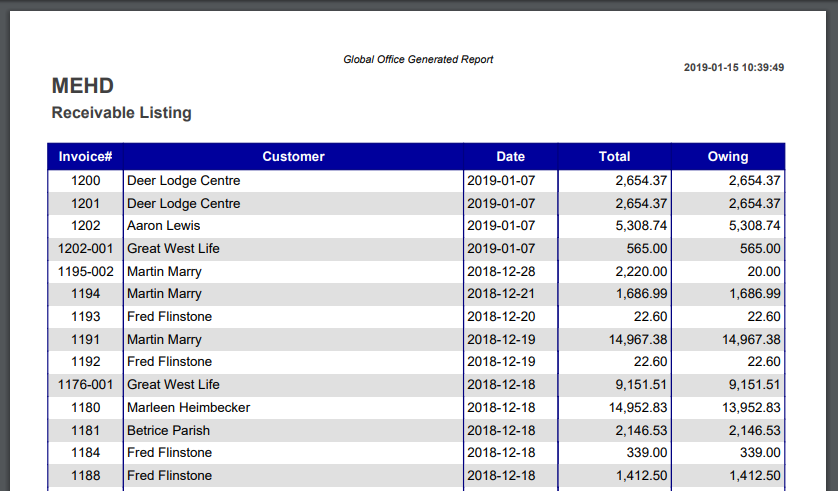
Click on the Reporting module, followed by clicking on the Receivables Listing report under the Accounting heading. Automatically a PDF listed with all the current receivables will be populated and can be downloaded or printed from a local computer.
PDF Output
Comments
0 comments
Please sign in to leave a comment.