
Want to email select customers that have outstanding balances with your company?
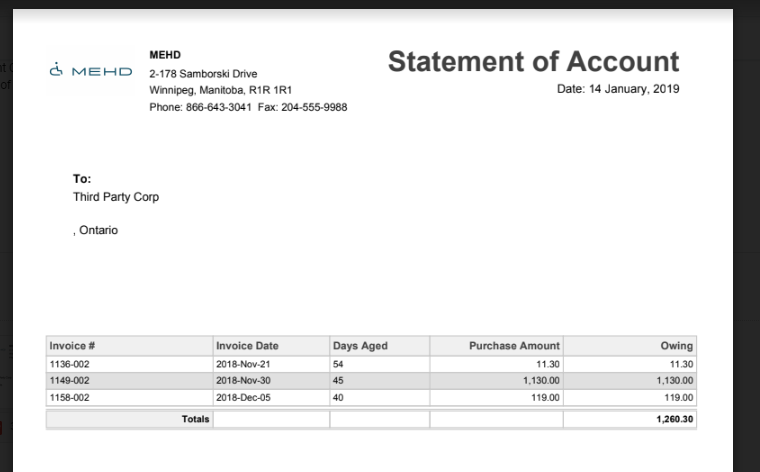
Use the Email AR Statements to email the customer directly with a PDF of their outstanding invoices and total amount.
Steps:
Click on the Reporting module, followed by clicking on the Email AR Statements report under the Accounting heading.

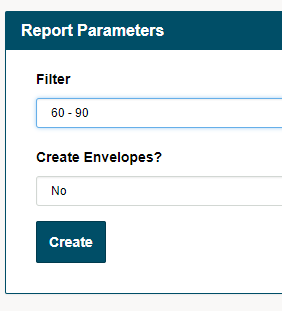
Select the reporting parameter to set the date range you wish to produce AR Statement emails for and click on the Create button.
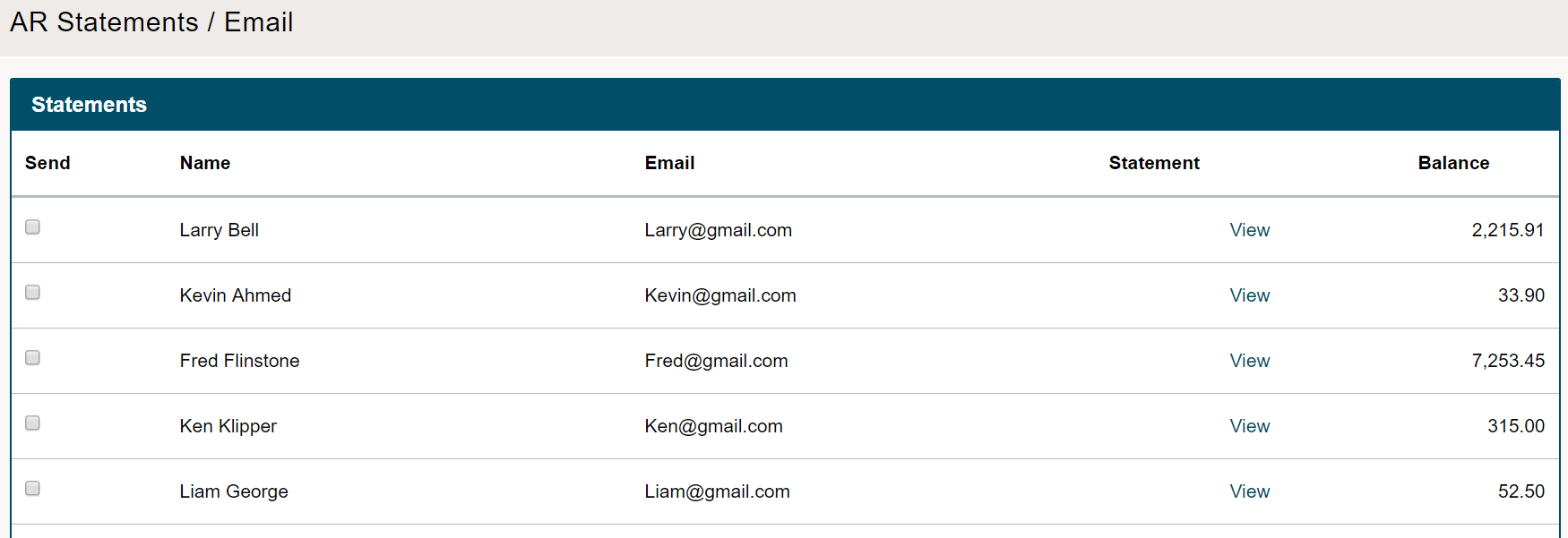
A list of all customers that have outstanding AR balances will populate. To view the customer's statement simply click on the view button beside the customer's name.
Before sending to the customer(s) be sure that the customer's email is correct.
To select customers that you wish to send AR statements to, simply click on the box beside the name of the customer. If you wish to select all customers, click on the select all box at the bottom of the page.
Finish by clicking on the [Send Email] button.
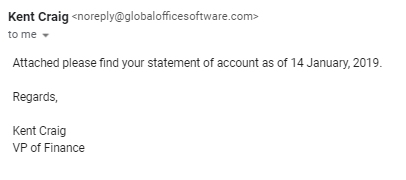
The email will look like the following. If you wish to update who the AR statements are sent from, please adhere to the General System Settings > System > System Emails.
Comments
0 comments
Article is closed for comments.