
Use the Dated AR to see customers days aged amounts along with the amount of days they have aged.
Steps:
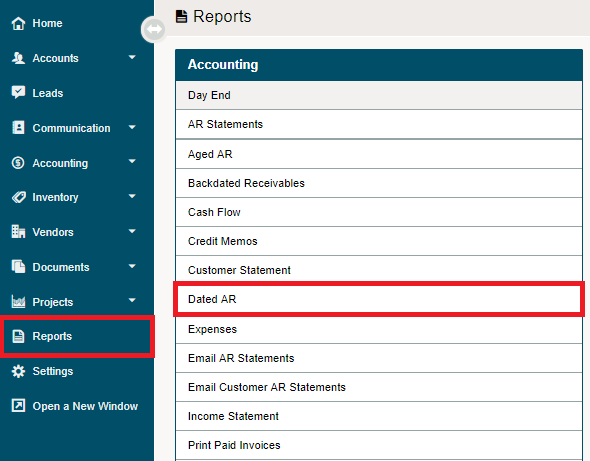
Go to the Reporting module, then click on the Dated AR report under the Accounting heading.
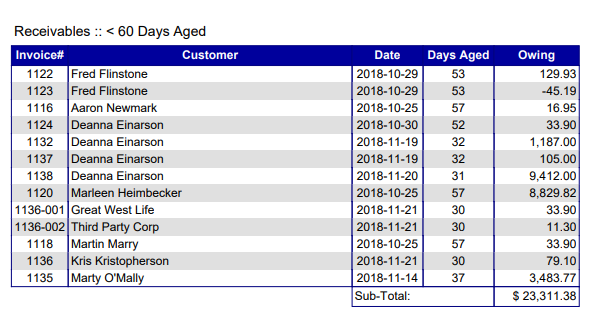
Create the report, as it will automatically push to a PDF file on your local computer. Throughout the listed pages on the PDF file, users will be able to see the invoice #, customer, date, days aged, and owing amounts.
Comments
0 comments
Please sign in to leave a comment.