
Need to print off all the Receibale invoices in one swift action? Use the Print Receivable Invoices report to do just so!
Steps:
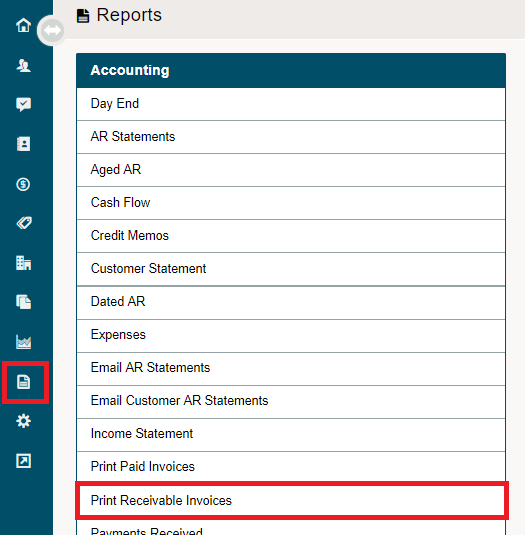
Click on the Reporting module, followed by clicking on the Print Receivable Invoices report under the Accounting heading.
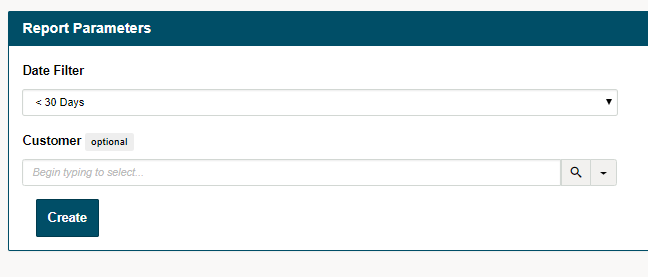
Select the report parameters such as the date filter that you would like to use and the customer's name.
If you would like to view all the customers that have paid an invoice, leave the customer field blank. Finish by clicking on the [Create] button.
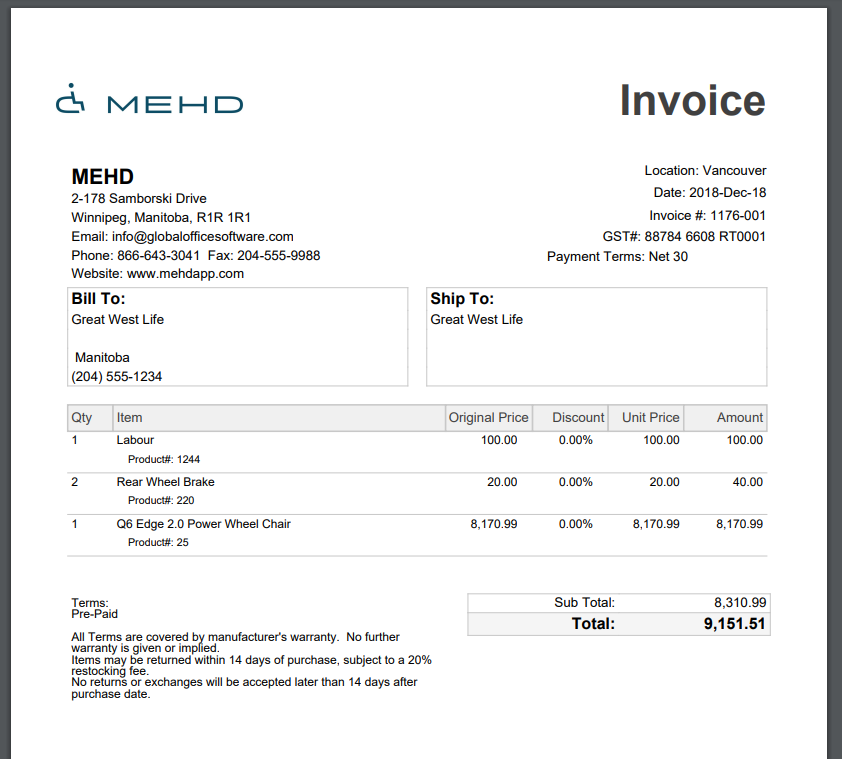
All invoices that have been paid will then push to a PDF list and can be downloaded or printed from a local computer.
Comments
0 comments
Please sign in to leave a comment.